Quillo

What we did
Product design
Web app
AI UX
Client
Self-initiated
Year
2026
Platform
Marketing site, web app

Bookkeeping that does itself, for freelancers. We designed the marketing site and a web app that sorts your spending, chases invoices and keeps a running tax estimate.

The challenge

Freelancers don't want to do bookkeeping. They want two numbers: what they can safely spend, and what they'll owe in tax. Most tools make them categorise hundreds of transactions to find out.

The approach

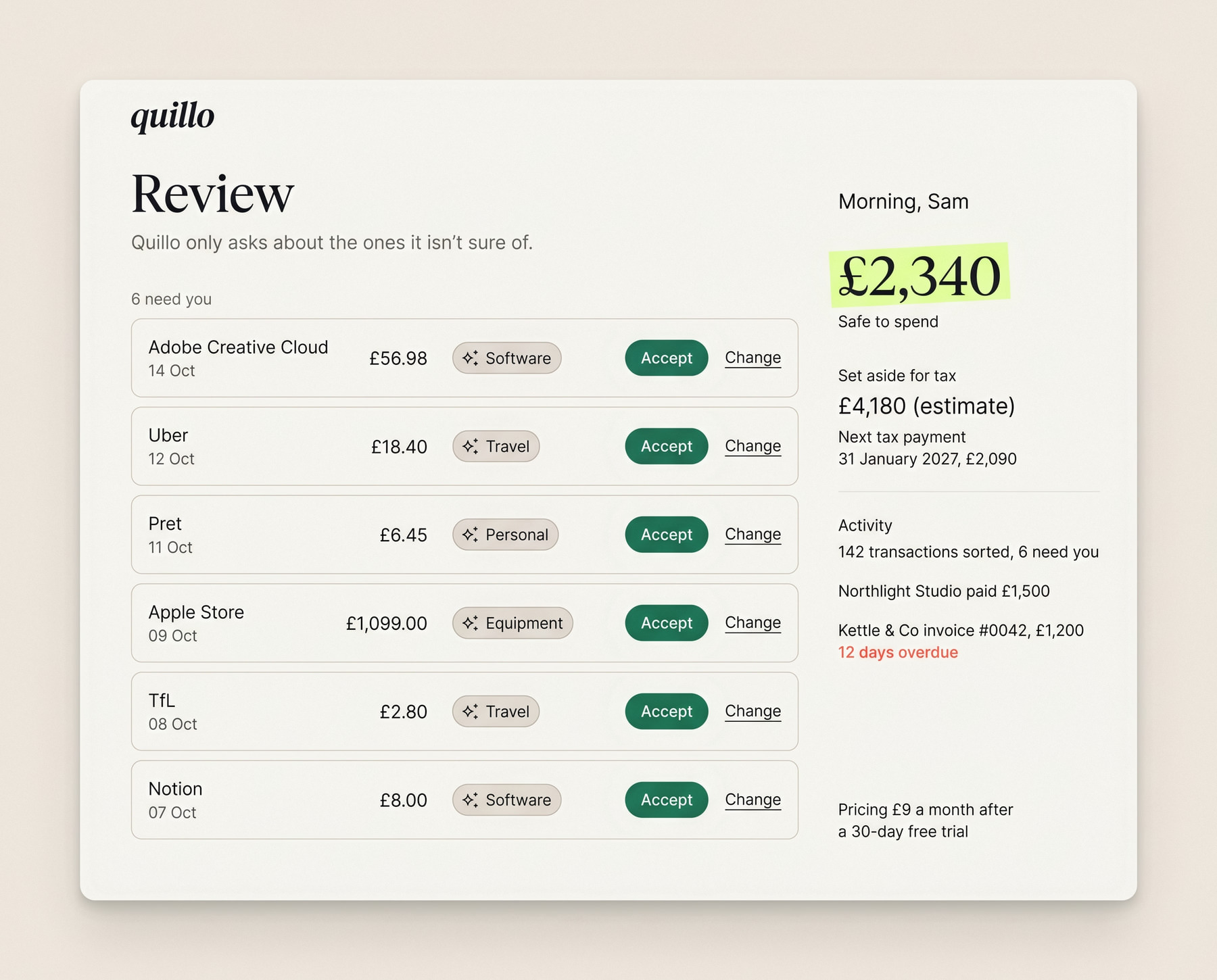
Quillo does the sorting and asks only when it isn't sure. We designed every AI suggestion to show its reasoning and be undone in one click, so people trust the numbers it produces.
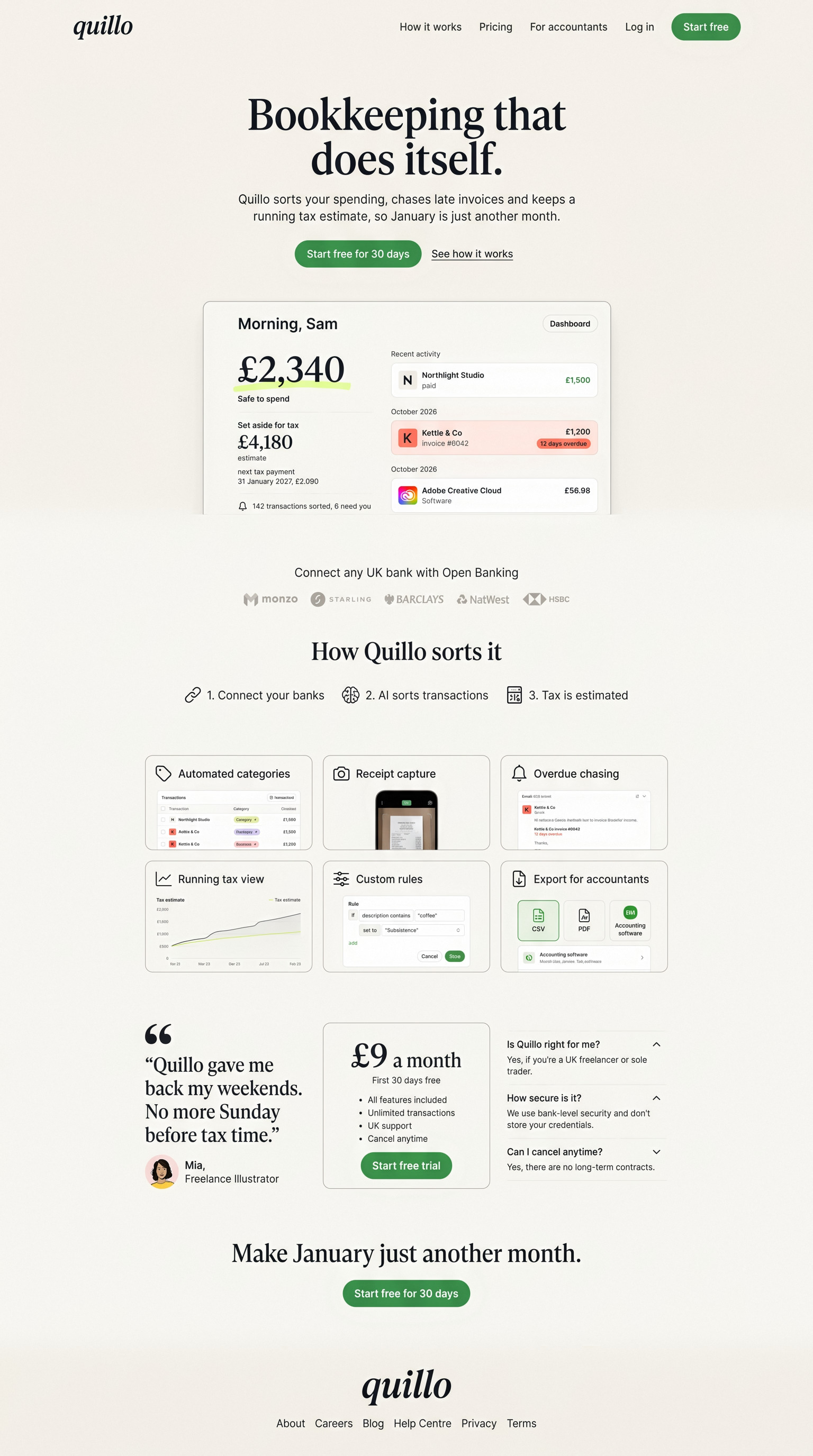
Scroll to explore the full page
Editorial, not accounting software
Full page, top to bottom
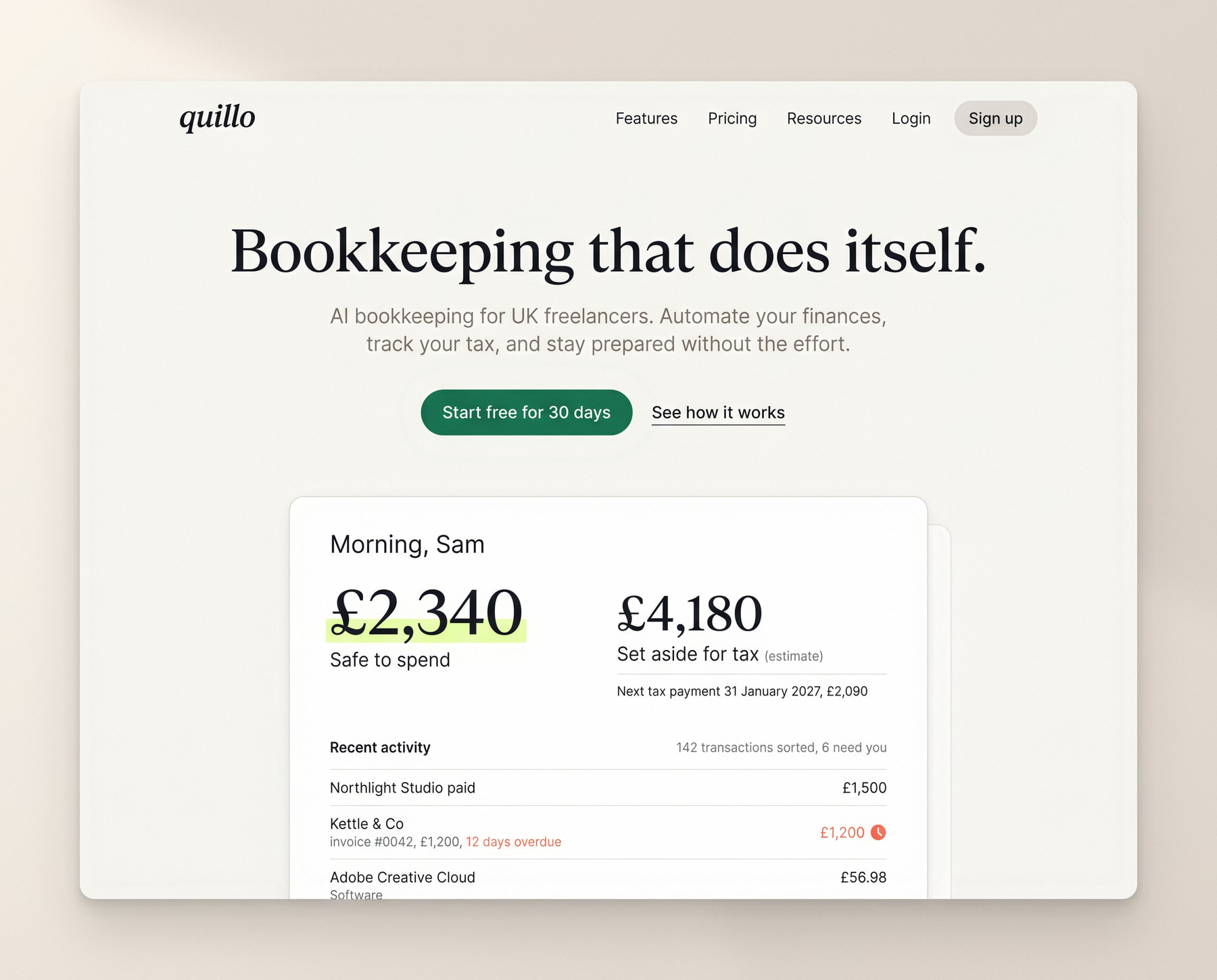
Marketing site

Editorial, not accounting software

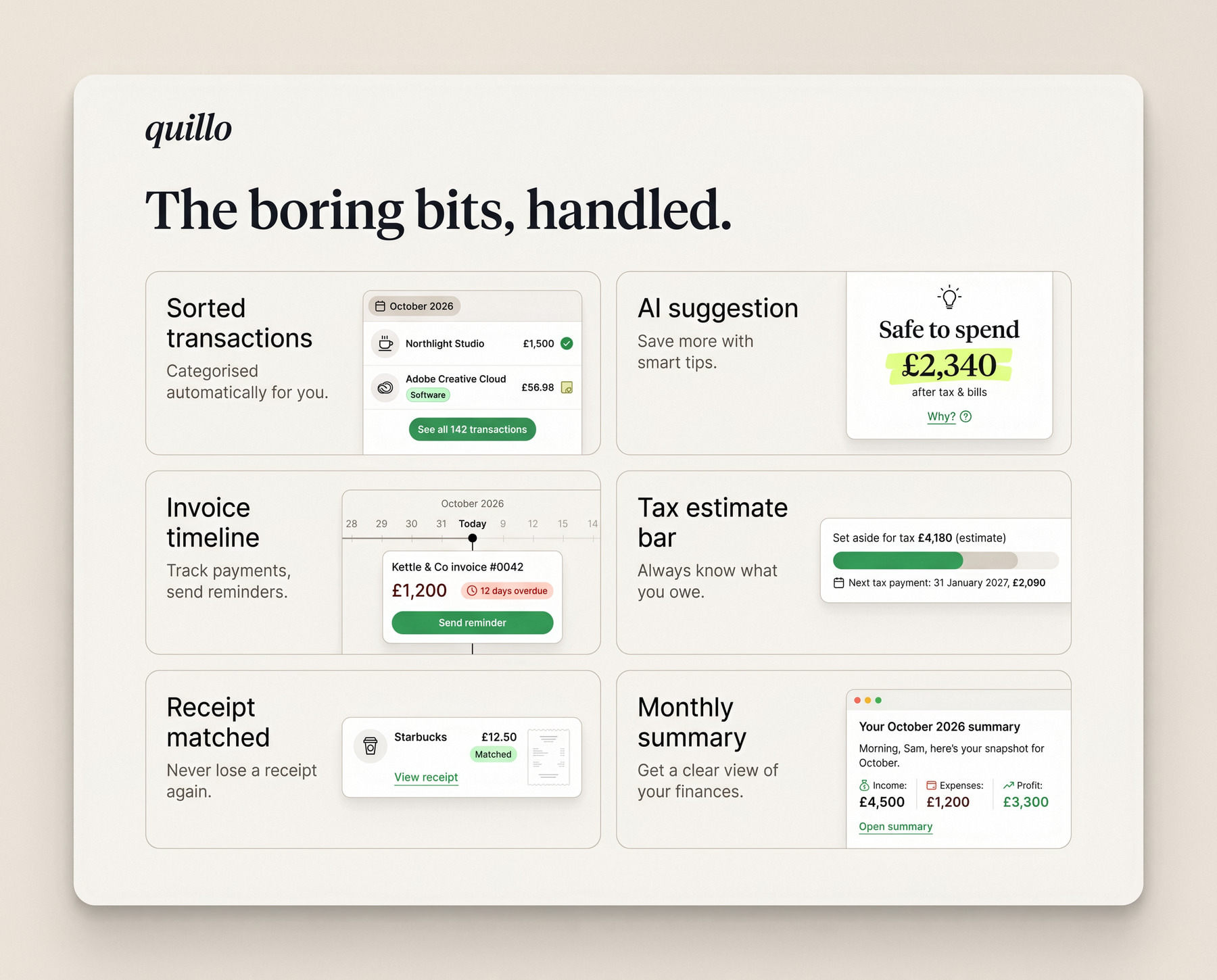
The site borrows from magazines rather than finance apps: a big serif headline, the two numbers that matter shown straight away, and a bento of features written in plain English. It sells calm, which is what freelancers are really buying.
A finished job, not an empty dashboard
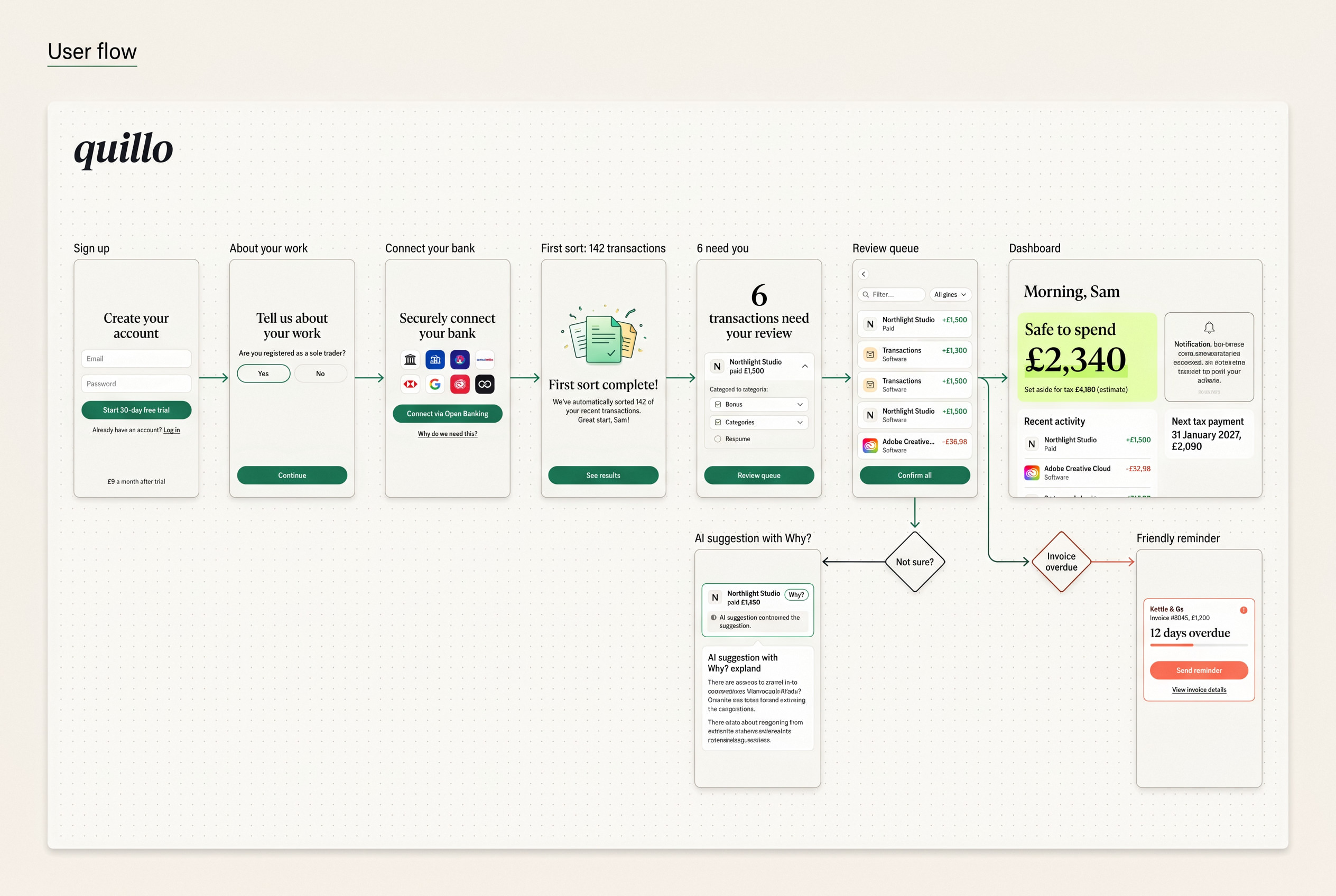
User flow

A finished job, not an empty dashboard

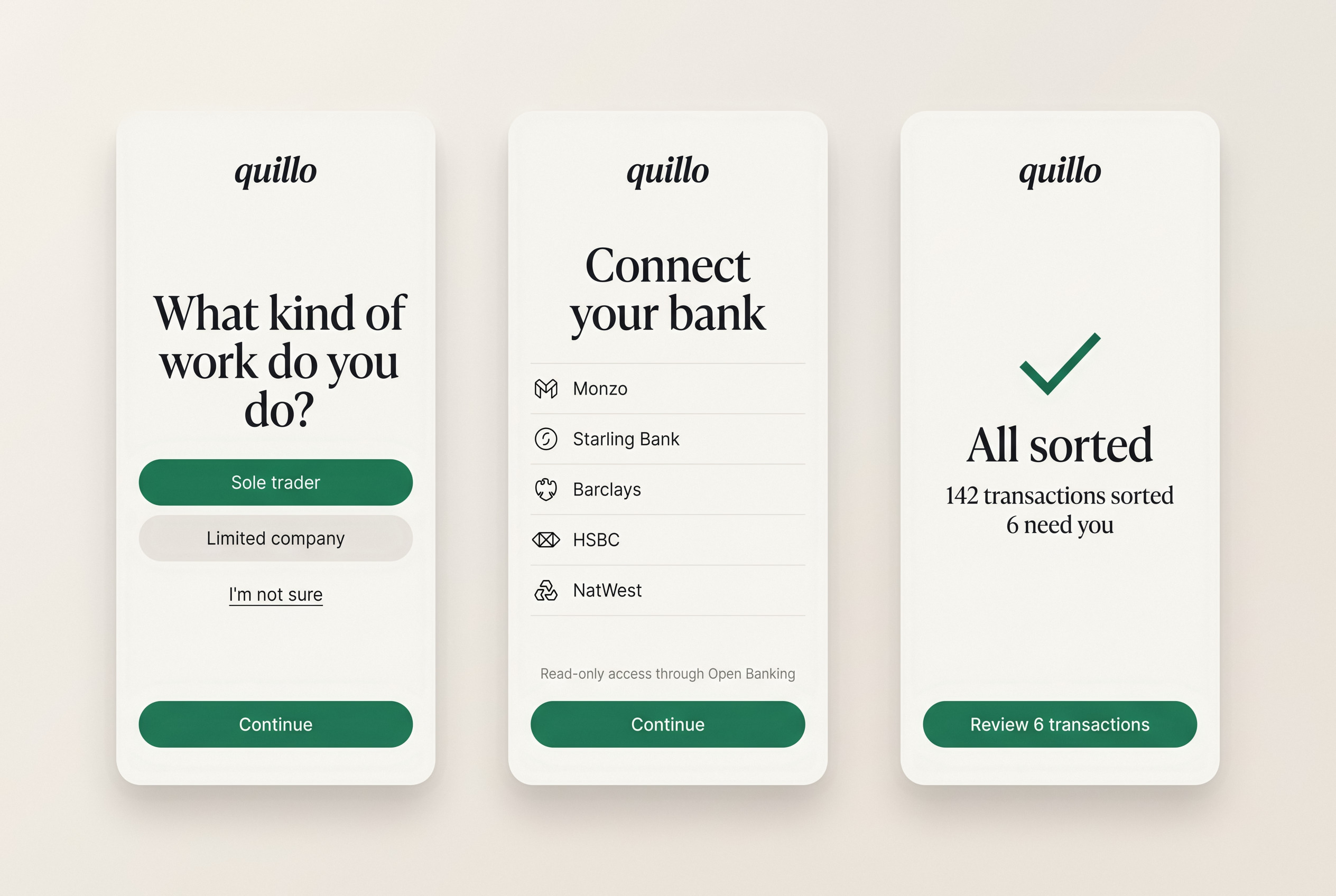
The flow is designed so the first thing a new user sees is work already done: 142 transactions sorted and six questions. Everything else branches from the review queue.
Two numbers on the homepage
Plain English, no ledgers
The site

Two numbers on the homepage

The homepage leads with the two numbers freelancers actually want: what's safe to spend, and what to put aside for tax. The rest of the page explains how Quillo works them out.
Connected in two minutes
Onboarding

Connected in two minutes

Onboarding asks a few questions, connects the bank through Open Banking and sorts the last 90 days while you watch. The first thing you see is a finished job, not an empty dashboard.
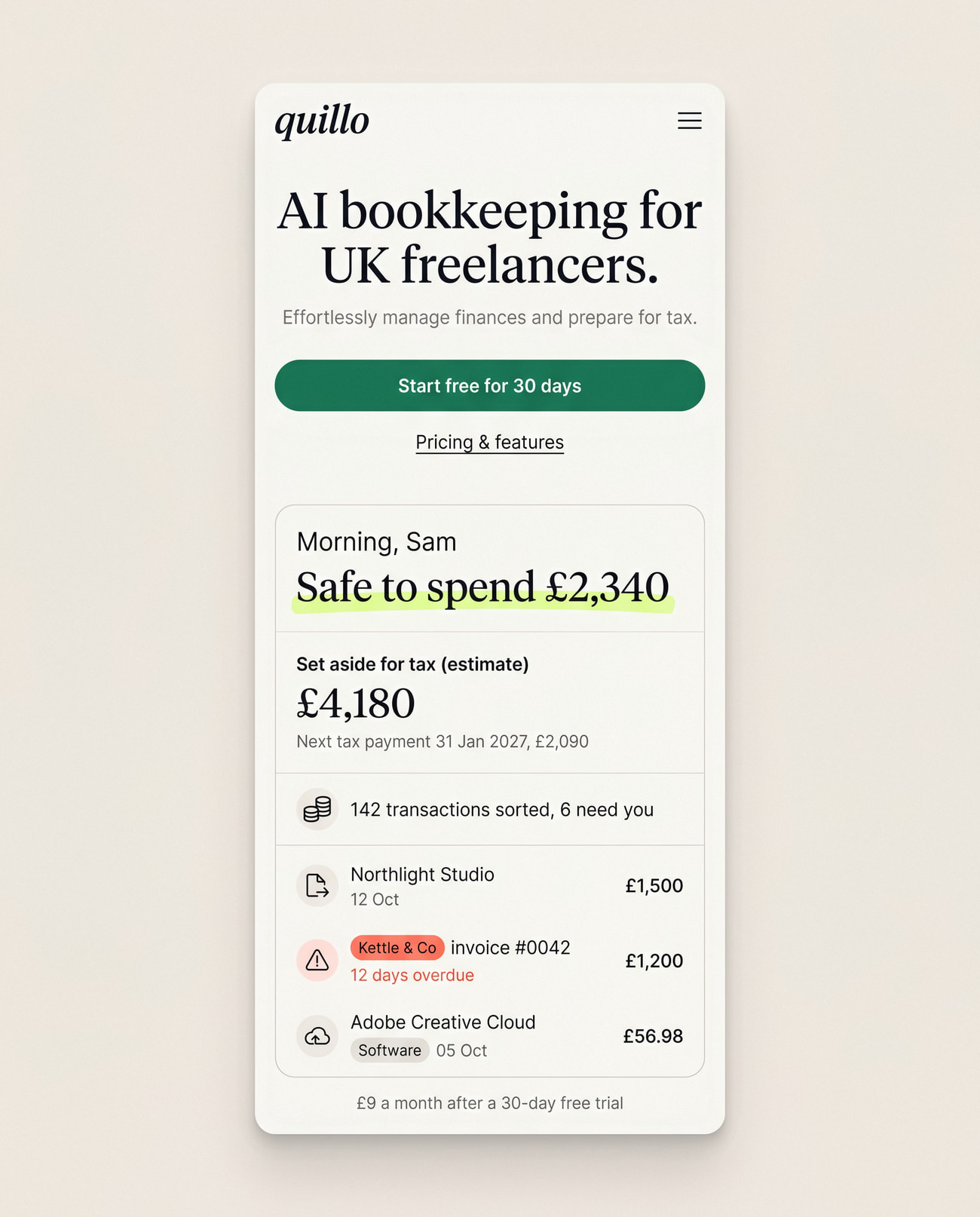
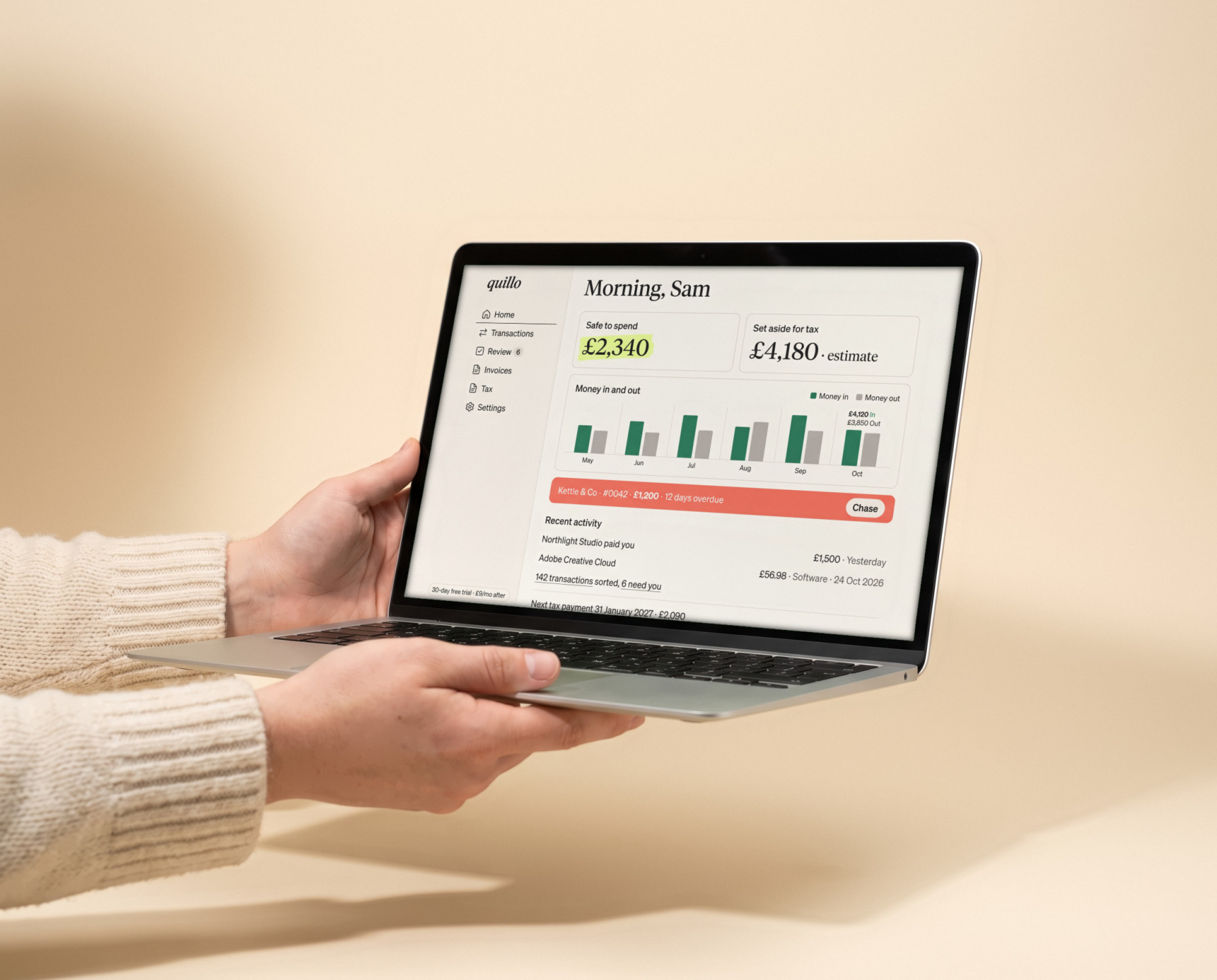
Safe to spend, at a glance
Dashboard

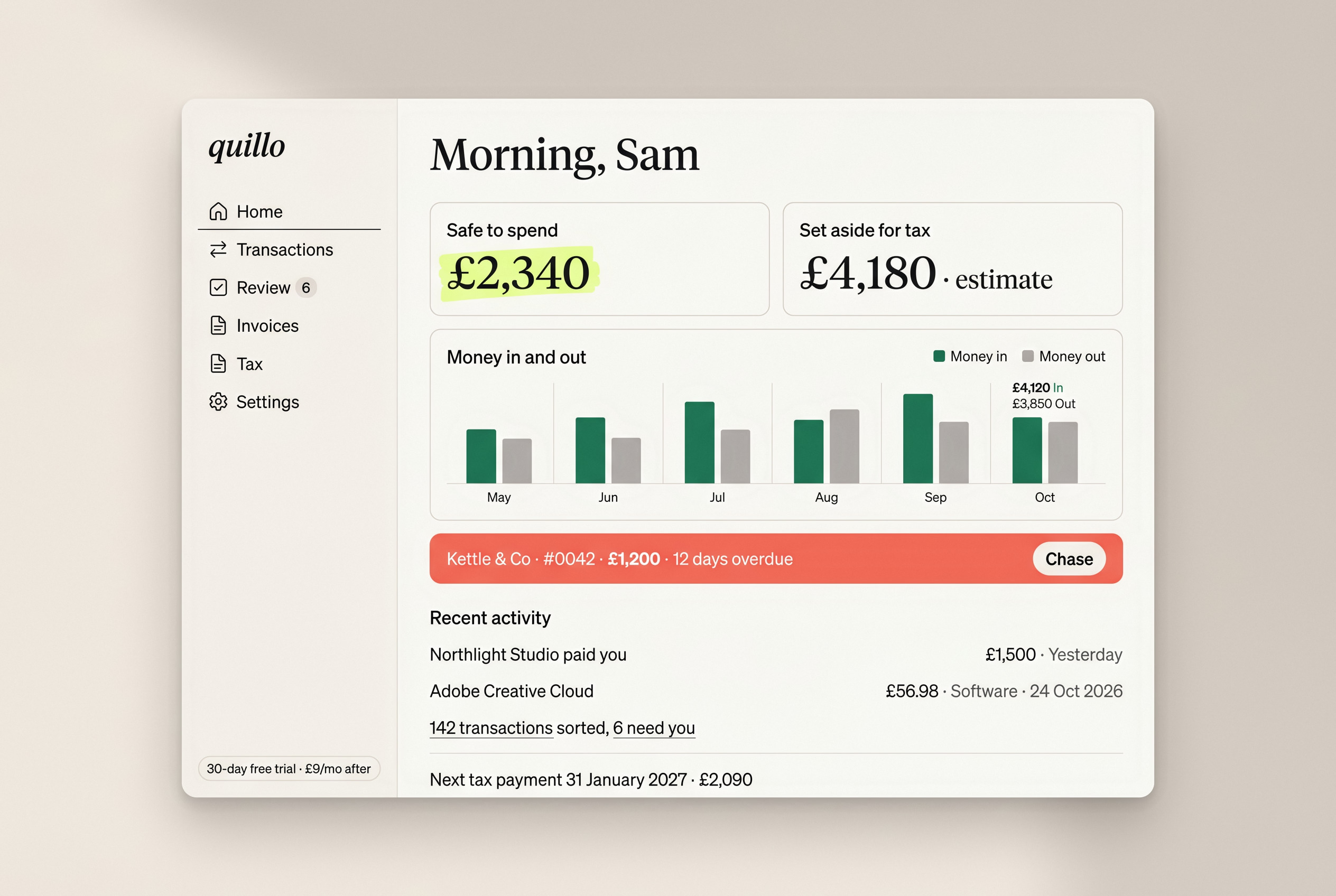
Safe to spend, at a glance

The dashboard leads with the two numbers people check most. Money in and out, overdue invoices and the next tax date sit below, in order of how often you need them.
Every suggestion shows its working
Asks only when unsure
AI you can check

Every suggestion shows its working

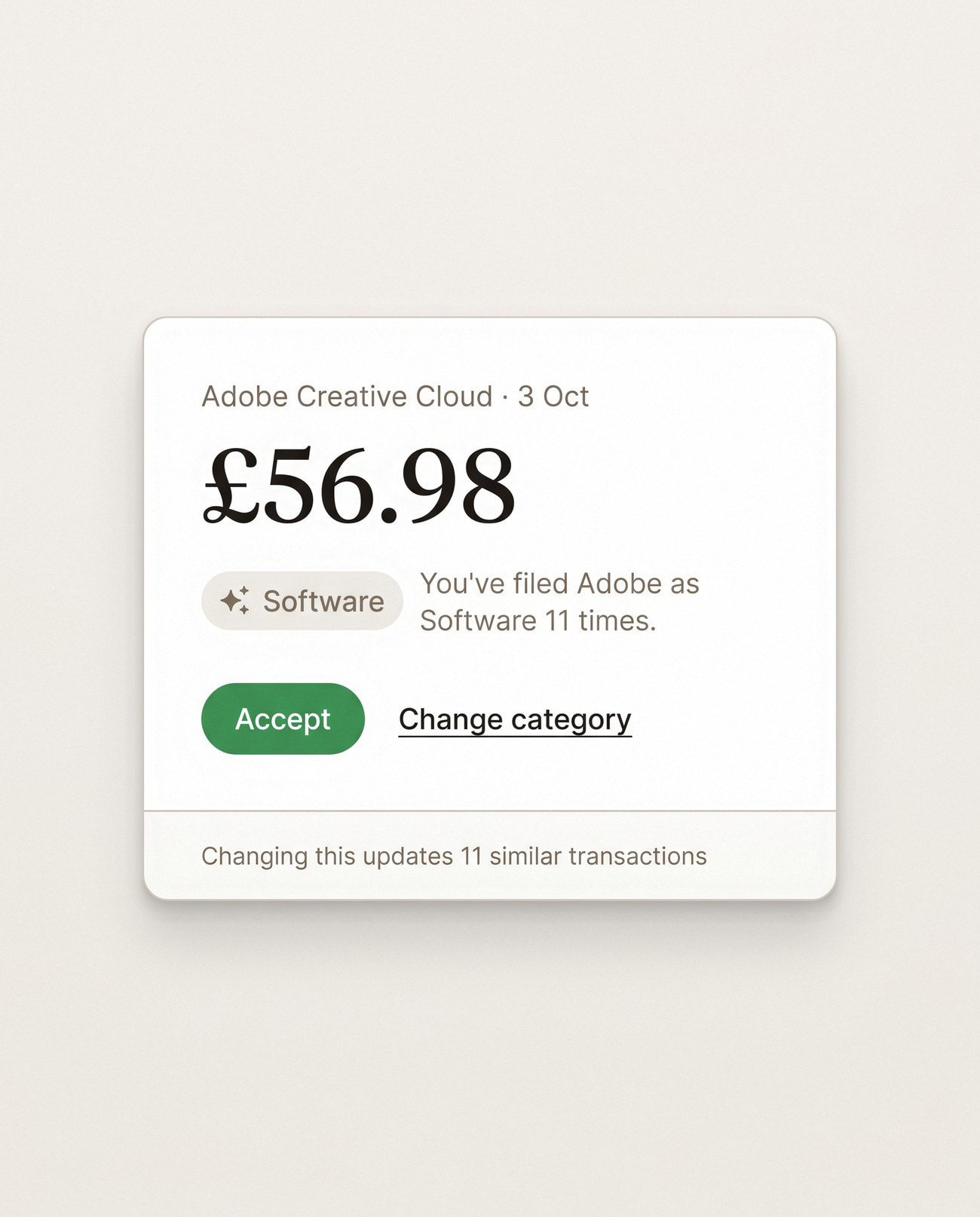
Quillo asks only when it isn't sure, and every suggestion says why: "You've filed Adobe as software 11 times." Accepting teaches it; changing one fixes every similar transaction.
The details

The small jobs, done for you

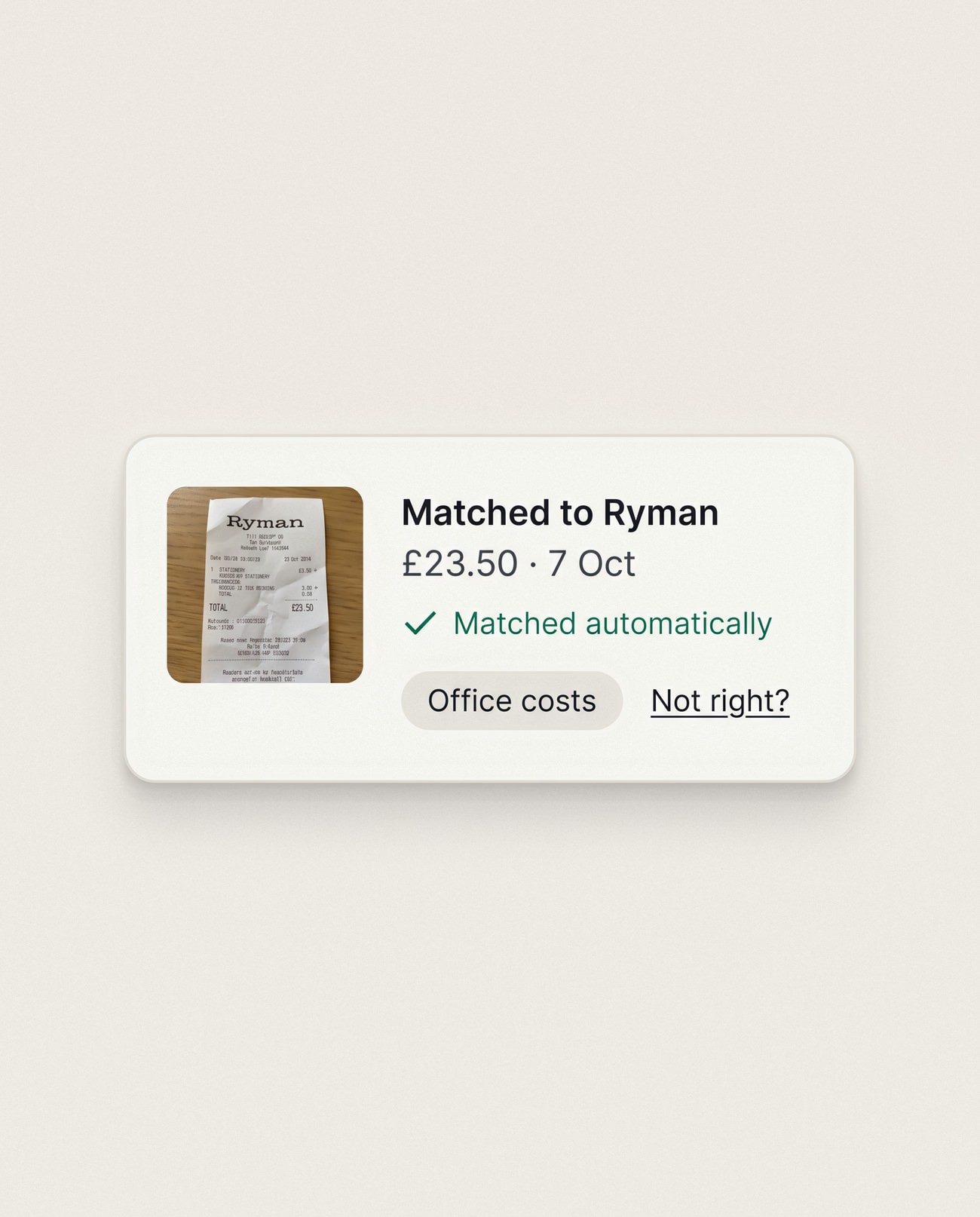
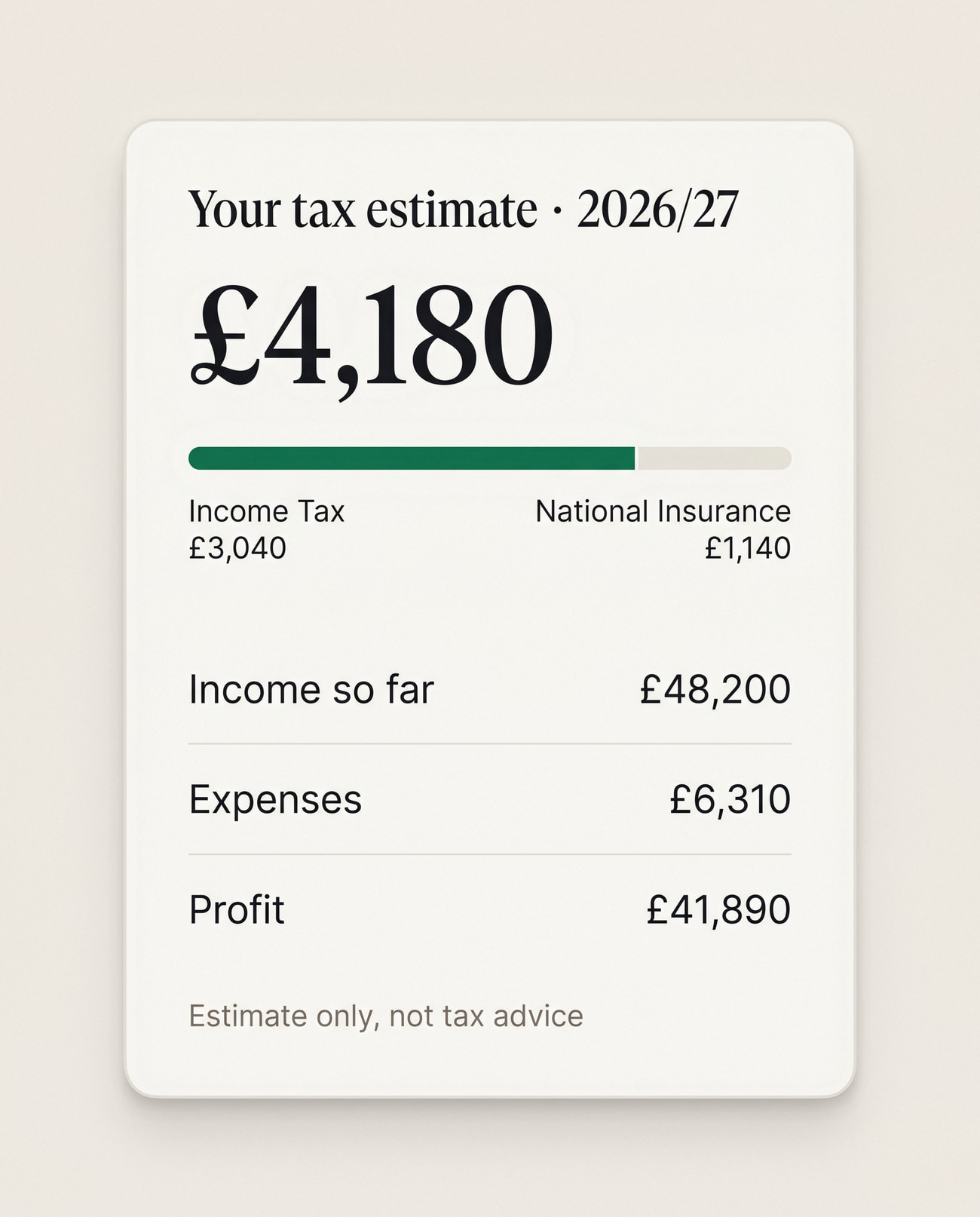
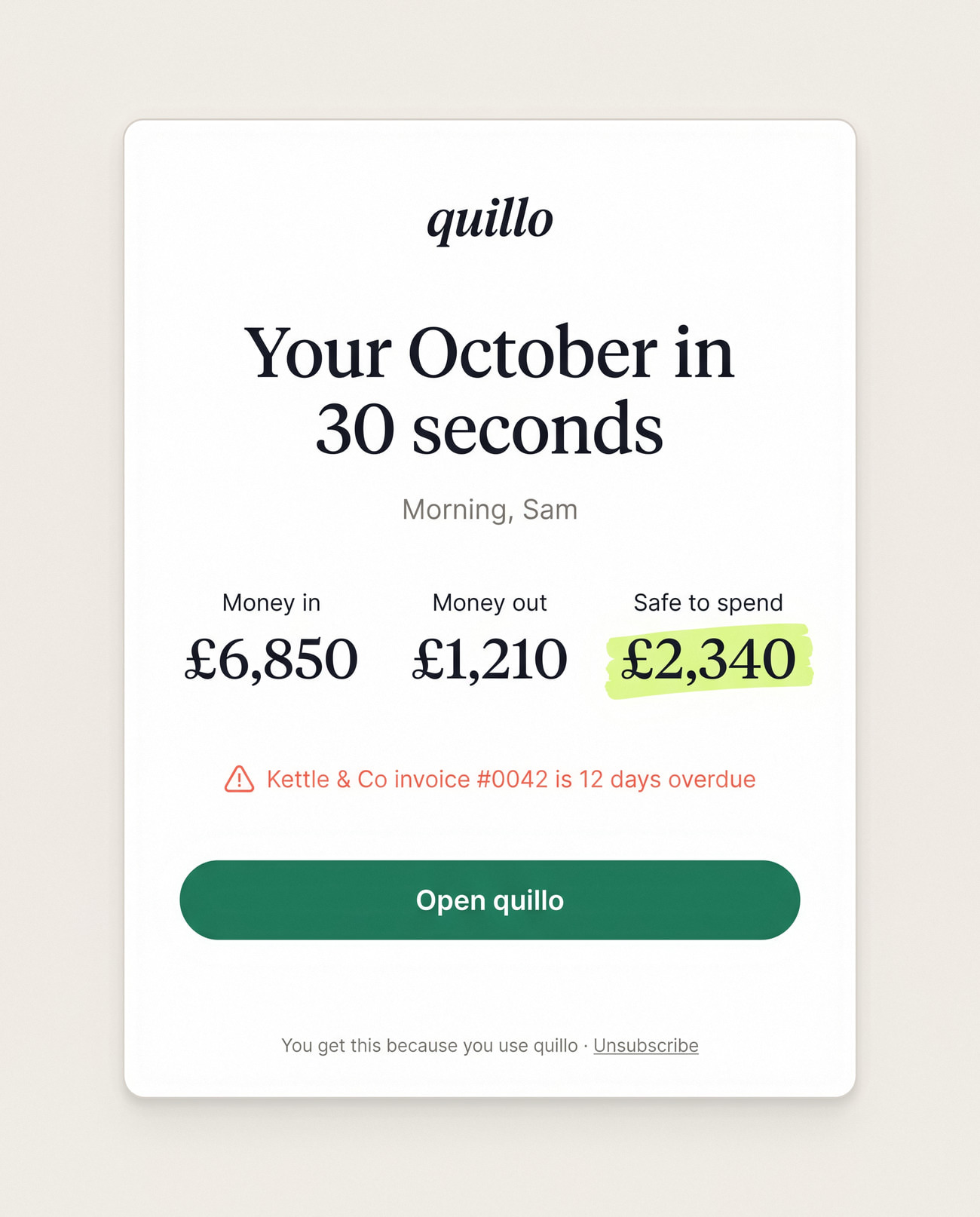
Receipts match themselves to transactions, the tax estimate shows exactly how it was worked out, and a monthly email sums up the month in thirty seconds. Every tax figure is labelled an estimate, never advice.
Chasing, without the awkward email
Invoices

Chasing, without the awkward email

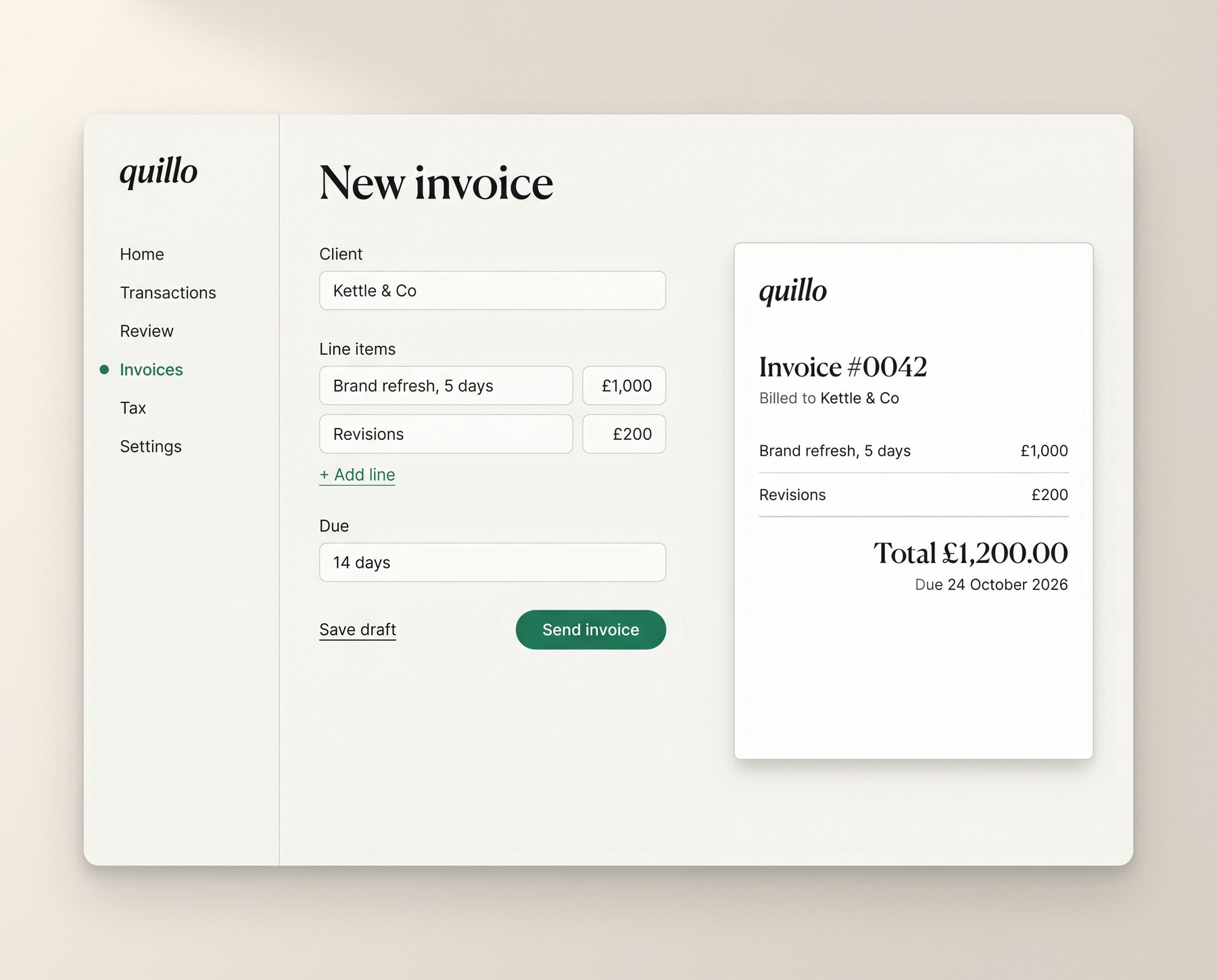
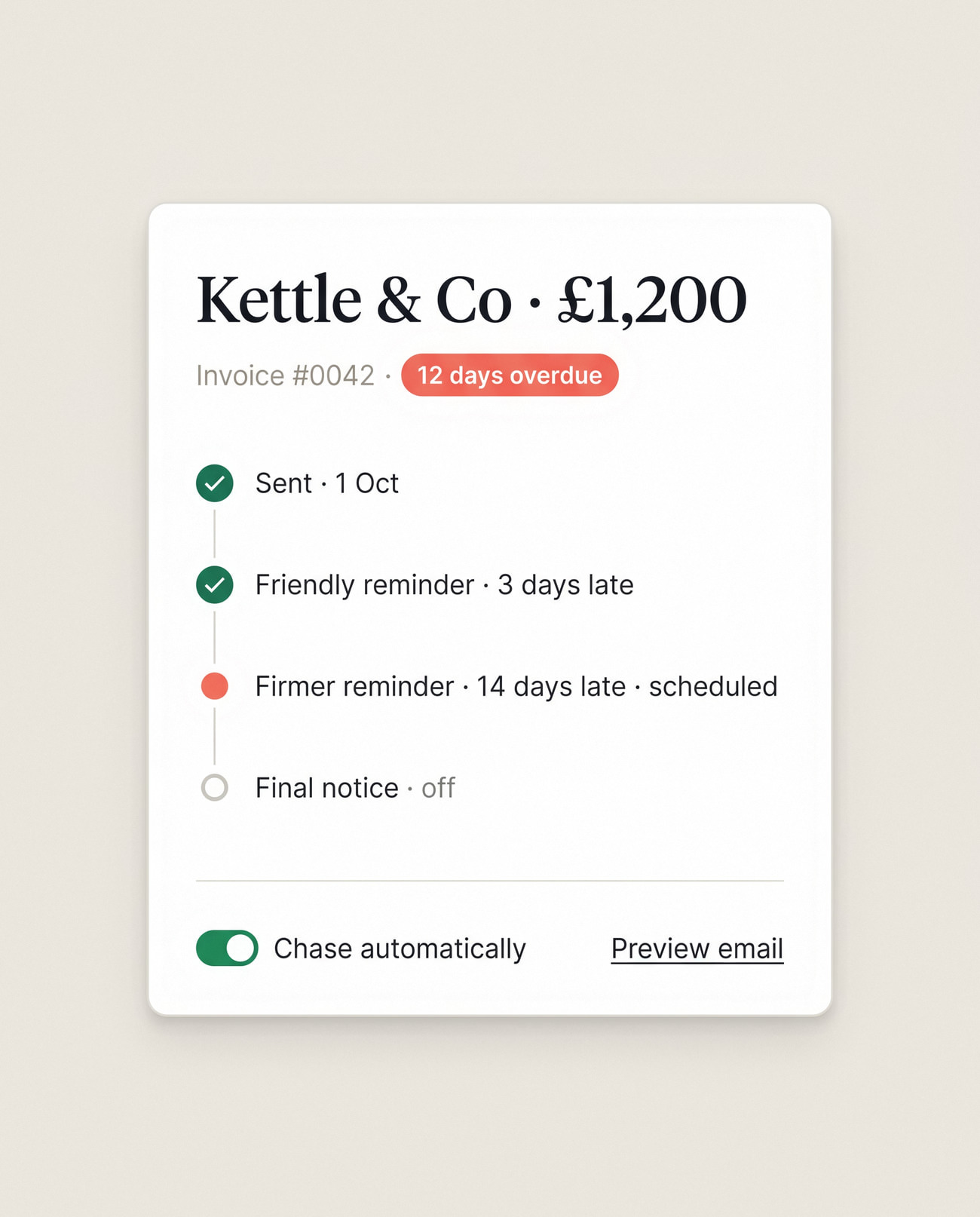
Invoices take a minute to make and chase themselves: a friendly reminder at 3 days late and a firmer one at 14, each previewed before it goes.
Calm, from end to end
All screens

Calm, from end to end

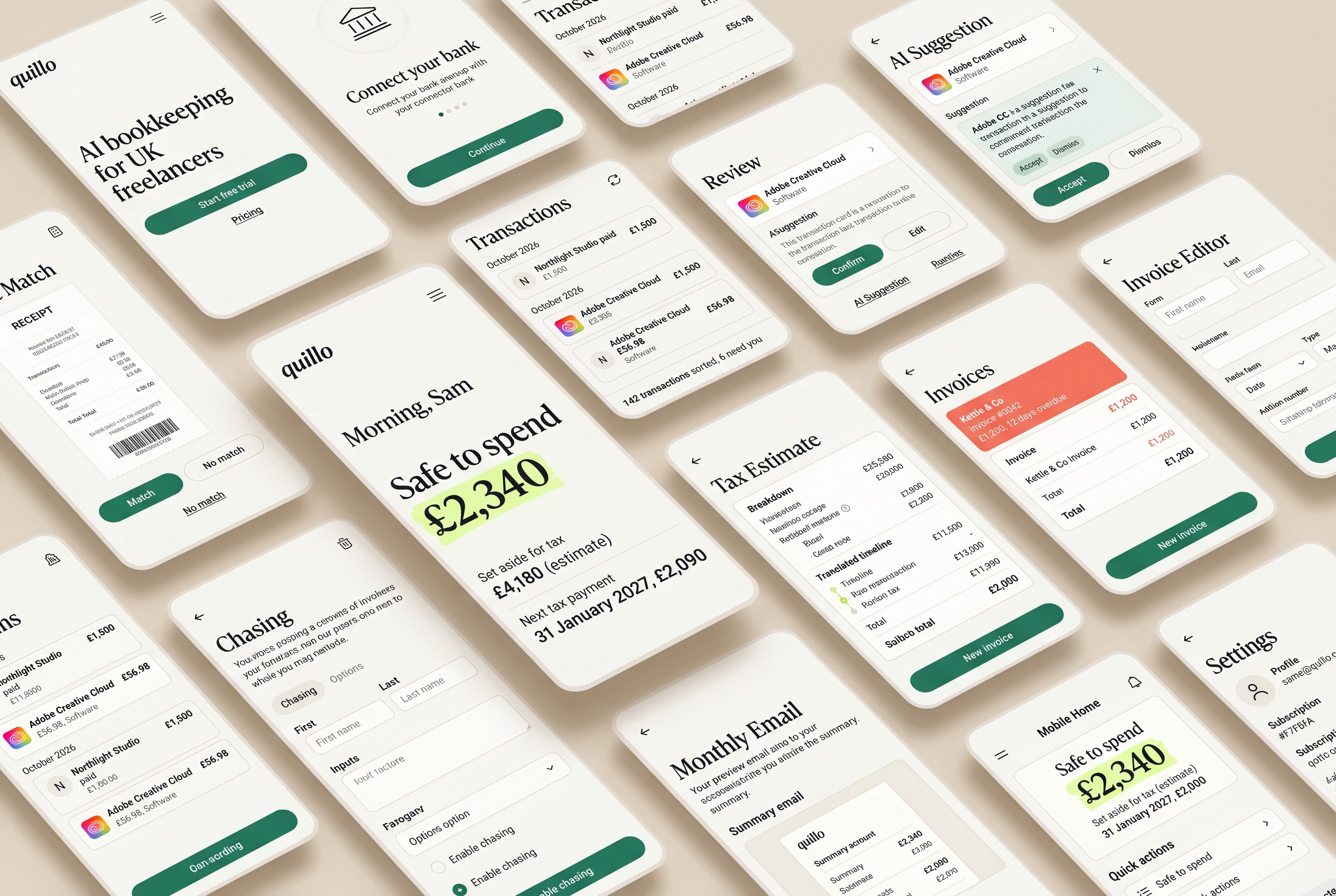
Fourteen screens share the same paper background, serif numbers and green accent, so even the tax pages feel unhurried.
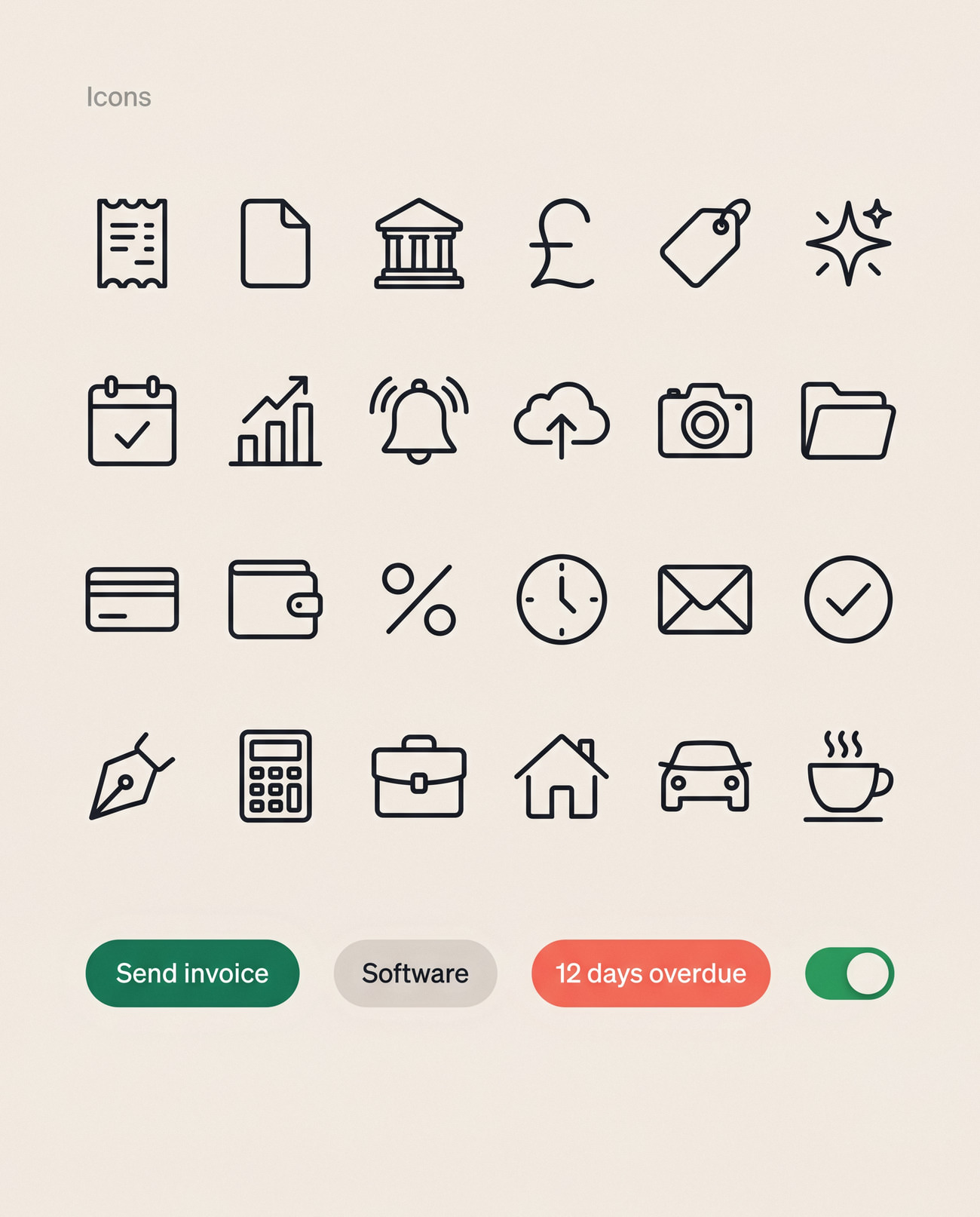
Design system

Editorial, on purpose

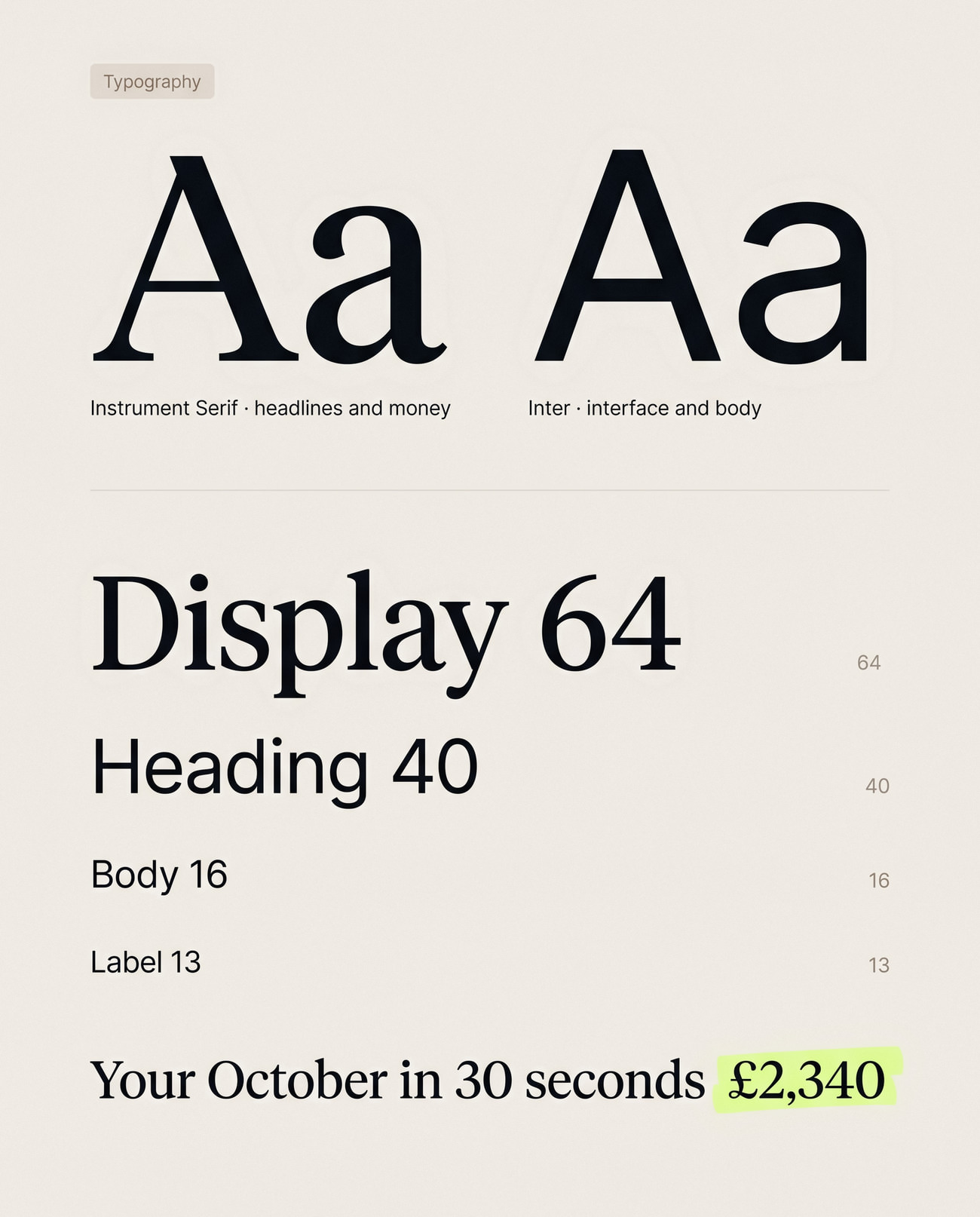
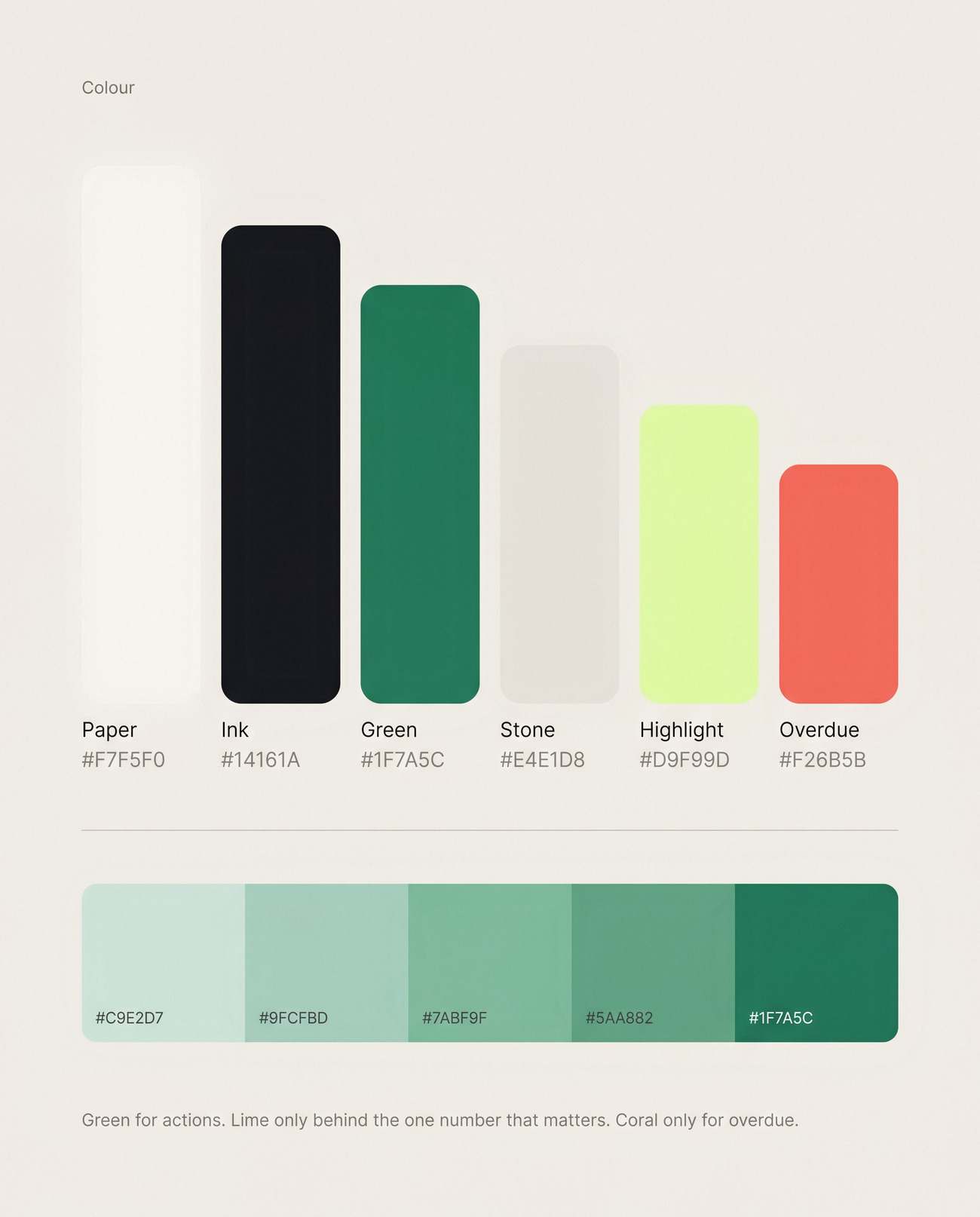
A high-contrast serif for money and headlines, a plain sans for everything else, and a lime highlighter used only for the number that matters most on each screen.
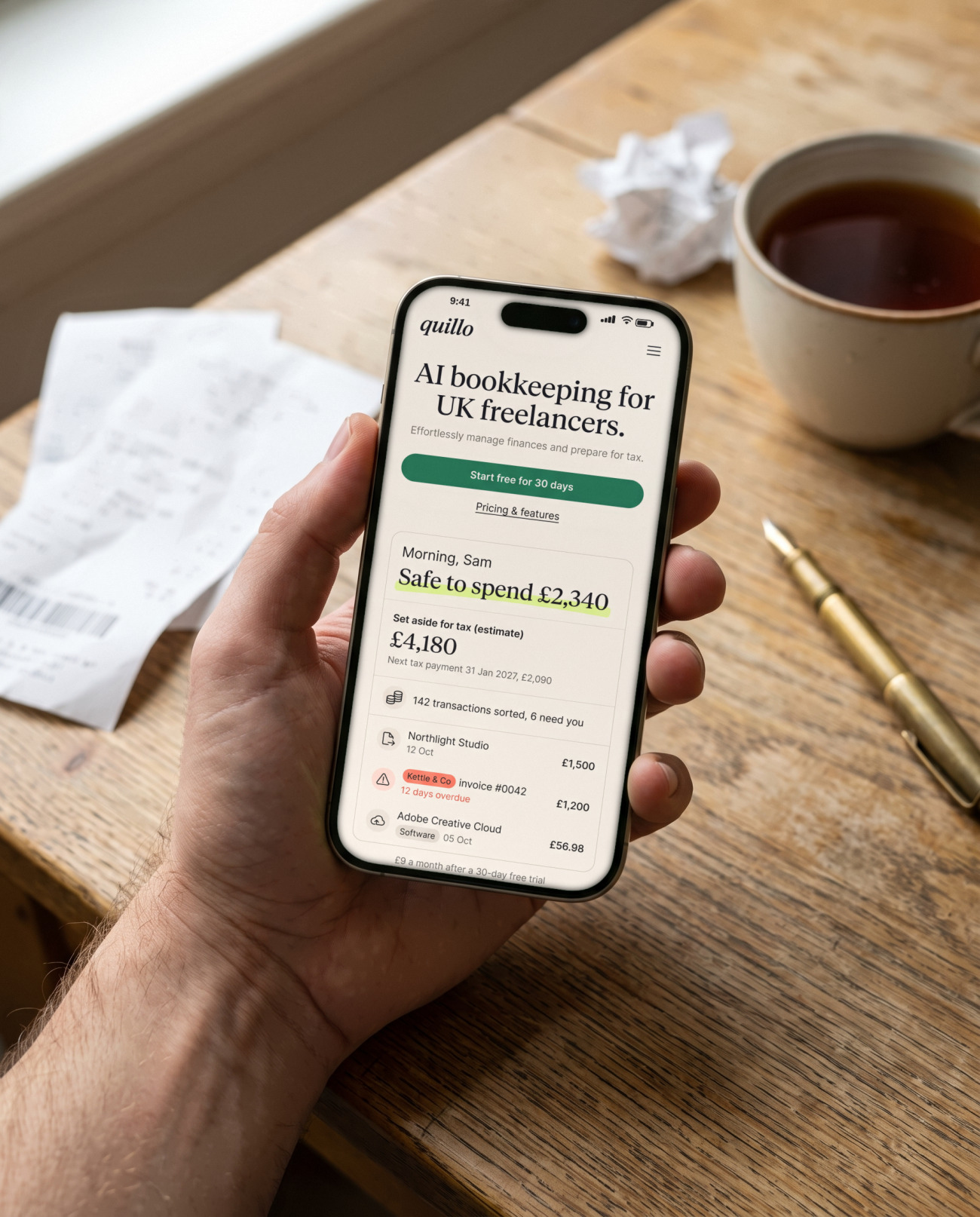
Fits into a freelancer's day
In context

Fits into a freelancer's day

Quillo is used in short bursts: a receipt snapped at a café, a quick check of the dashboard between client calls.
Of transactions sorted while you finish onboarding
90 days
To accept or undo any AI suggestion
1 click
Safe to spend and set aside for tax, always shown first
2 numbers

Want work like this for your store?

Answer a few quick questions and see your price, and the payback you can expect, in two minutes.

Get a quote
More
work