Calendly Routing

What we did
Product design
SaaS UI
Launch page
Client
Concept
Year
2026
Platform
Launch page, admin web app, booking flow

A concept for Calendly: sending every demo request to the right rep, and showing the team it's fair. We designed the launch page, a visual rule builder and a routing dashboard. Not affiliated with Calendly.

The challenge

Sales teams route inbound demos by region, company size and who is free. That logic usually lives in long lists of if-then rules, and admins only spot a mistake after a lead lands with the wrong rep.

The approach

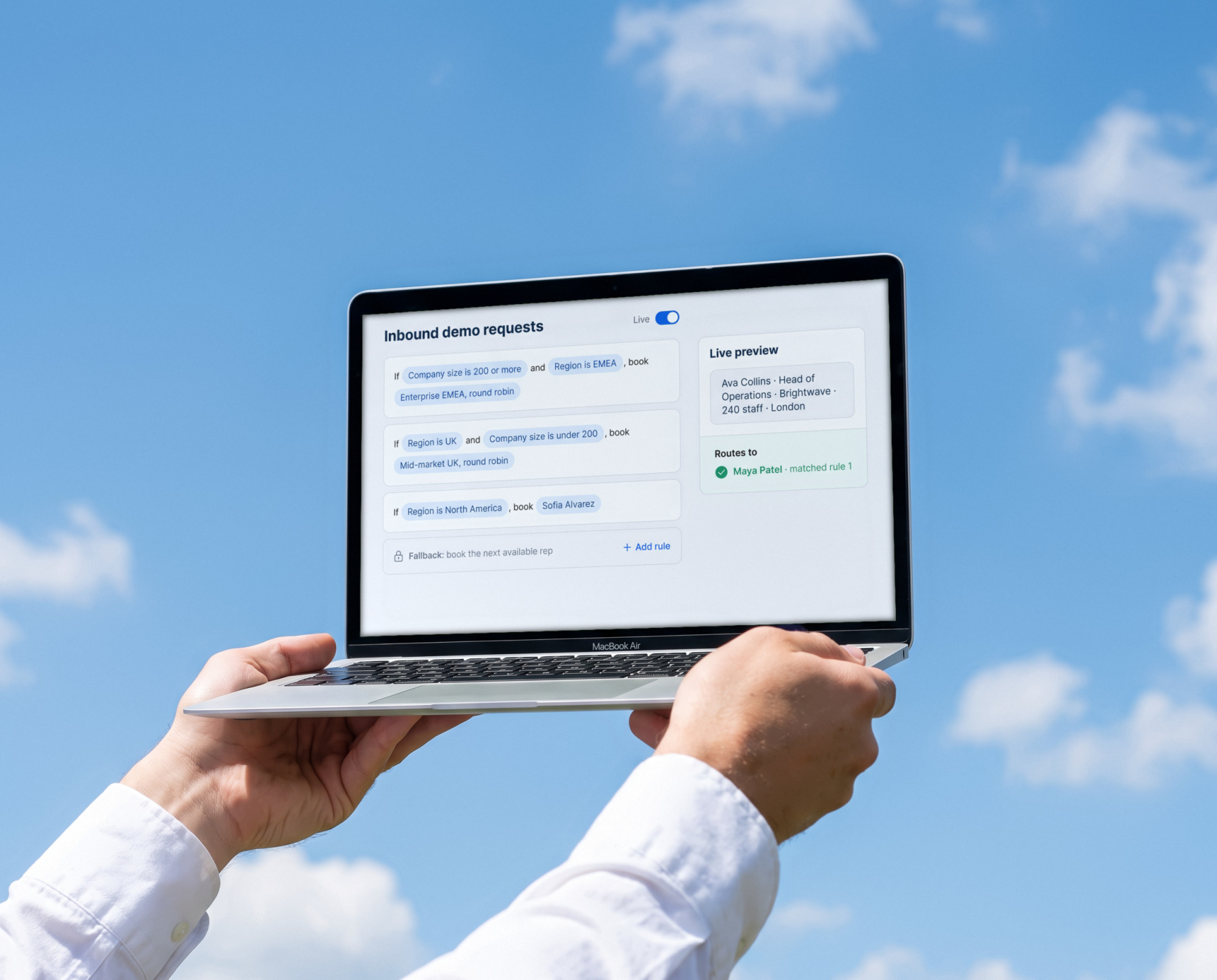
We made the rules visible. The builder reads like a sentence and shows, as you type, which rep a sample lead would reach. A dashboard then shows how meetings were shared out and how quickly each one was booked.
Scroll to explore the full page
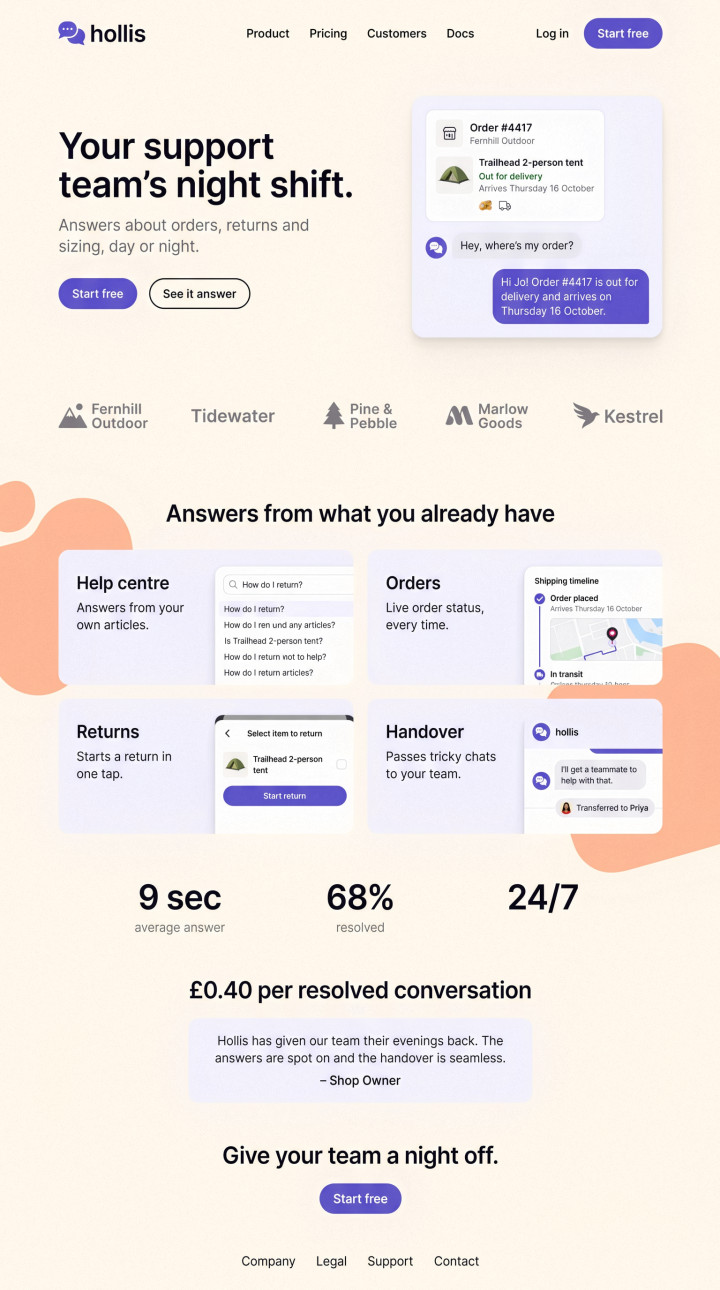
A launch page that sells the feature
Full page, top to bottom
Launch page

A launch page that sells the feature

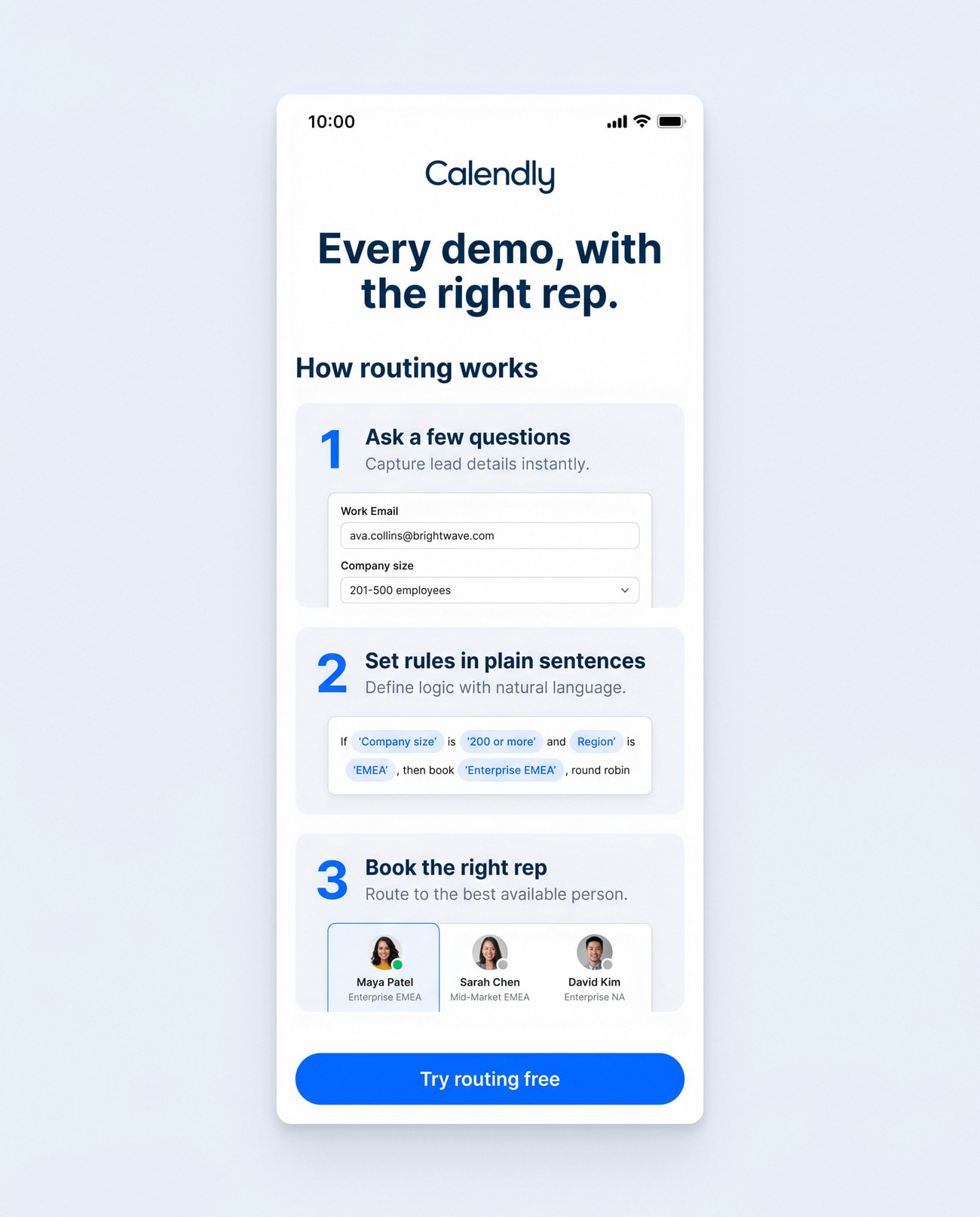
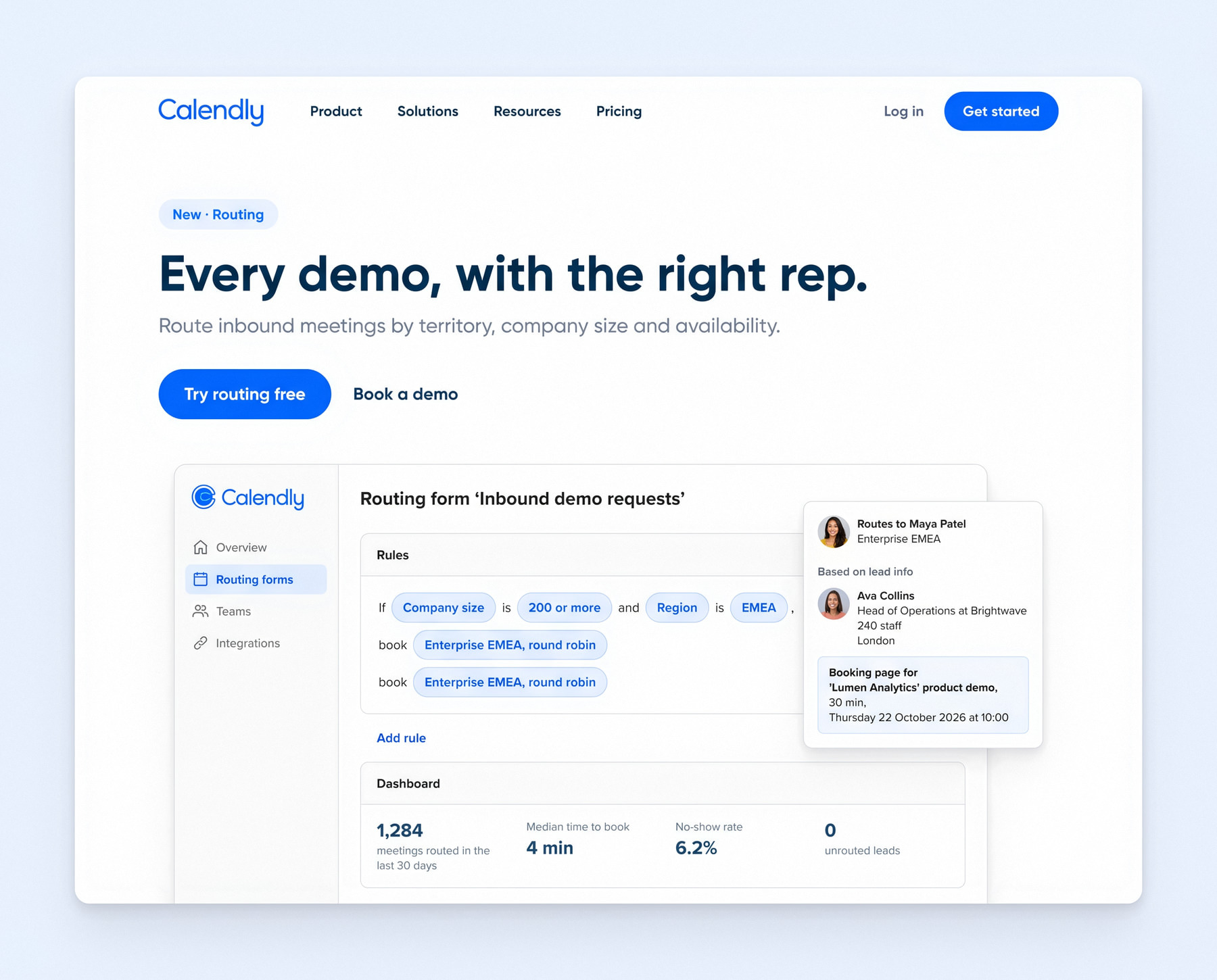
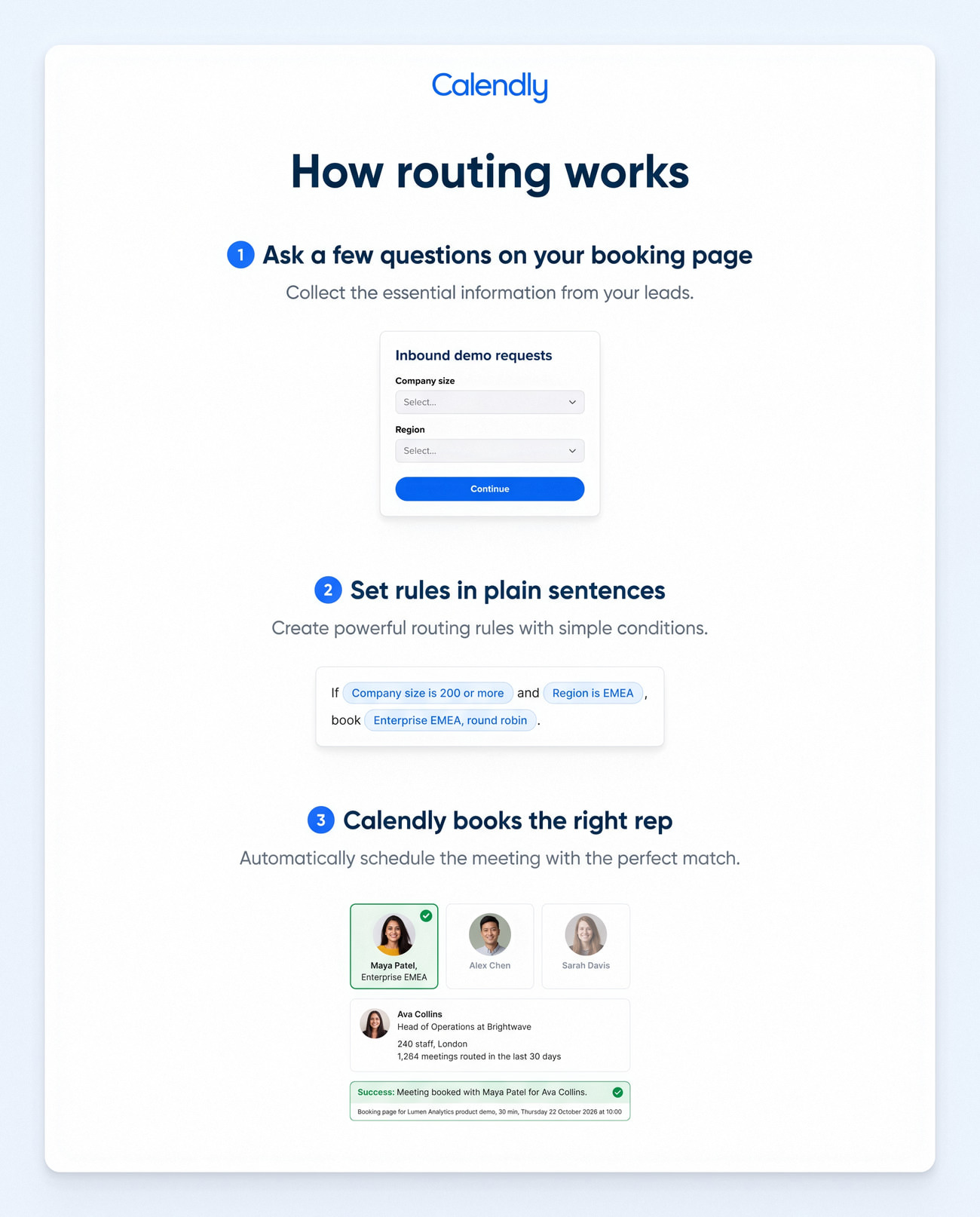
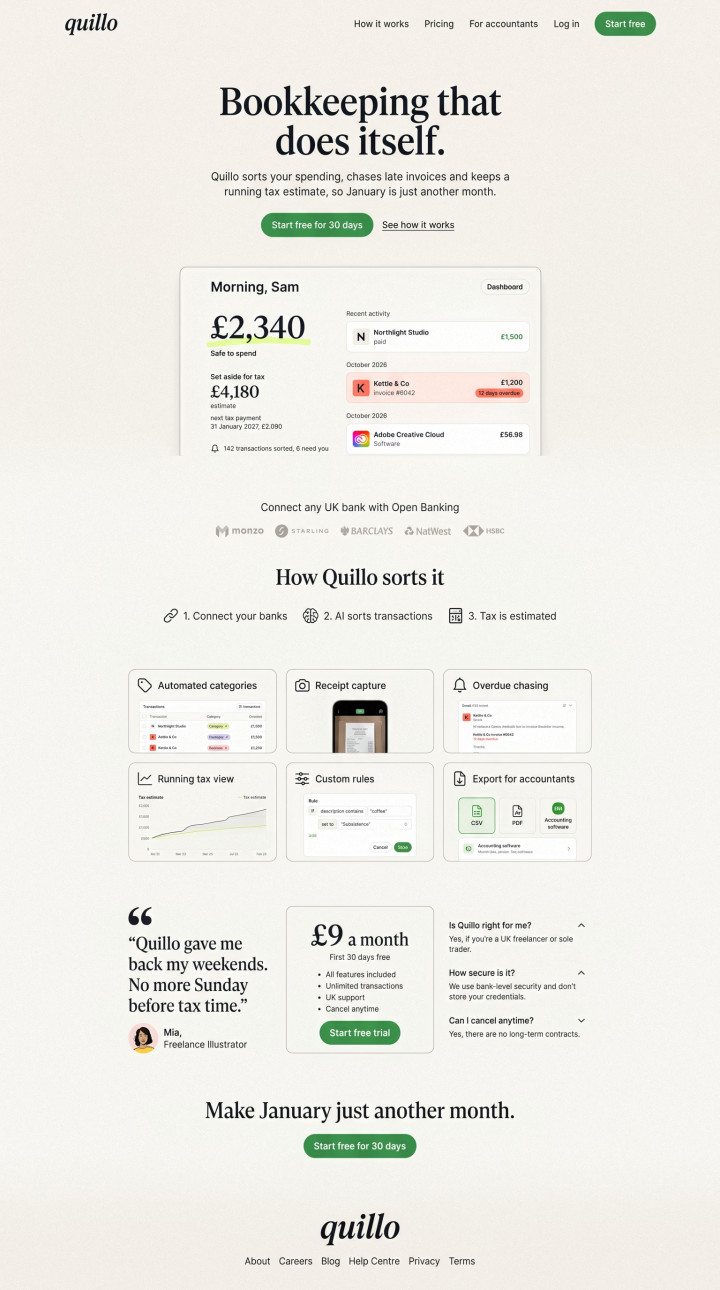
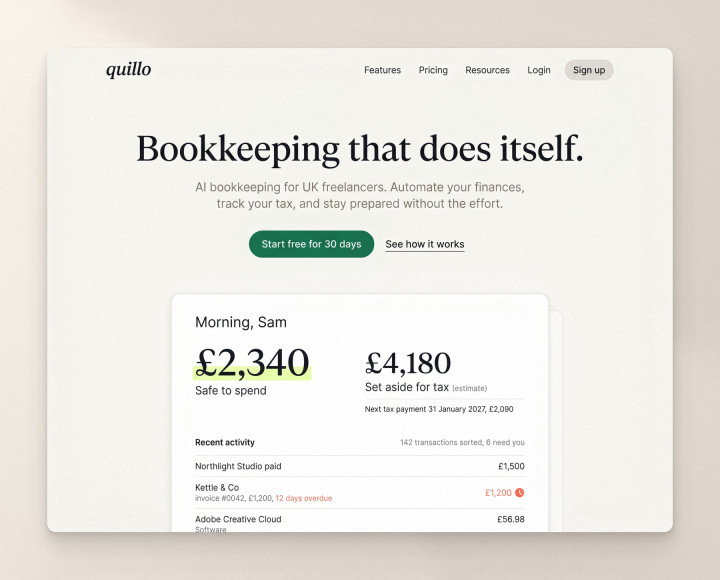
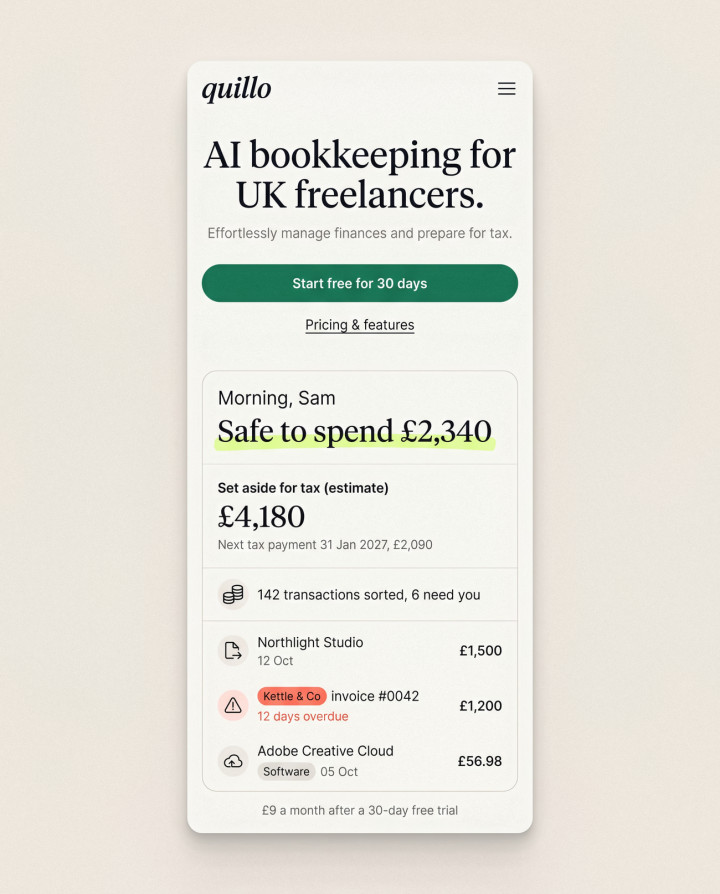
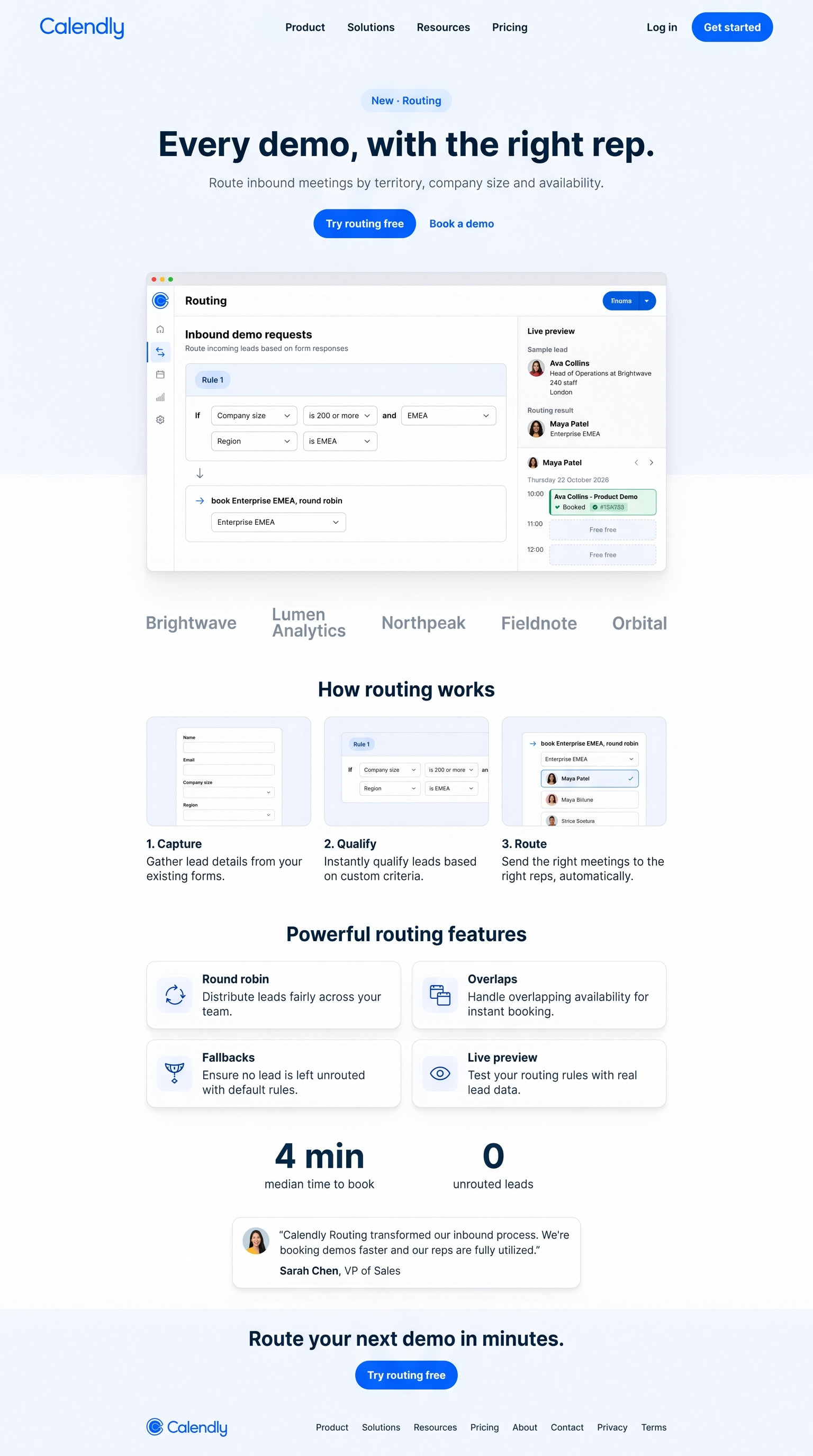
The launch page leads with the builder itself, explains routing in three steps and gives sales leaders the two numbers they care about before the call to action. It is written in Calendly's voice, so it could go live next to their real feature pages.
Every lead has a path
User flow

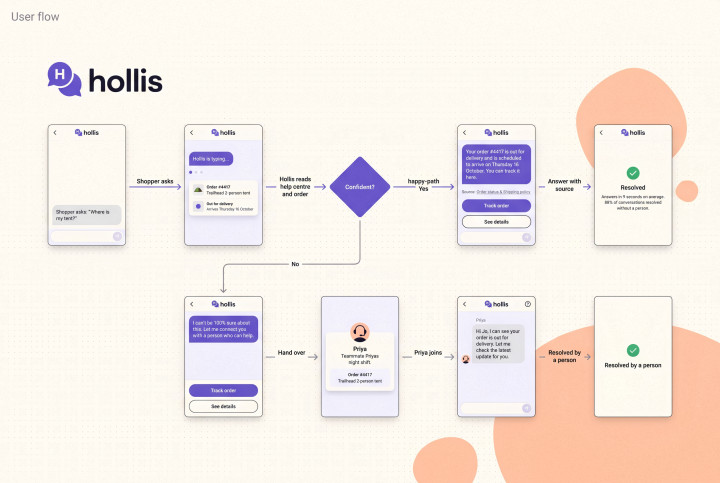
Every lead has a path

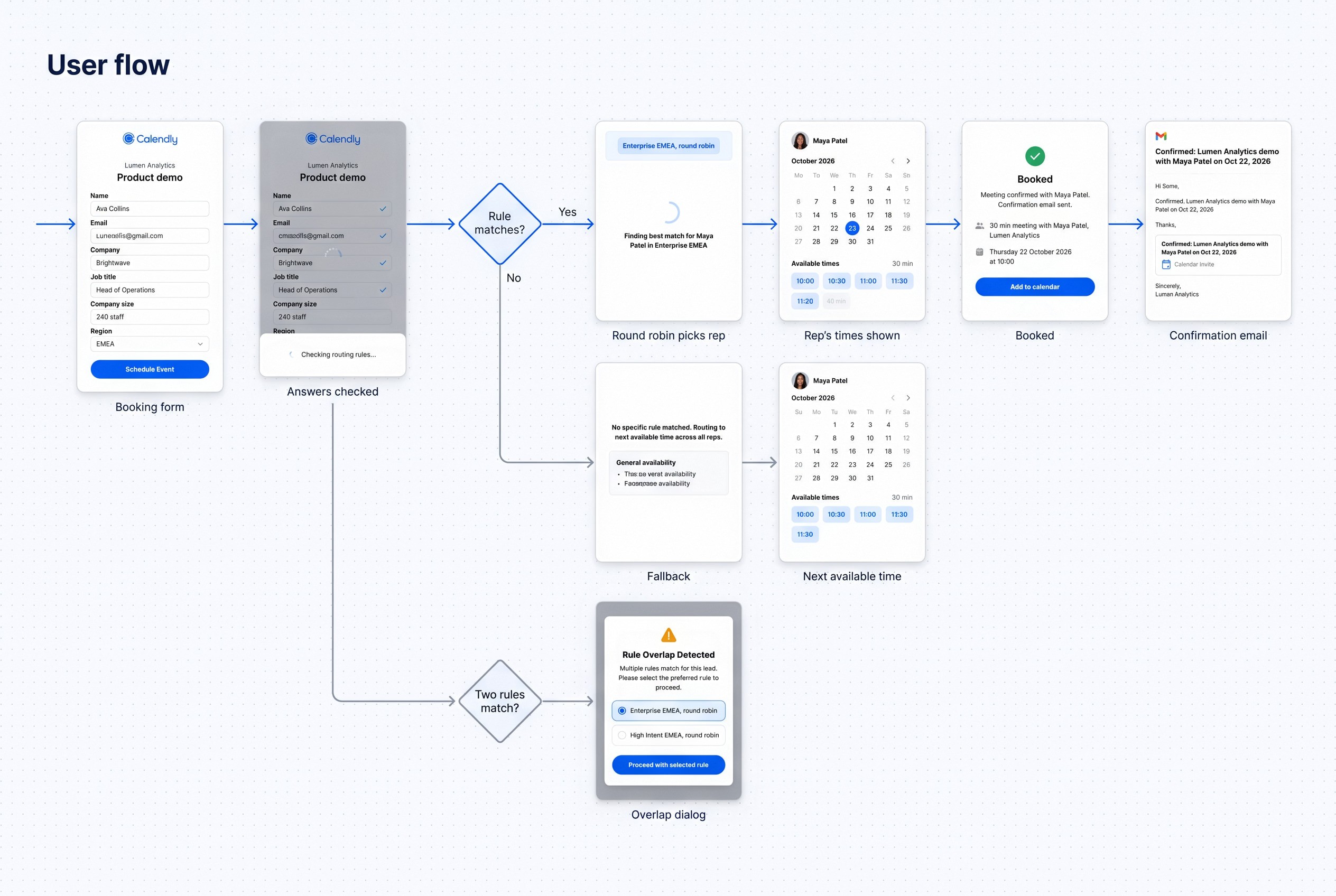
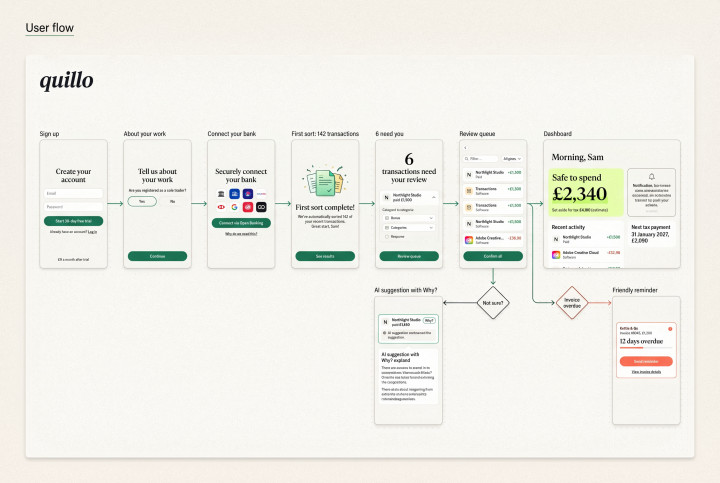
We mapped what happens to a lead from the booking form to the confirmation email, including the awkward cases where no rule matches or two do. The builder was designed to make those paths visible.
Selling it to the person who sets it up
The product is the hero
Hero

Selling it to the person who sets it up

The launch page talks to two people: the ops lead who will build the rules and the sales leader who signs off. The hero shows the builder itself, and three steps explain routing without jargon.
Rules that read like sentences
Rule builder

Rules that read like sentences

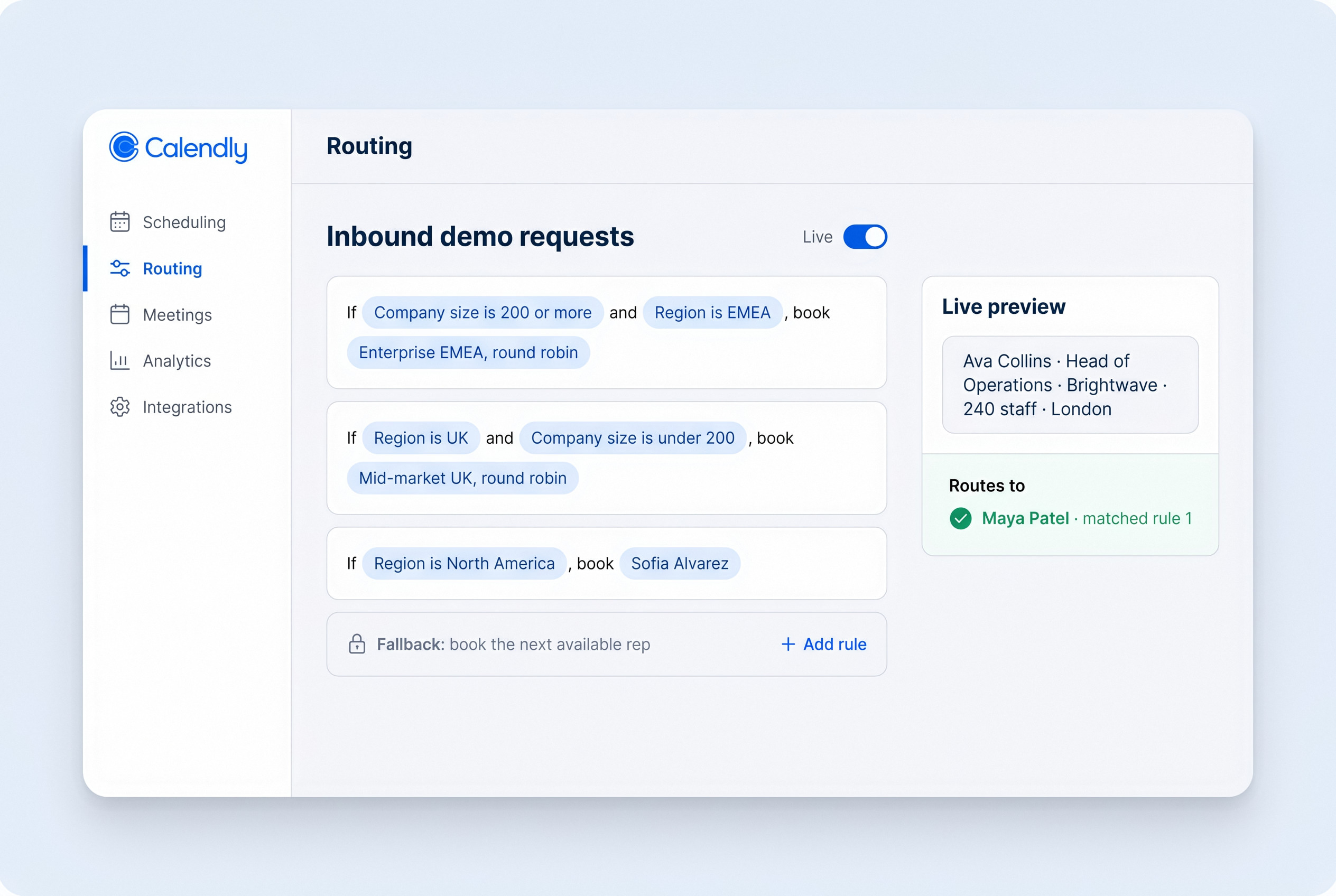
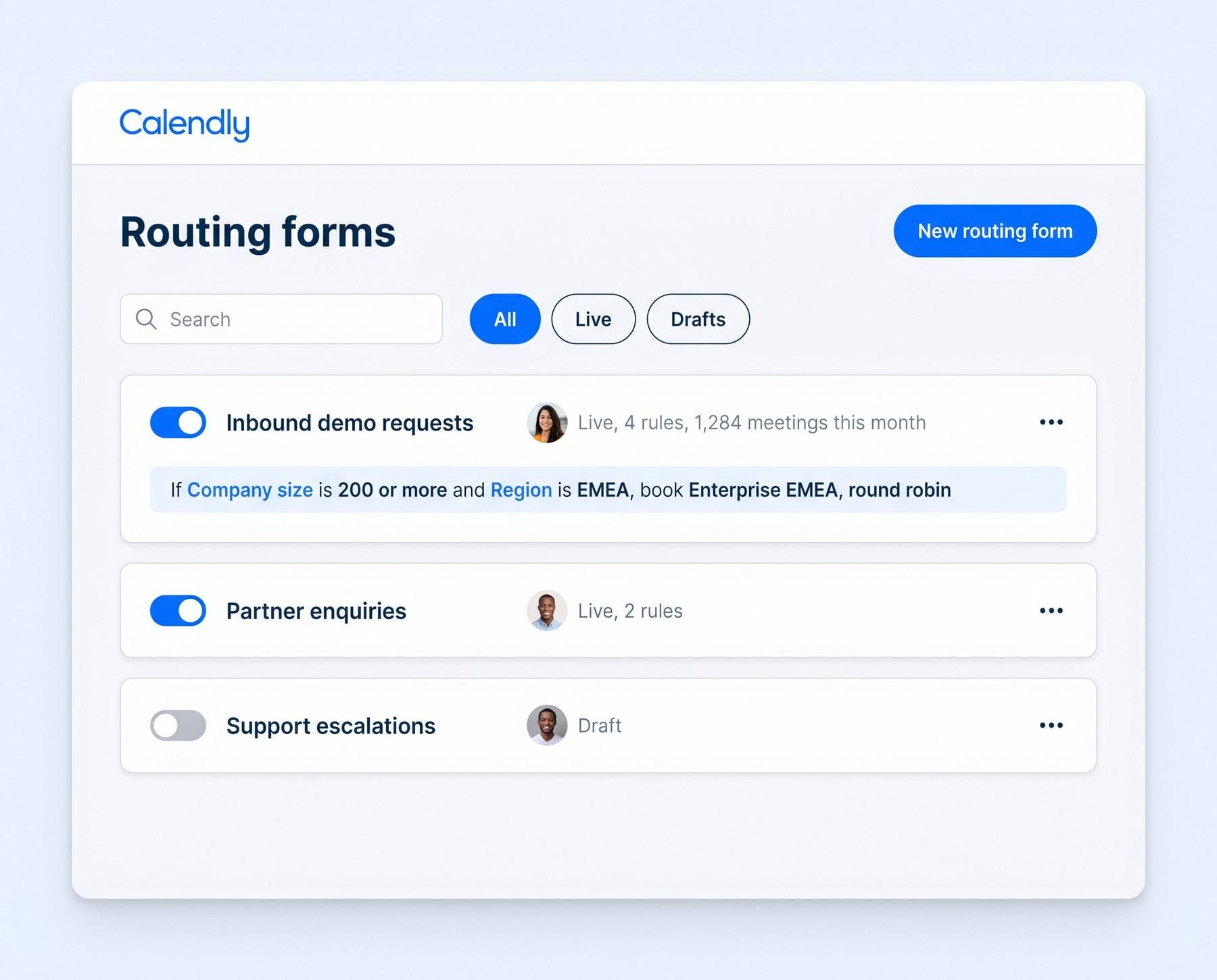
Each rule is a sentence with editable chips, not a nested form: "If company size is 200 or more and region is EMEA, book Enterprise EMEA, round robin." A preview panel runs a sample lead through the rules as you type, so mistakes show up before a prospect does.
Designing for the awkward lead
No lead left unrouted
Edge cases

Designing for the awkward lead

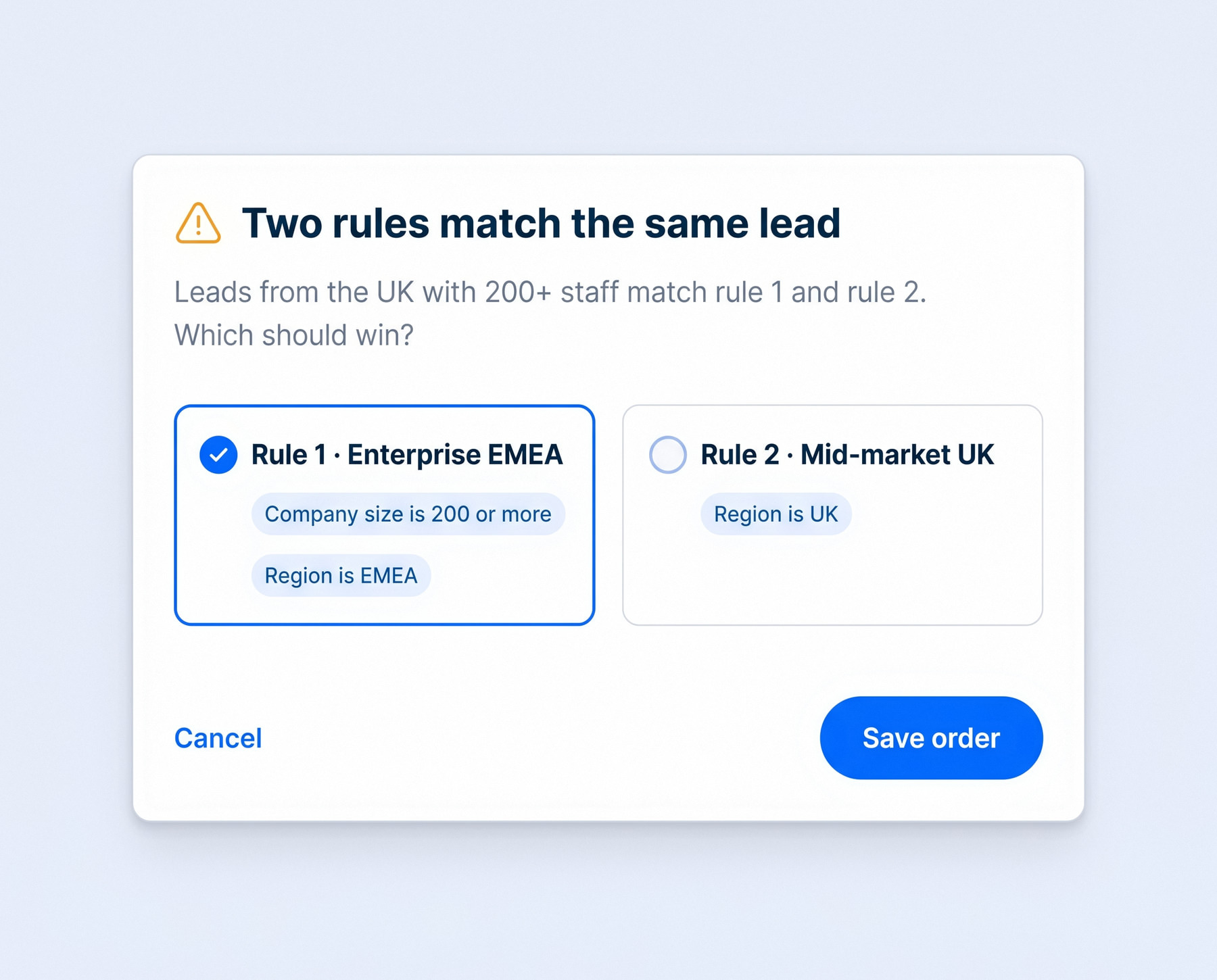
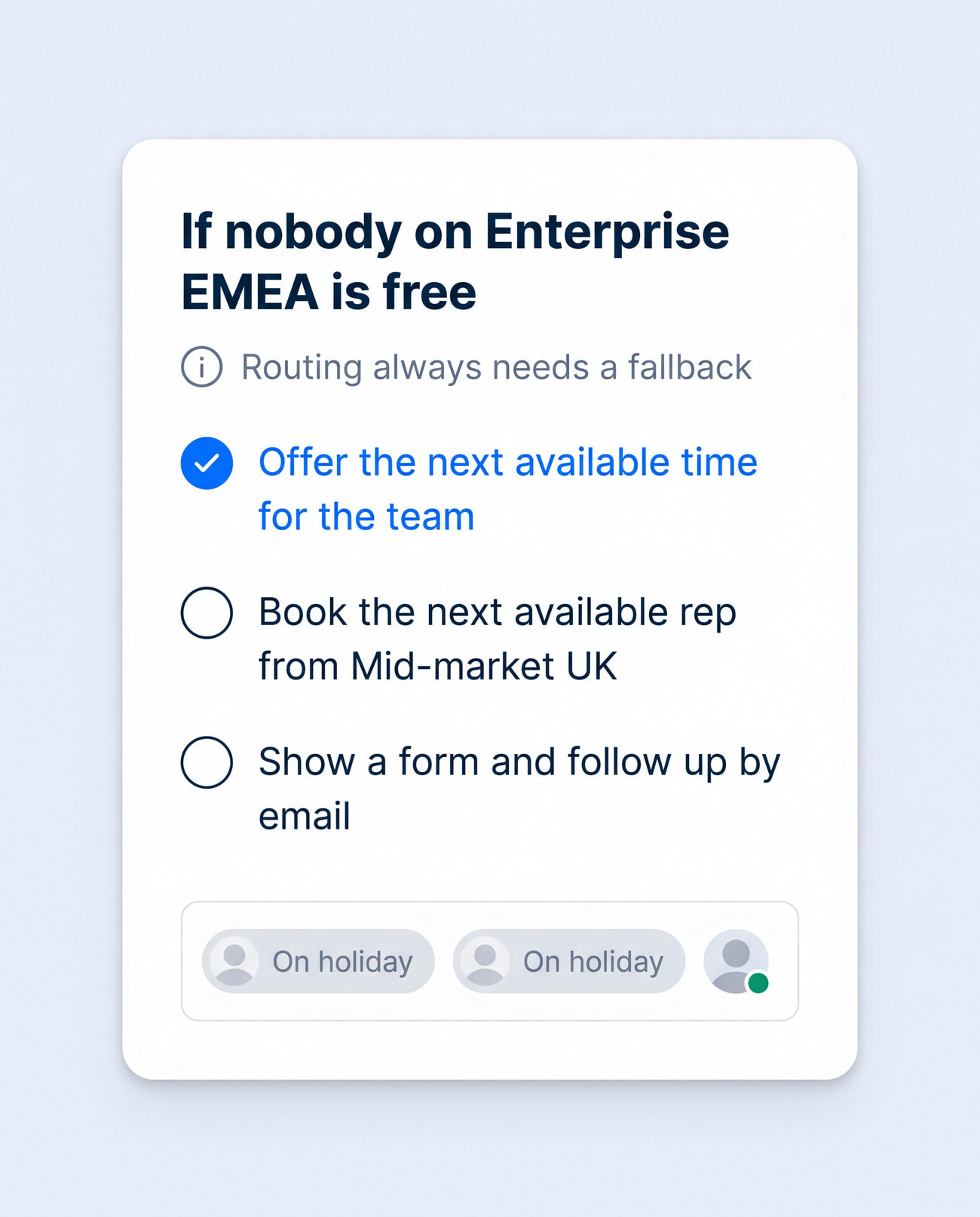
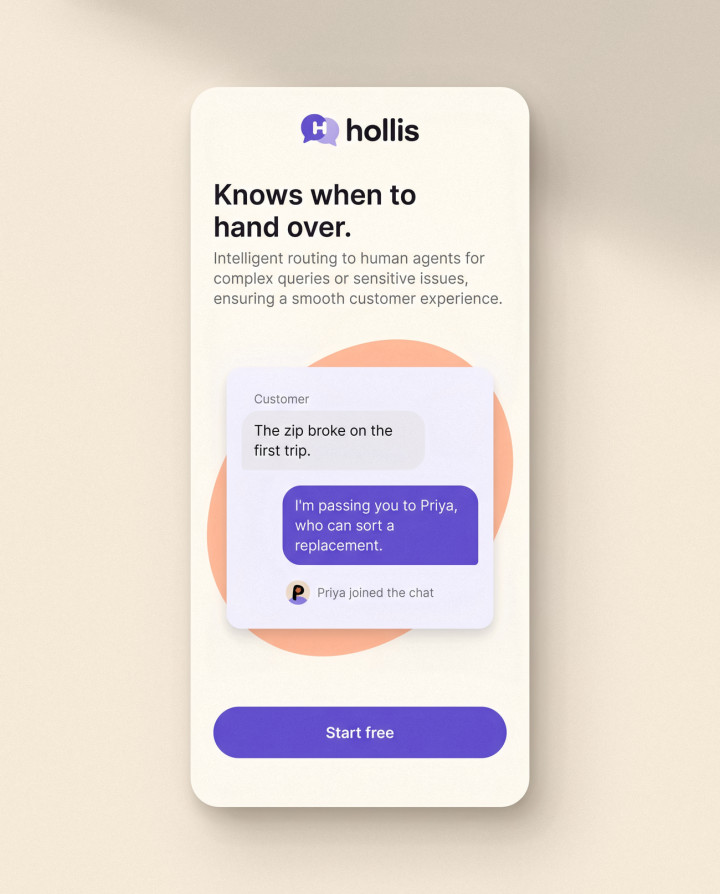
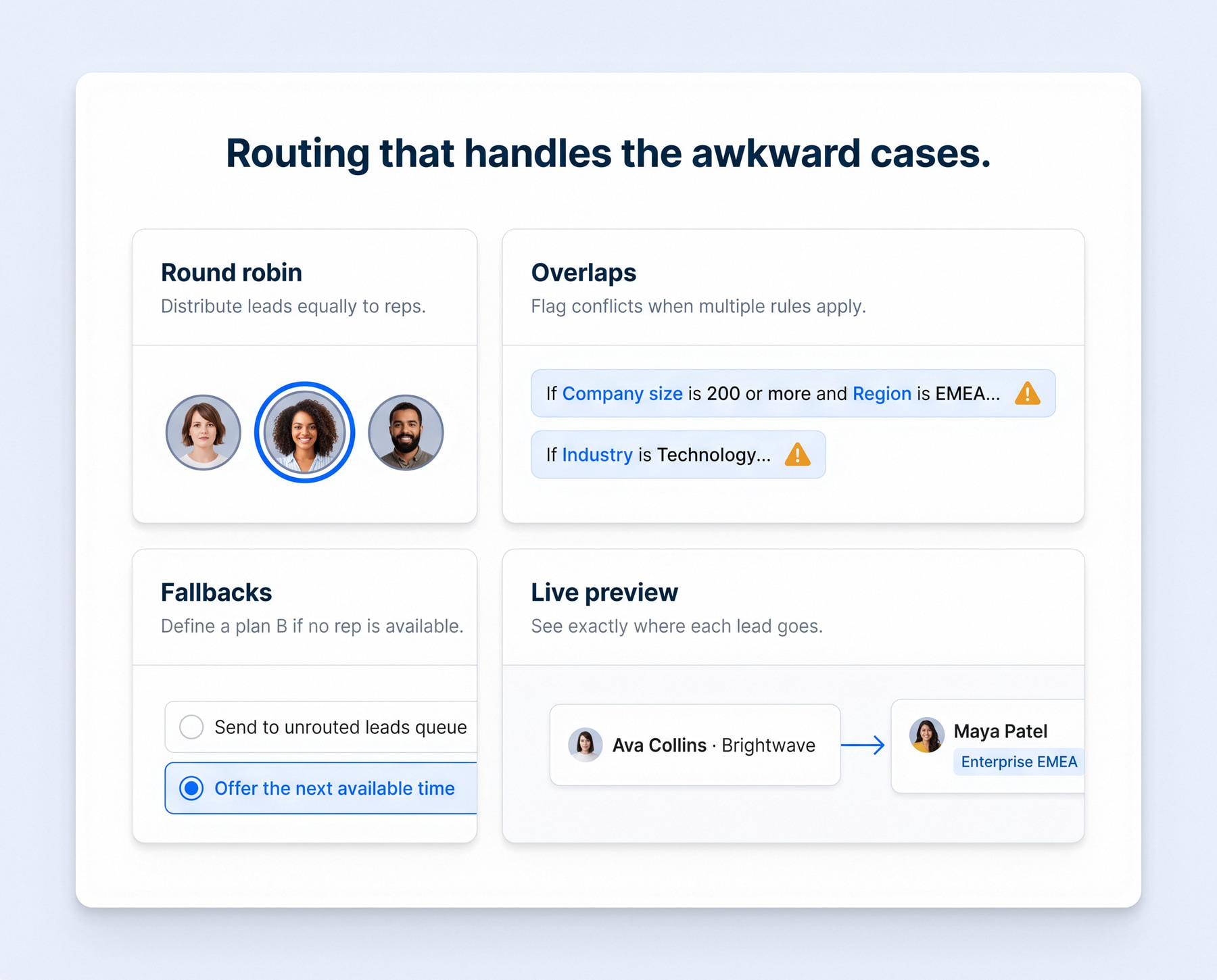
Most routing mistakes live in the gaps: two rules that both match, or a whole team on holiday. The builder flags overlapping rules and won't save until there's a fallback.
Is it fair, and is it fast?
Analytics

Is it fair, and is it fast?

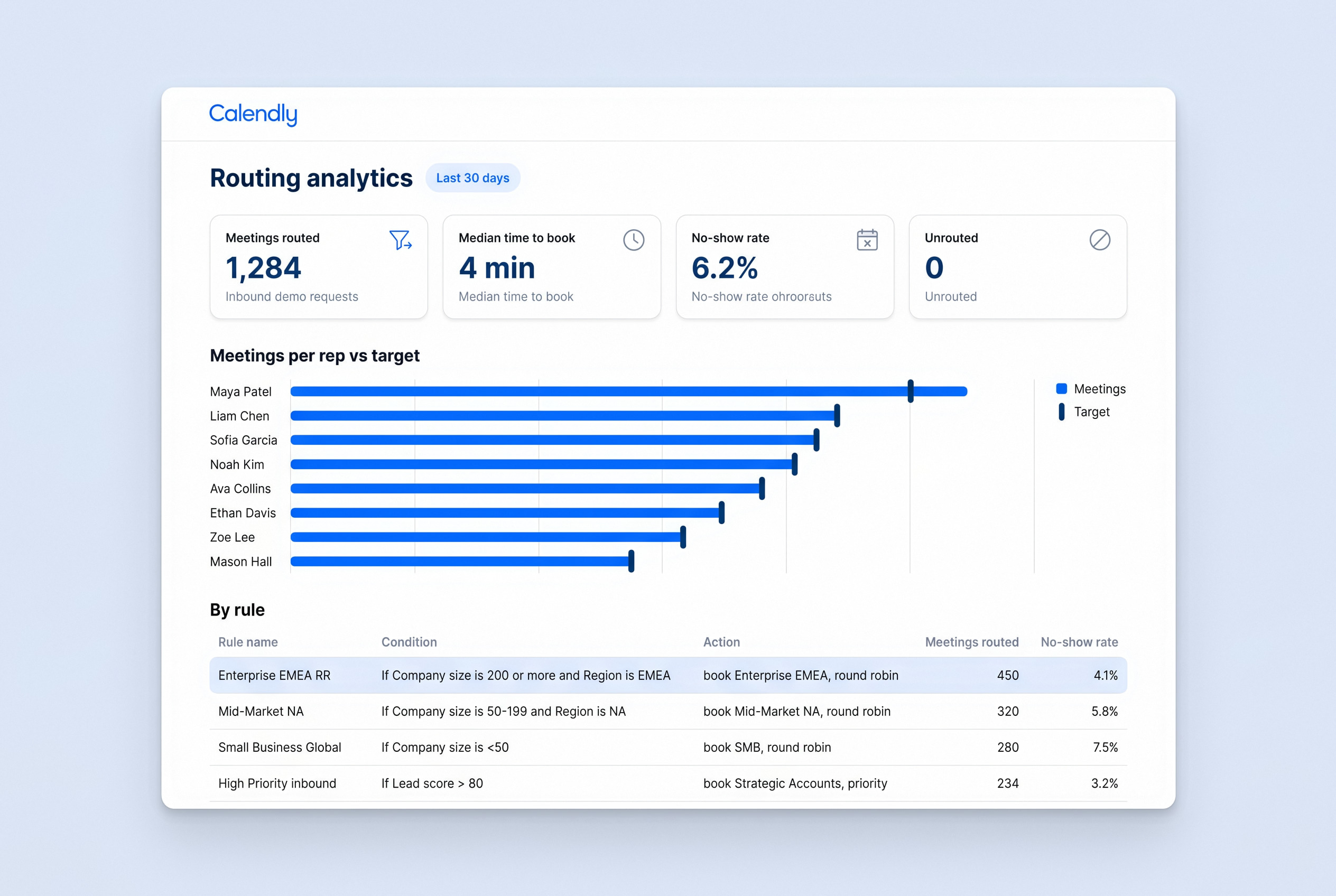
Sales leaders get one screen for the two questions they argue about most: who is getting the meetings, and how quickly prospects get booked. Each rep's share sits against their target, and every number links back to the rule that produced it.
Booking

The prospect never sees the logic

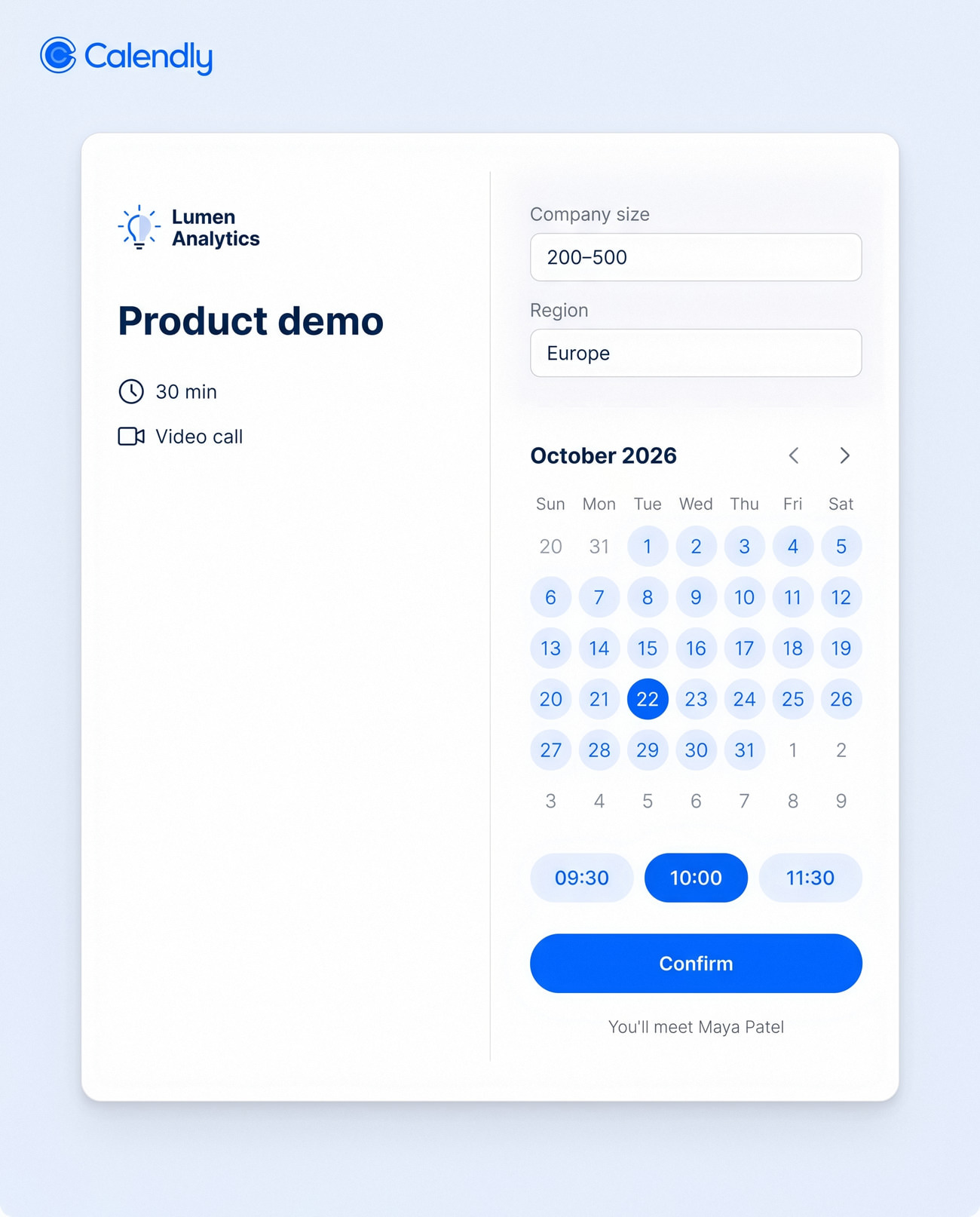
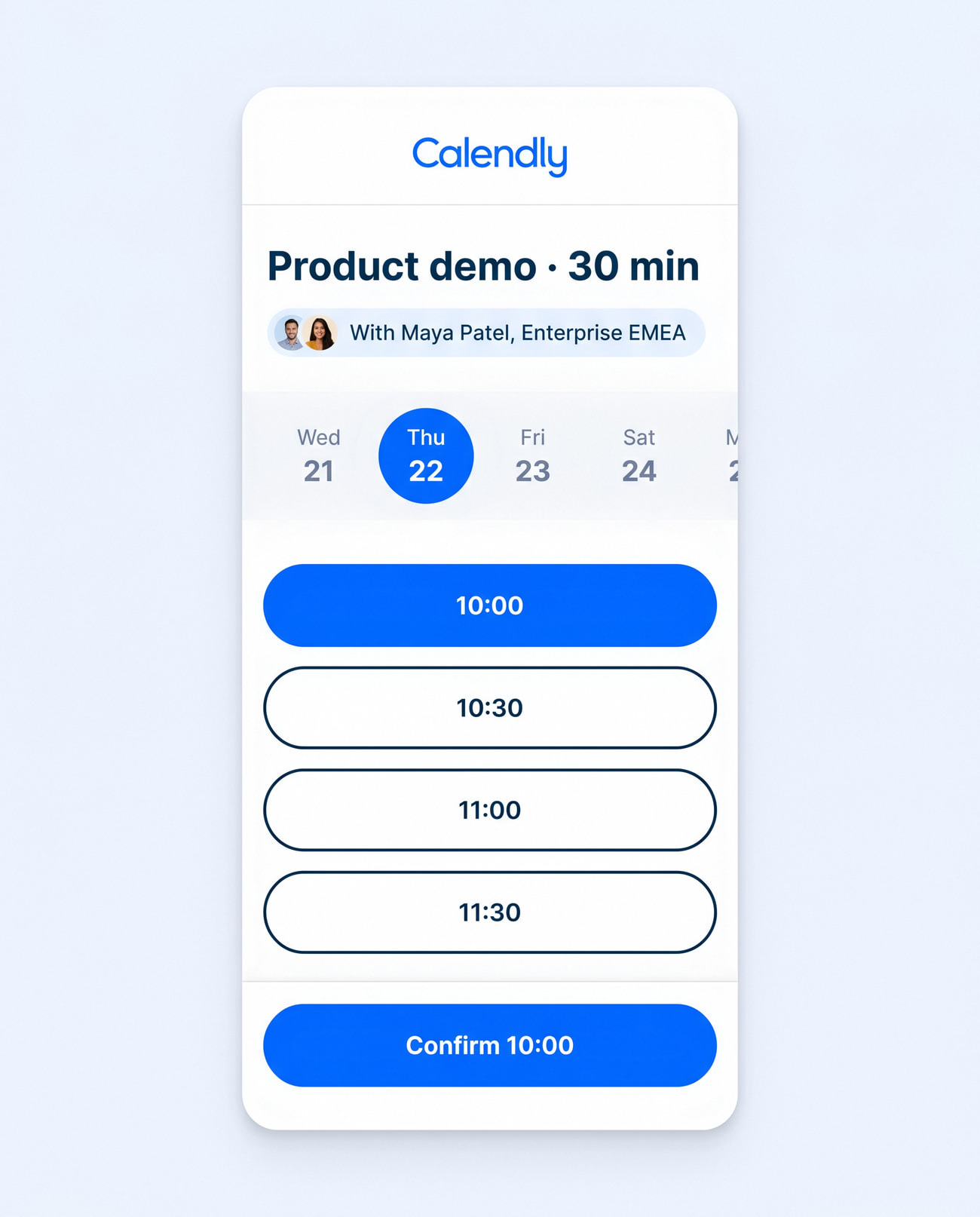
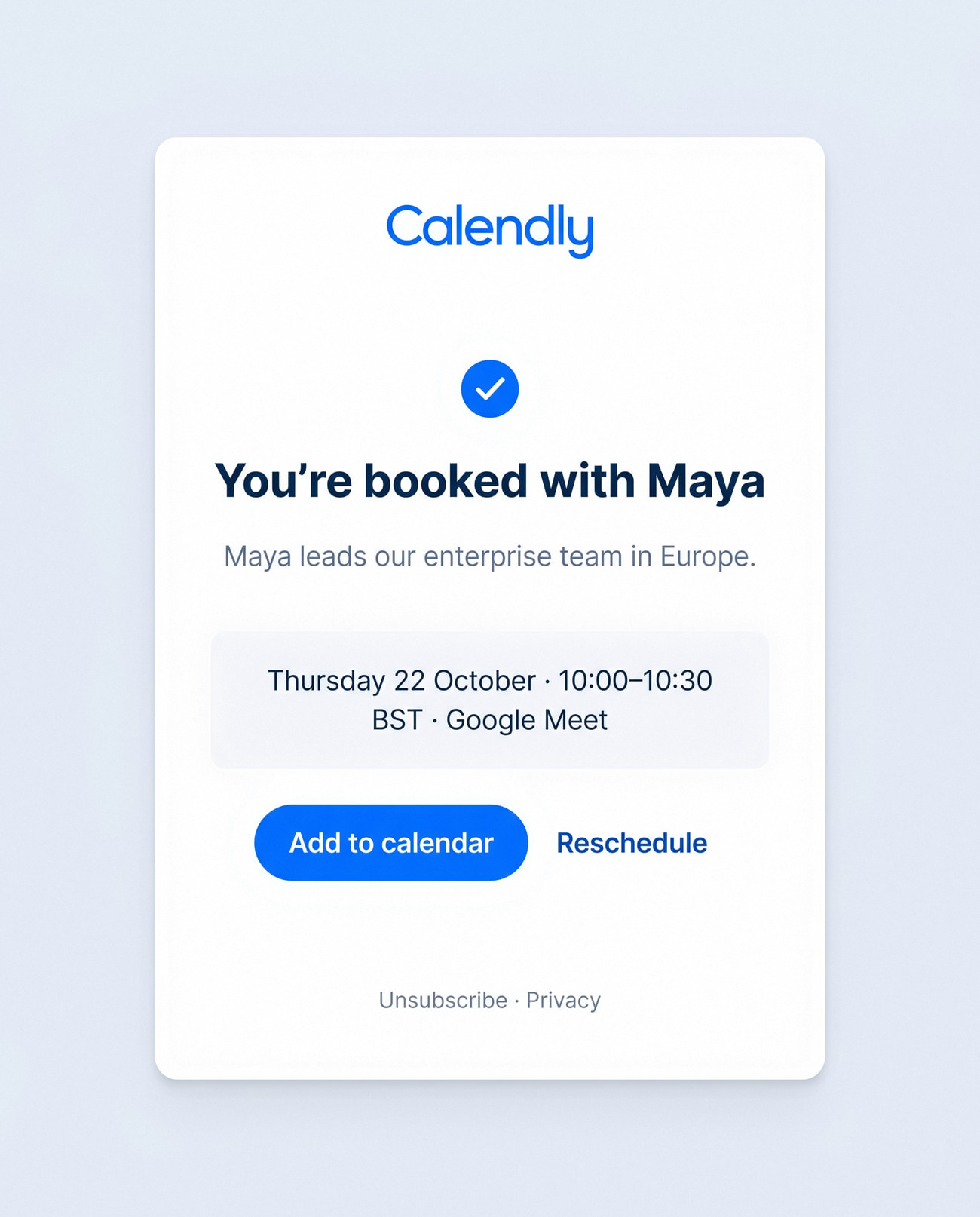
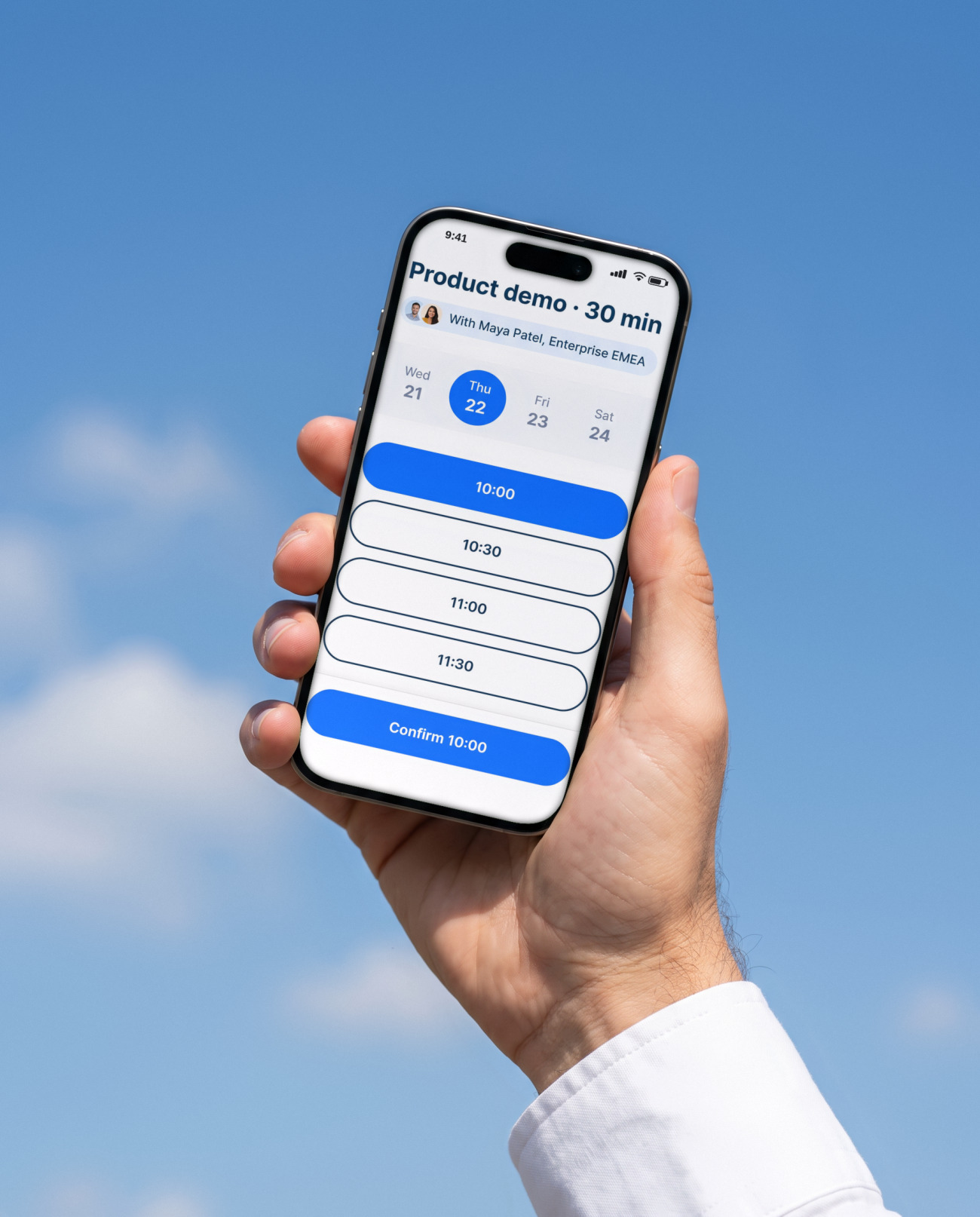
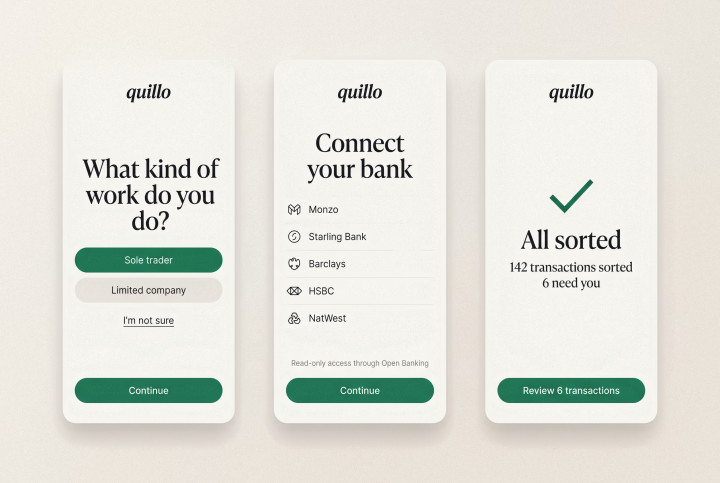
For the person booking, routing is invisible: a short form, a calendar with the right rep's times, and a confirmation that says who they'll meet and why. "Maya leads our enterprise team in Europe" beats "Your meeting is confirmed".
Every routing form, every rep
Admin

Every routing form, every rep

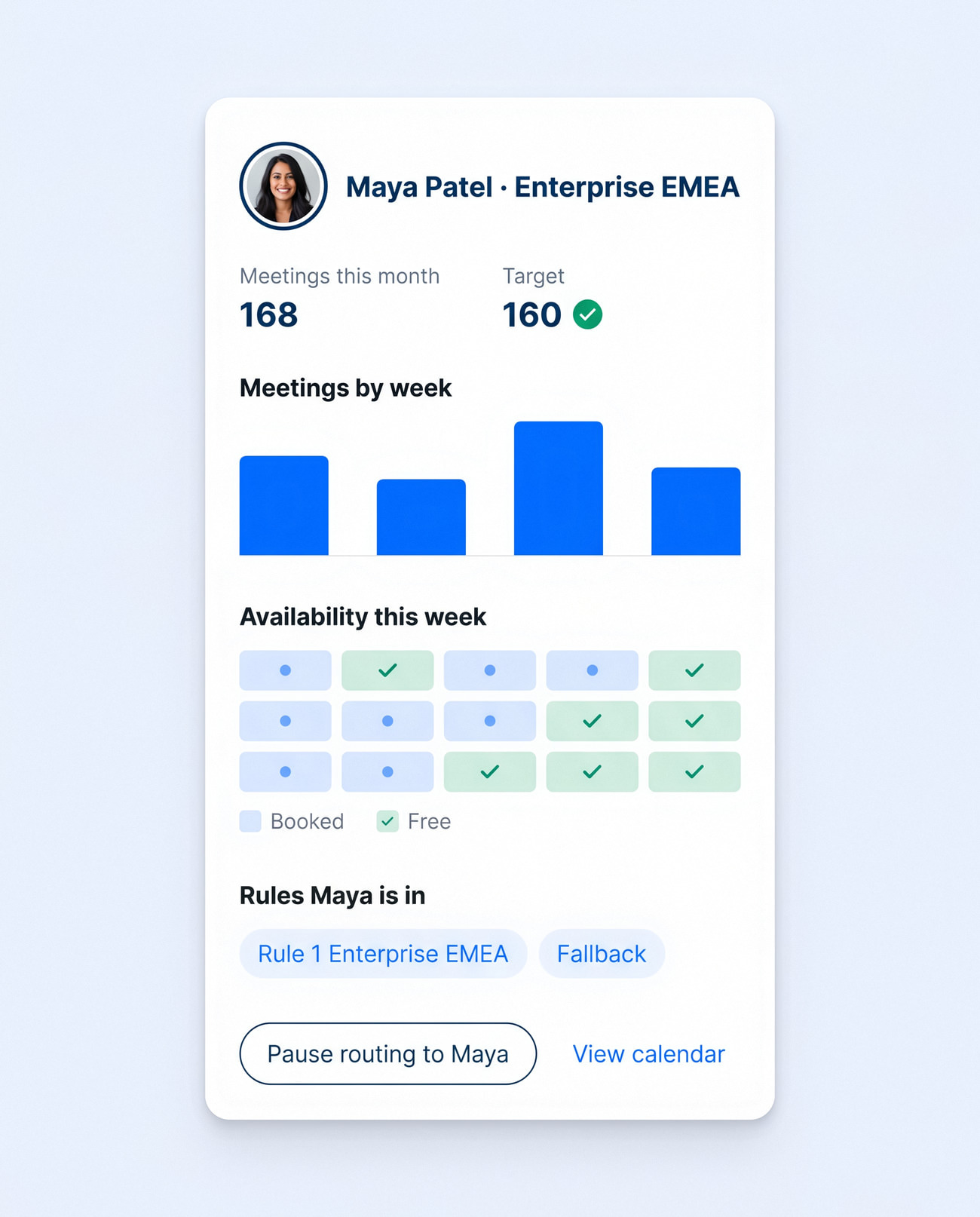
Admins see every routing form at a glance: what's live, who owns it and how many meetings it has booked. Opening a rep shows their meetings against target, their week and the rules they're in, with one button to pause routing to them.
Native to Calendly
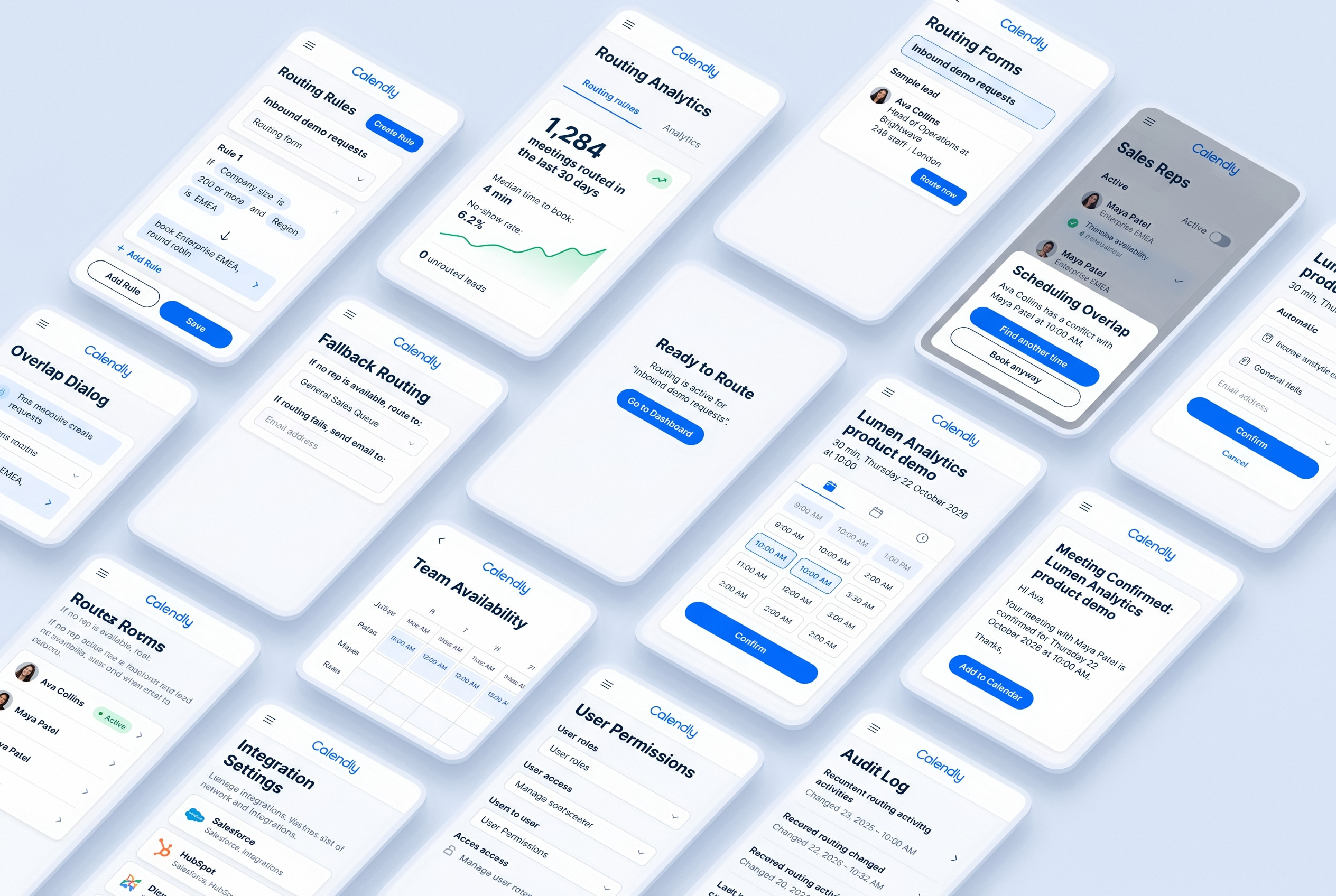
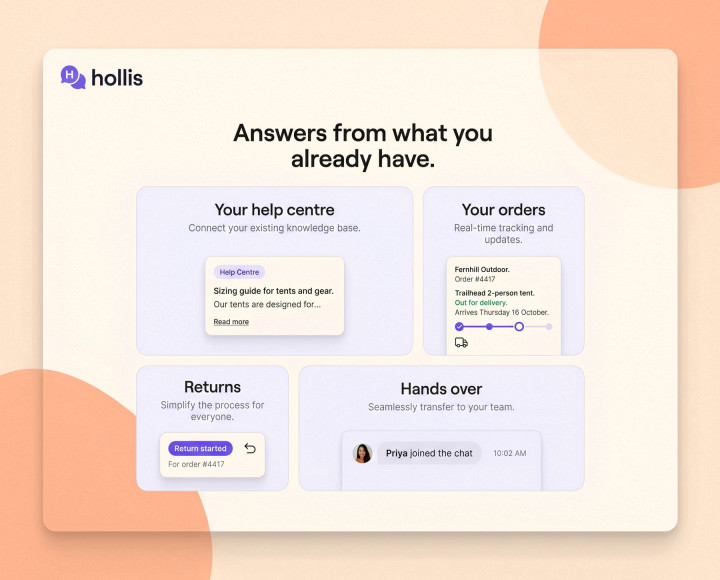
All screens

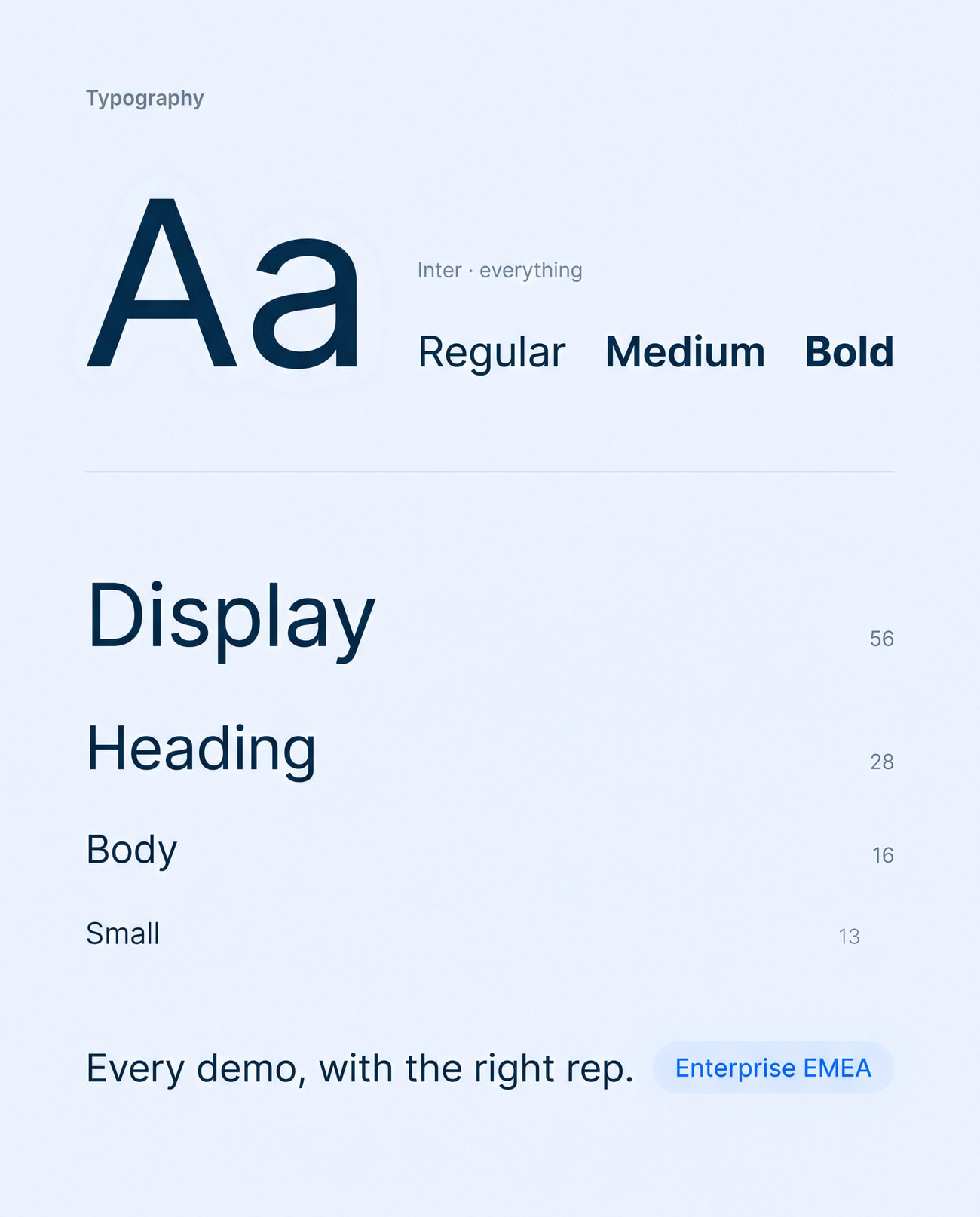
Native to Calendly

Every new screen reuses Calendly's own buttons, inputs, chips and calendar, so the feature reads as part of the product rather than a bolt-on.
Design system

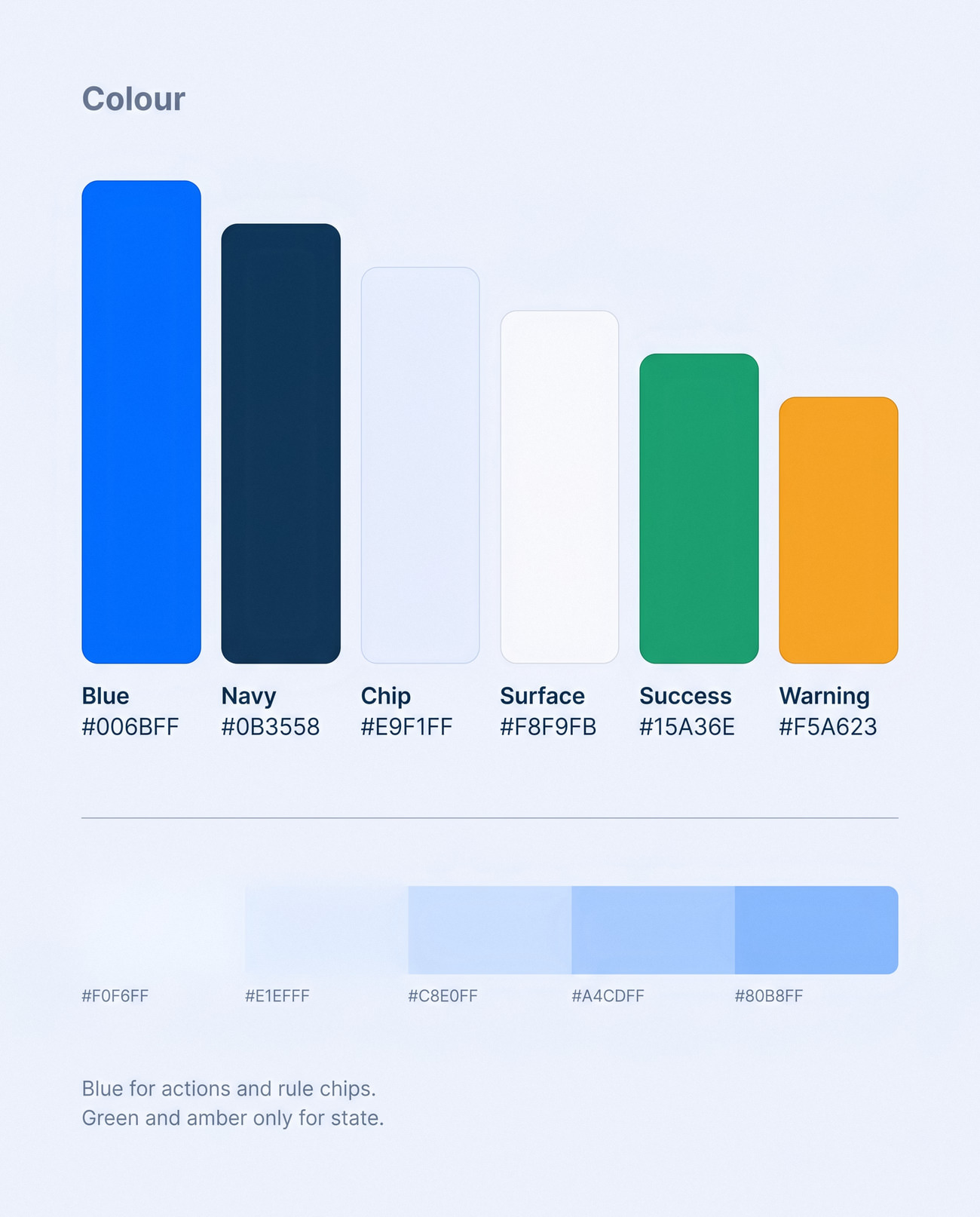
Working inside a brand

Calendly blue for actions, navy for structure and a light grey for panels. The new pieces, like rule chips and the preview card, follow the same radius, spacing and icon style.
For the ops desk and the prospect
In context

For the ops desk and the prospect

The admin builds rules at a desk; the prospect books from a phone in a café. Both ends of the journey were designed together.
Admins, sales leaders, reps and prospects, each with their own view
4 roles
From any number on the dashboard to the rule behind it
1 click
From launch page to confirmation email
11 screens

Want work like this for your store?

Answer a few quick questions and see your price, and the payback you can expect, in two minutes.

Get a quote
More
work