Forgebase

What we did
Product design
Dashboard UI
Developer docs
Client
Self-initiated
Year
2026
Platform
Marketing site, web dashboard, docs

Login and user accounts for developers, from sign-up to first working login in five minutes. We designed the marketing site, the dashboard and the docs.

The challenge

Developers judge an auth product in their first ten minutes with it. Most dashboards in this space bury the three things they need first: their keys, a working login and logs that explain what went wrong.

The approach

We designed the whole journey backwards from the first successful login. The site leads with real code, the dashboard opens on a setup checklist, and every error in the logs links to its fix.
Scroll to explore the full page
A site developers actually read
Full page, top to bottom
Marketing site

A site developers actually read

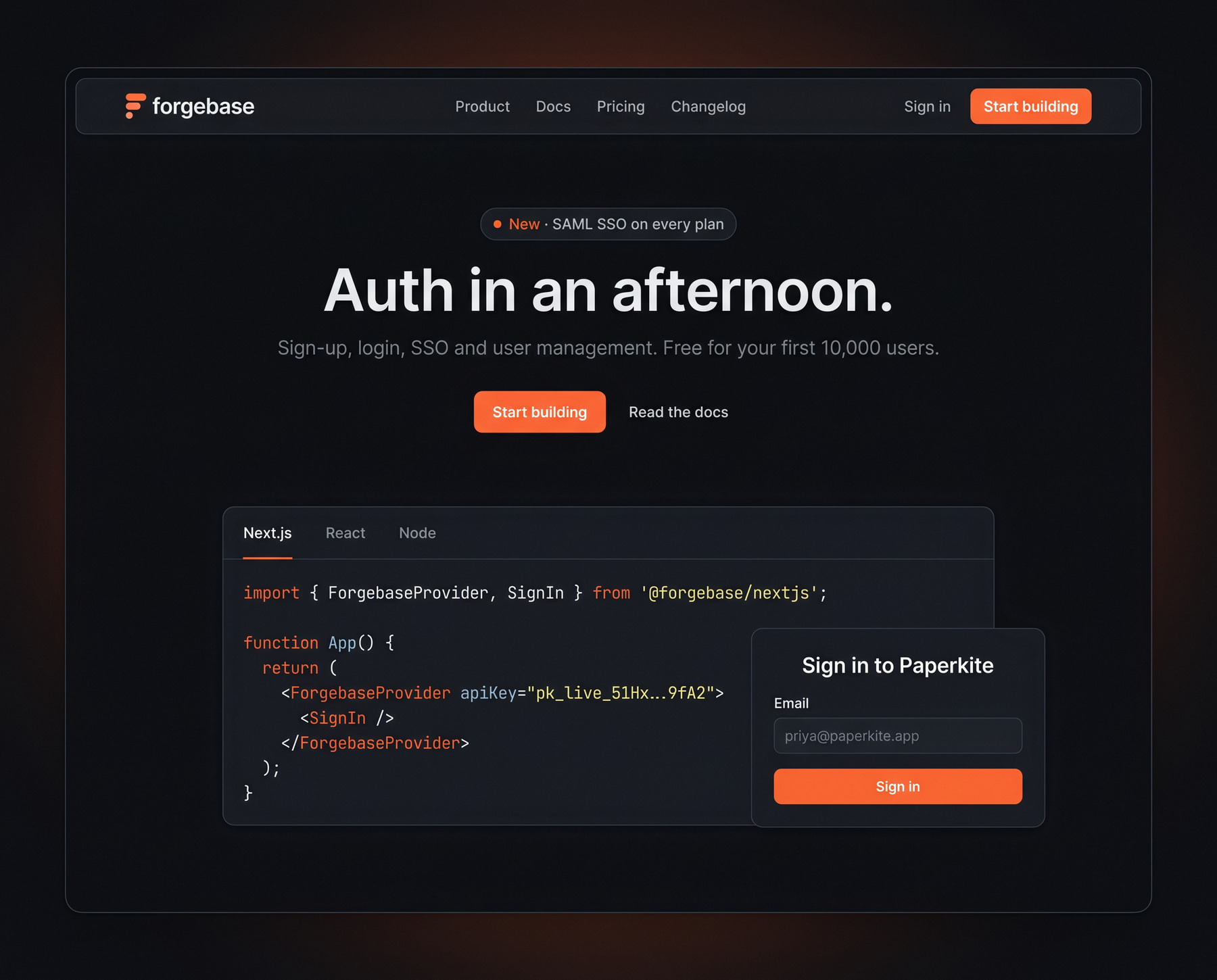
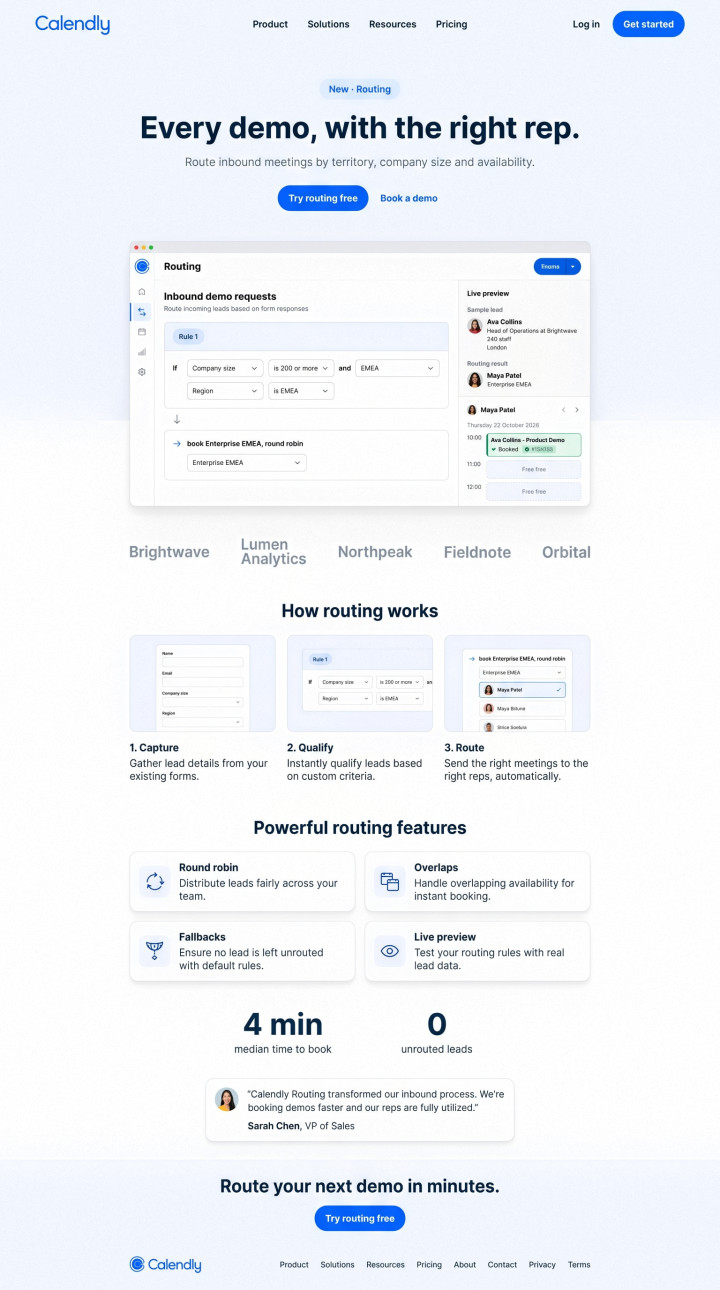
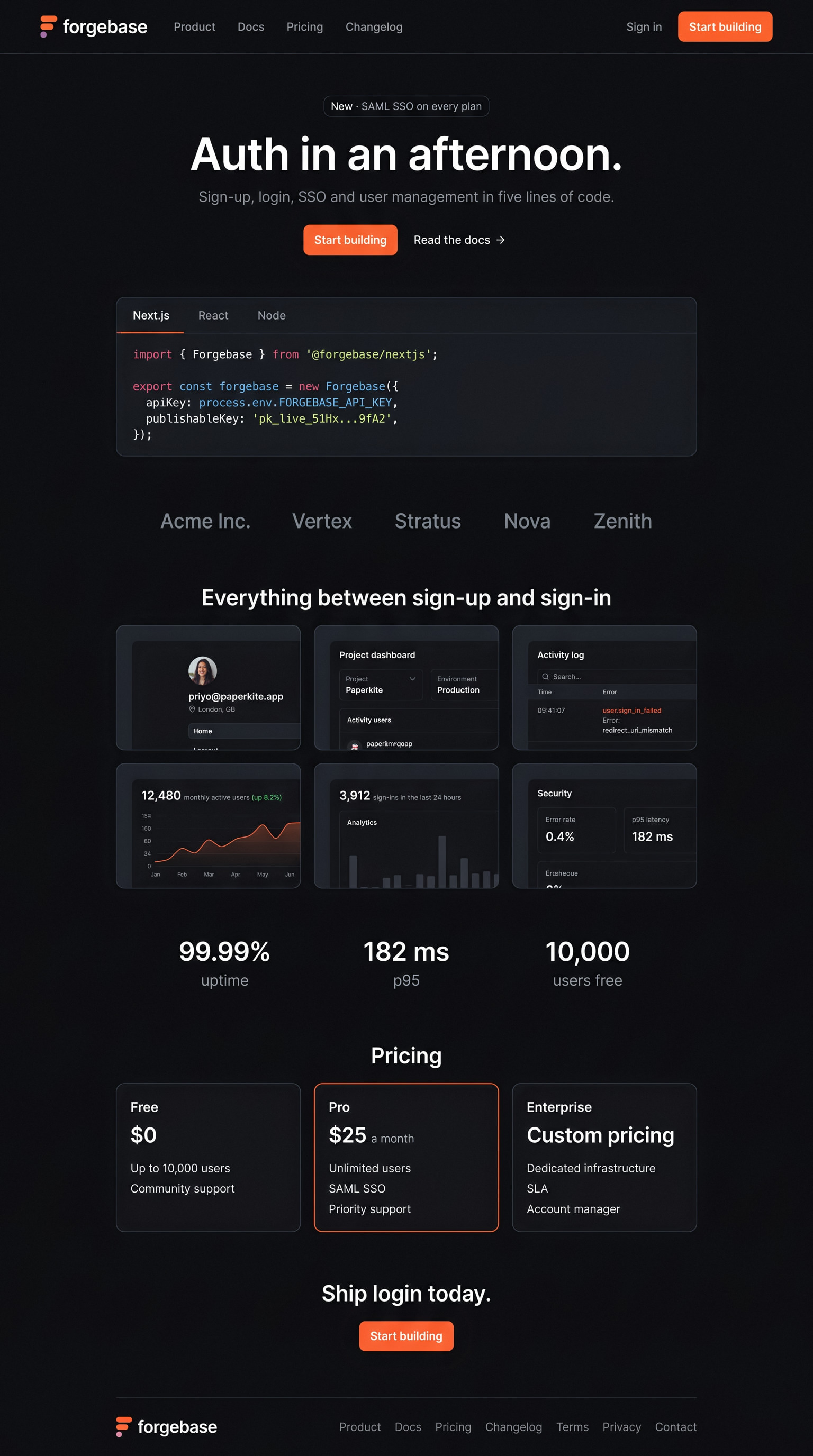
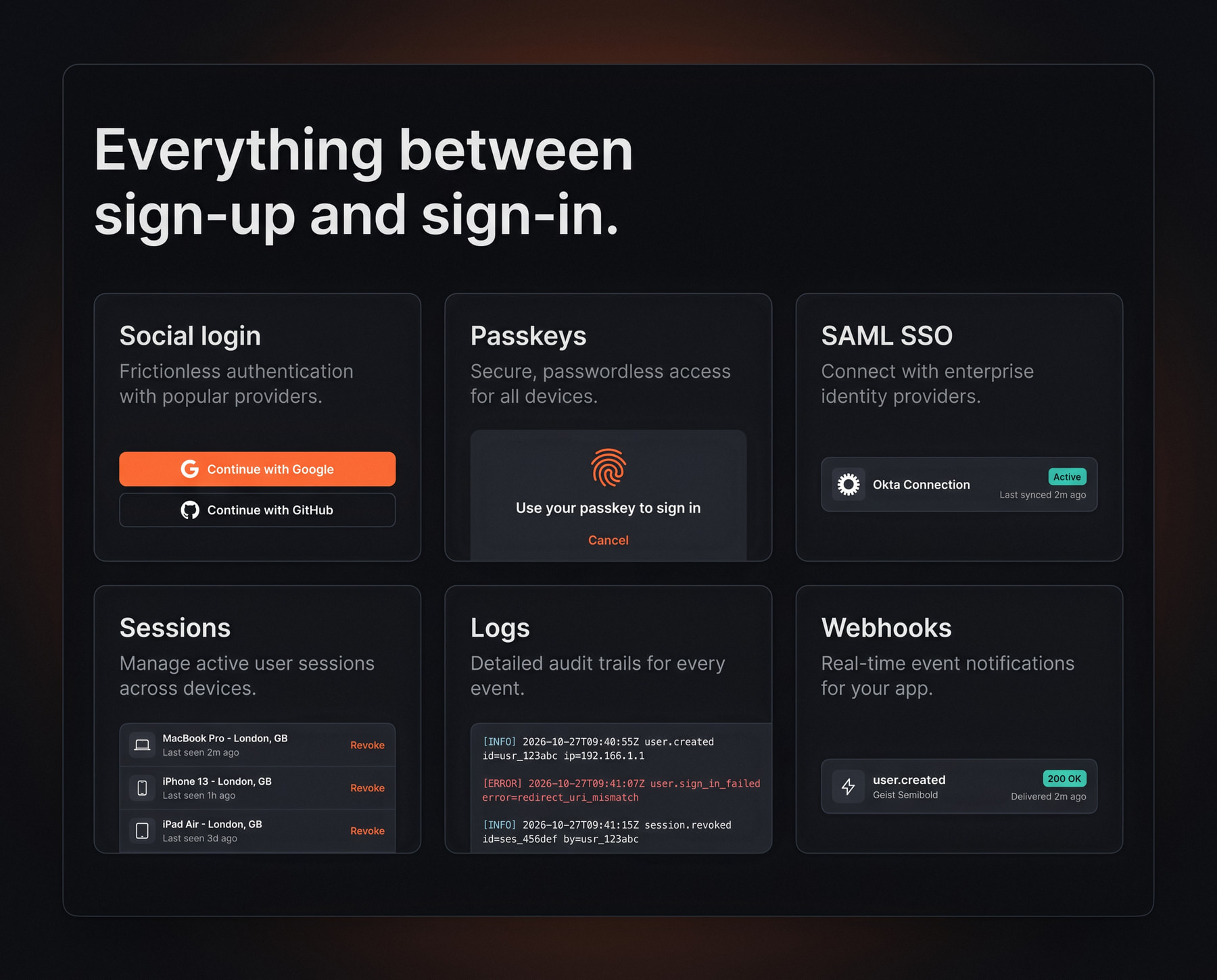
The marketing site sells the way developers buy: real code in the hero, a bento grid with the product inside every tile, numbers that matter to engineers, and pricing one scroll away. It ends on a single call to action: start a free project.

Mapped backwards from the first login
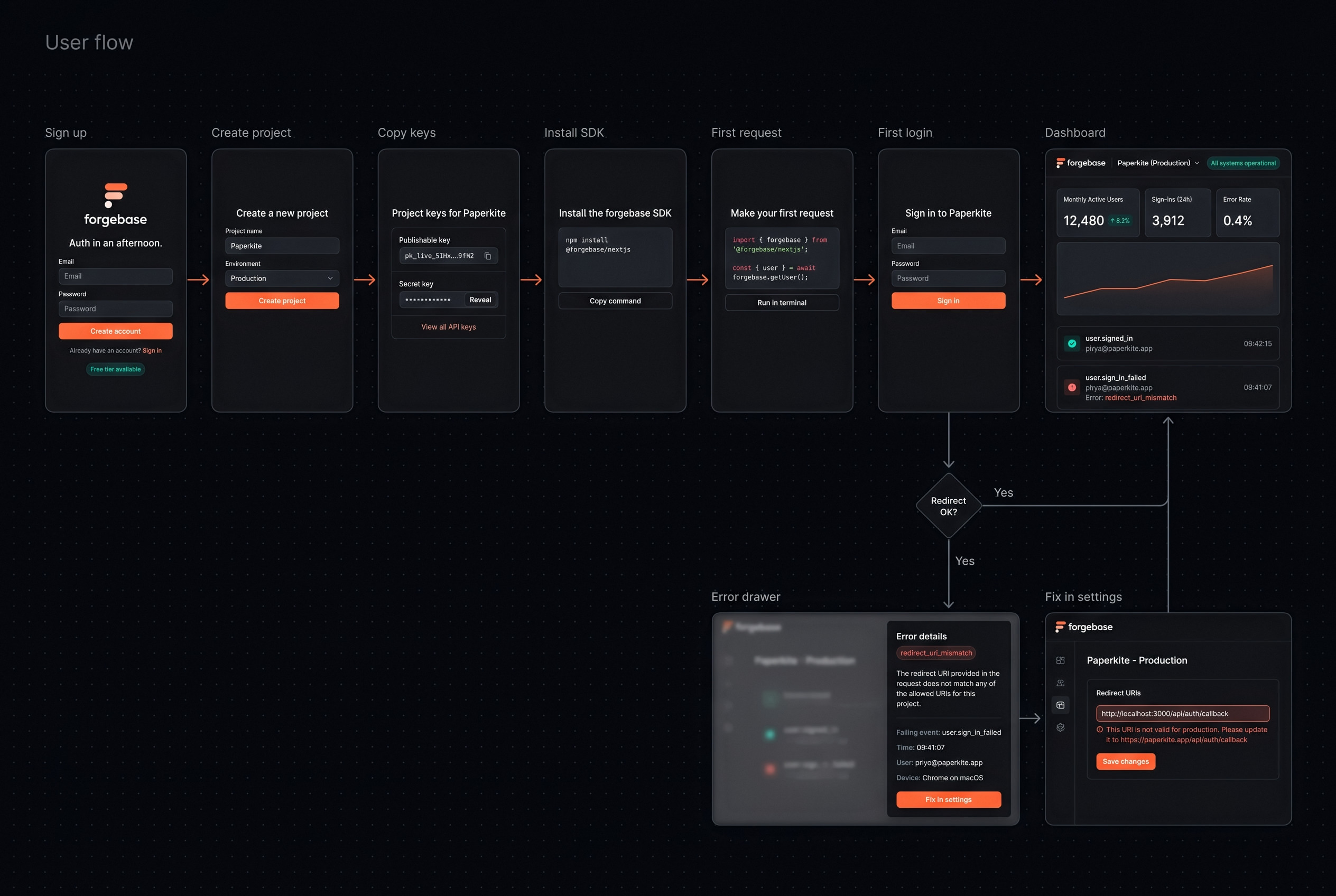
User flow

Mapped backwards from the first login

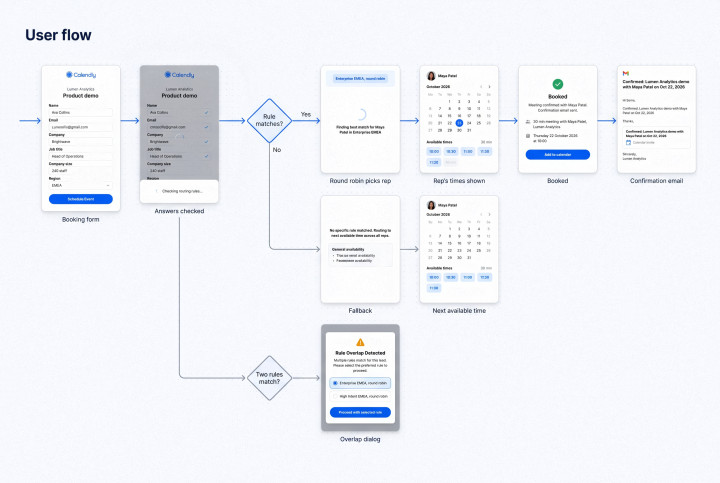
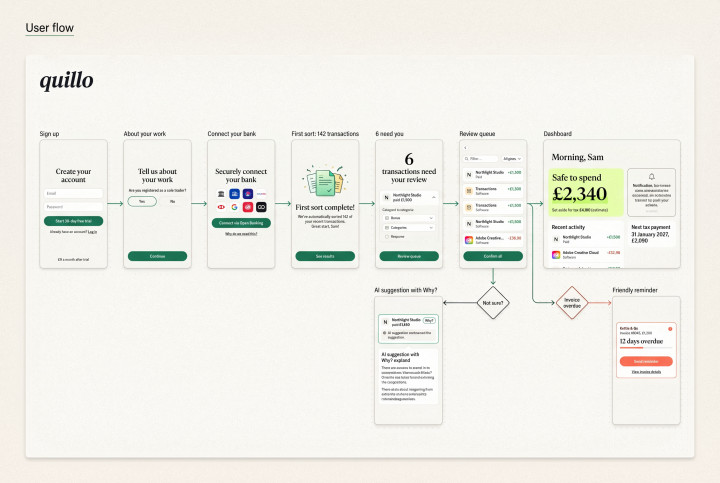
Before any screens, We mapped the journey from sign-up to first working login, including the two places developers usually get stuck: SSO setup and redirect errors. Each step became a screen with one job.
Code above the fold
Real code, not stock UI
The site

Code above the fold

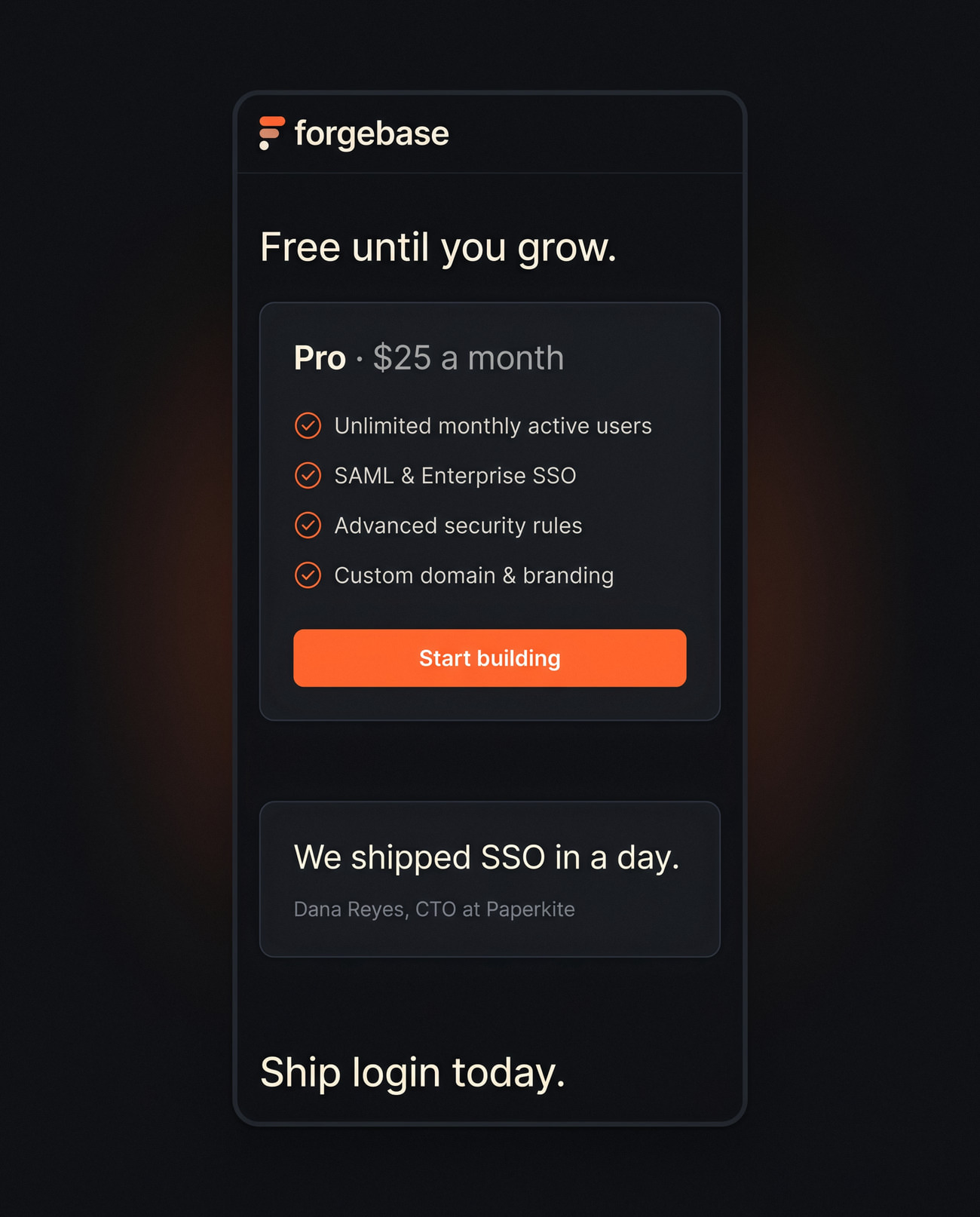
The homepage leads with the five lines of code it takes to add login, not a list of features. Pricing is per active user and one click away, so a developer can estimate the bill before signing up.
From sign-up to first login in five minutes
Onboarding

From sign-up to first login in five minutes

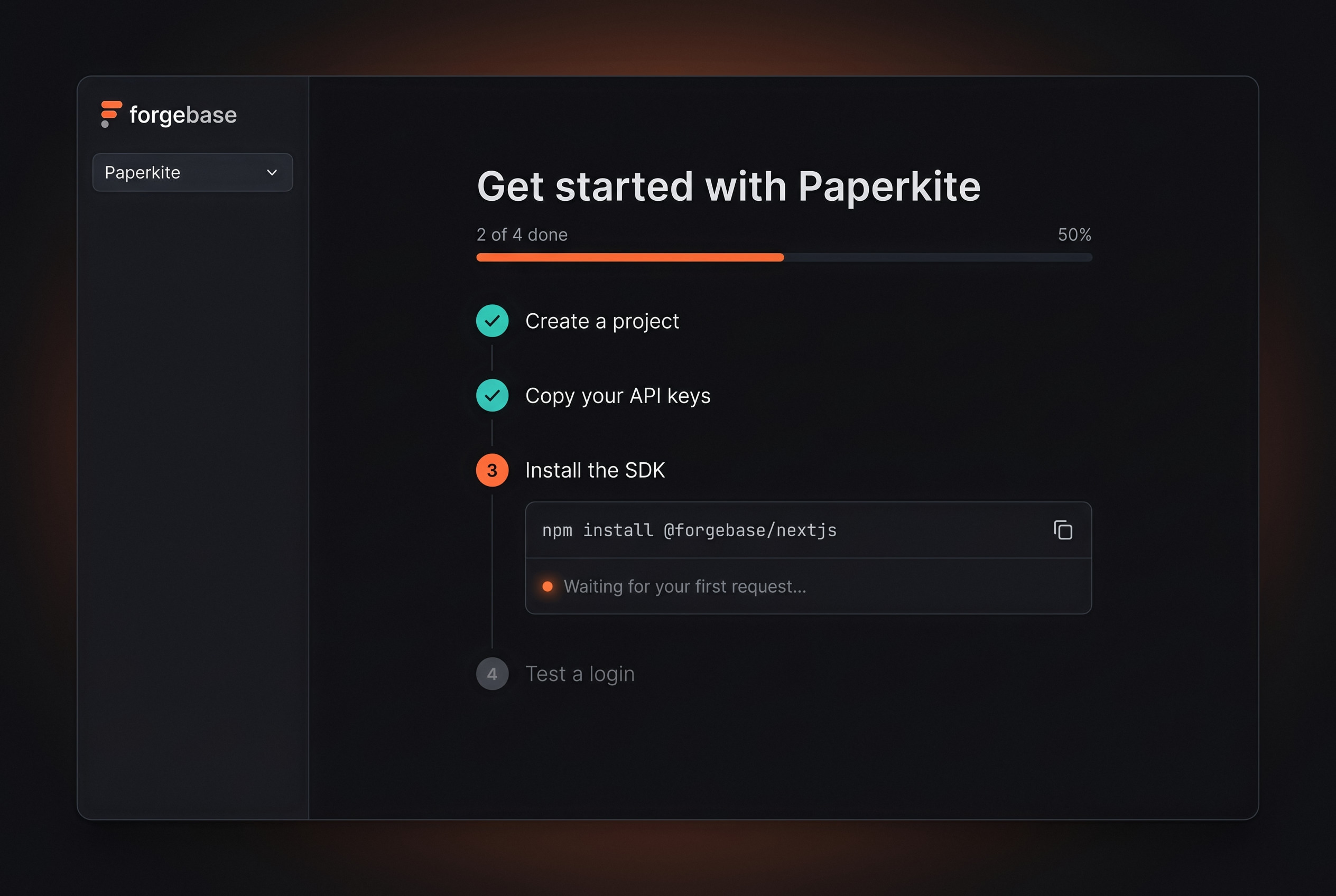
After sign-up, the dashboard opens on a four-step checklist: create a project, copy your keys, paste the snippet, test a login. Each step ticks itself off the moment Forgebase sees it happen.
The questions you ask in an incident, answered on one screen
The dashboard

The questions you ask in an incident, answered on one screen

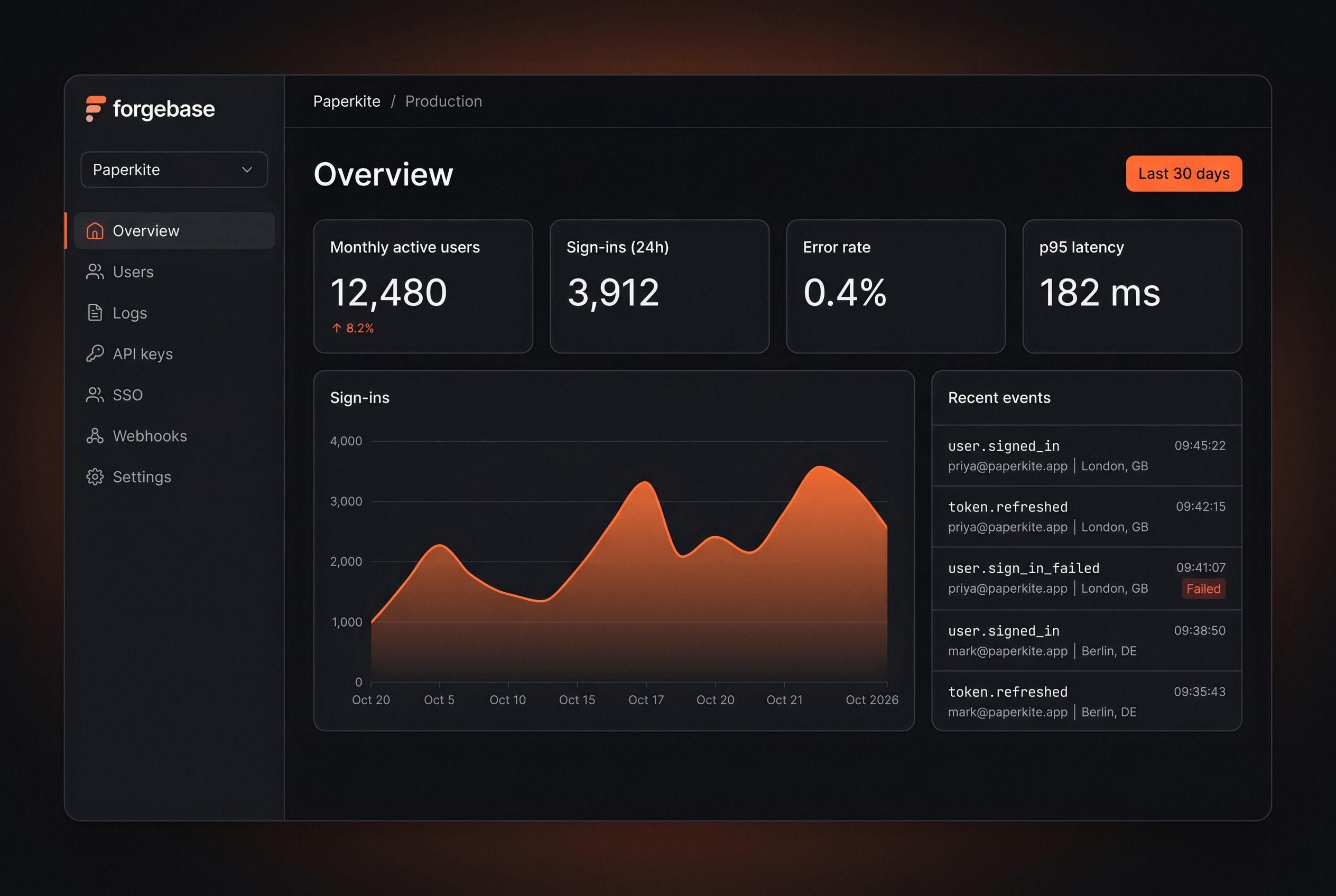
The overview answers what developers ask when something breaks: is login working, how many users are affected, and what changed. Charts use a single accent colour, so a spike is the first thing you see.
Errors that explain themselves
Reason first, raw request second
Logs

Errors that explain themselves

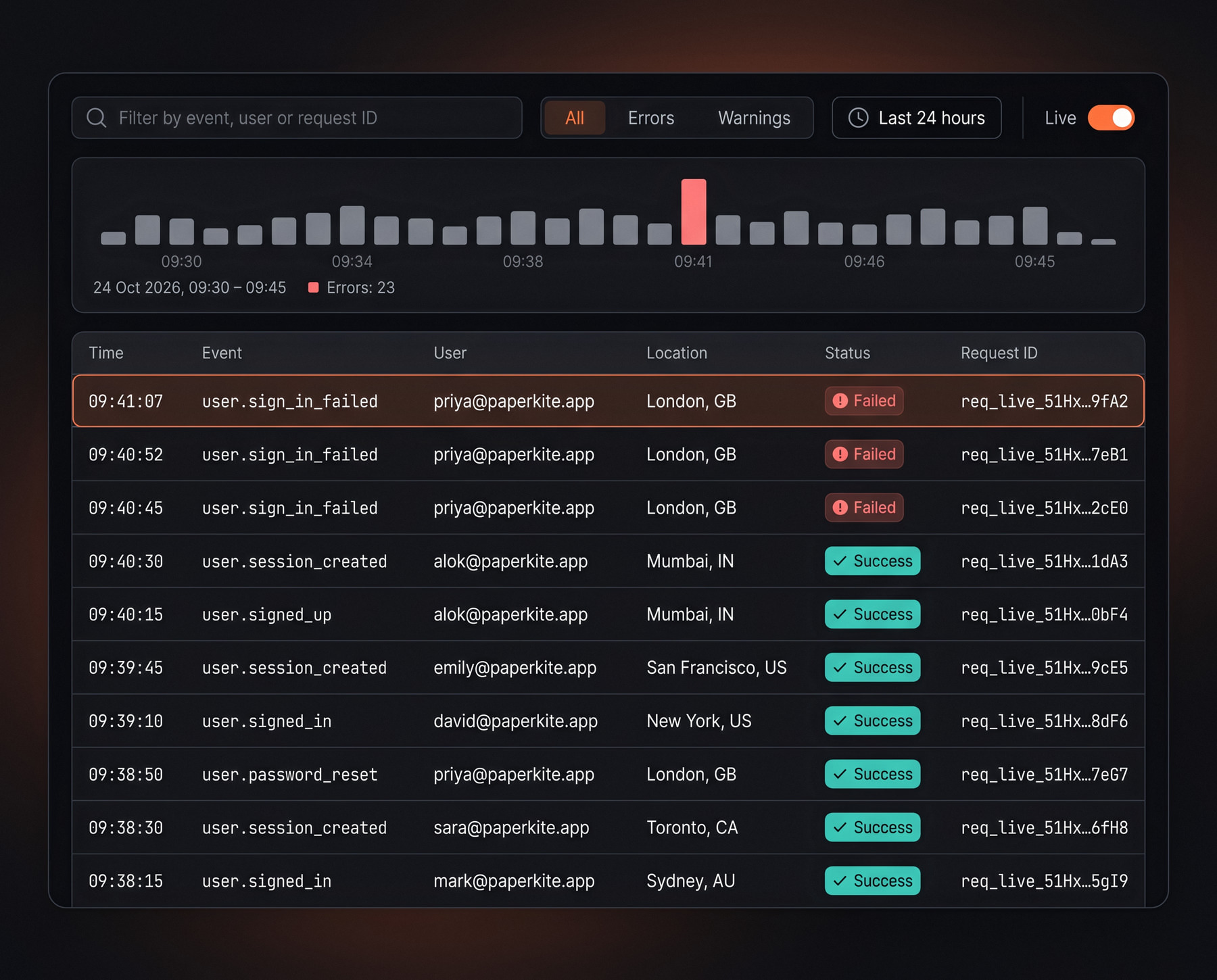
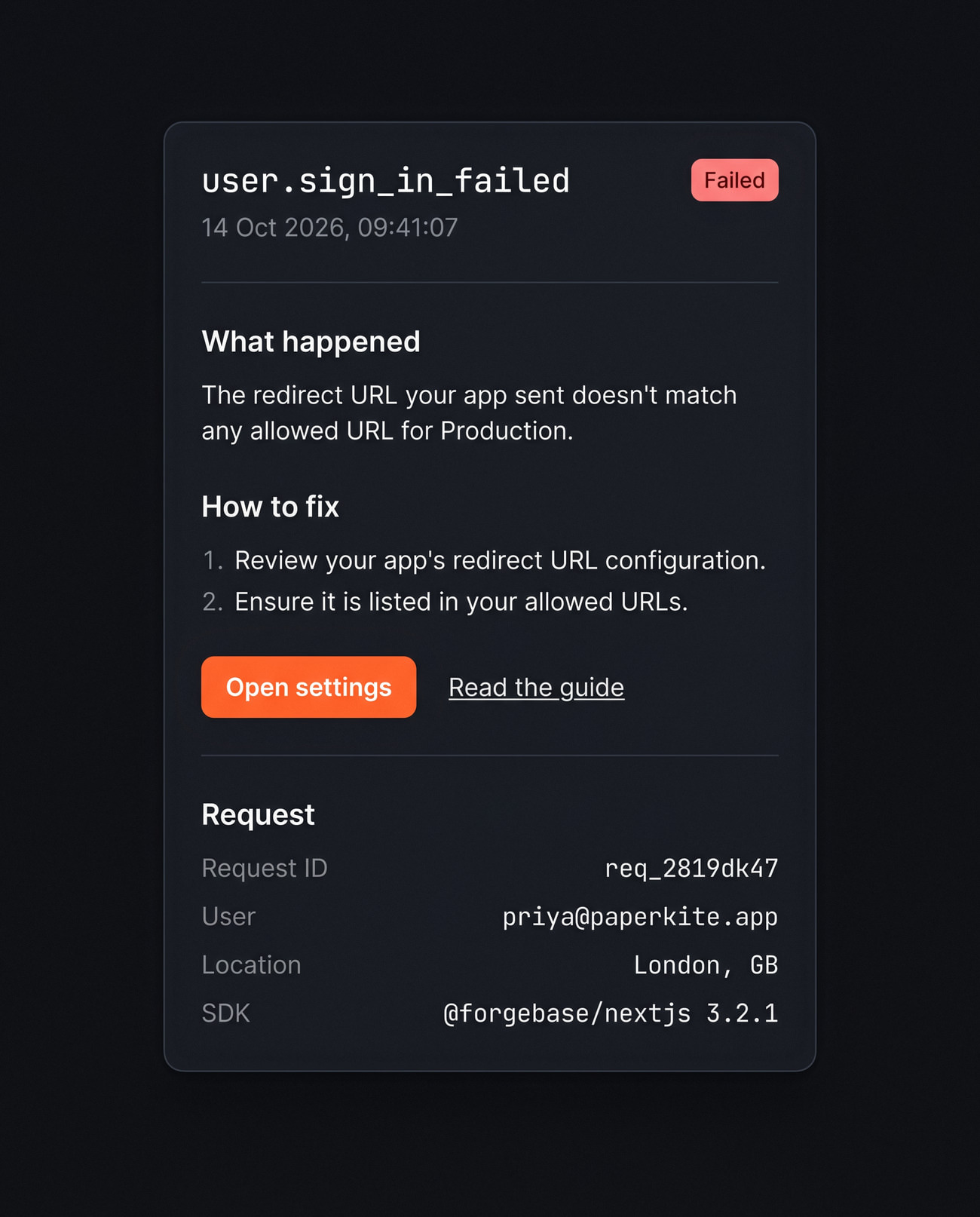
Every failed login opens a drawer with the request, the reason in plain English and a link to the exact section of the docs that fixes it. The goal is a fix without a support ticket.
Components

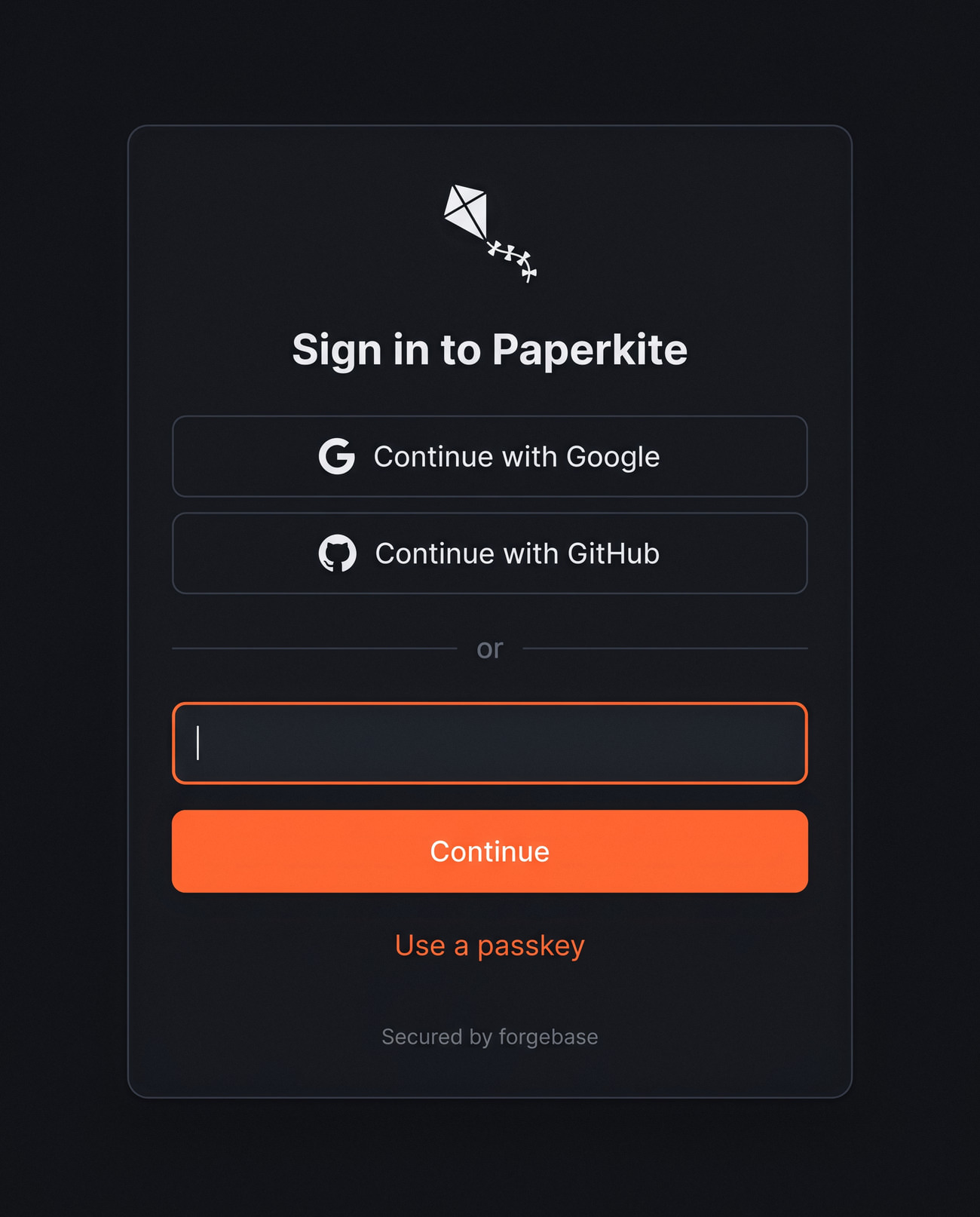
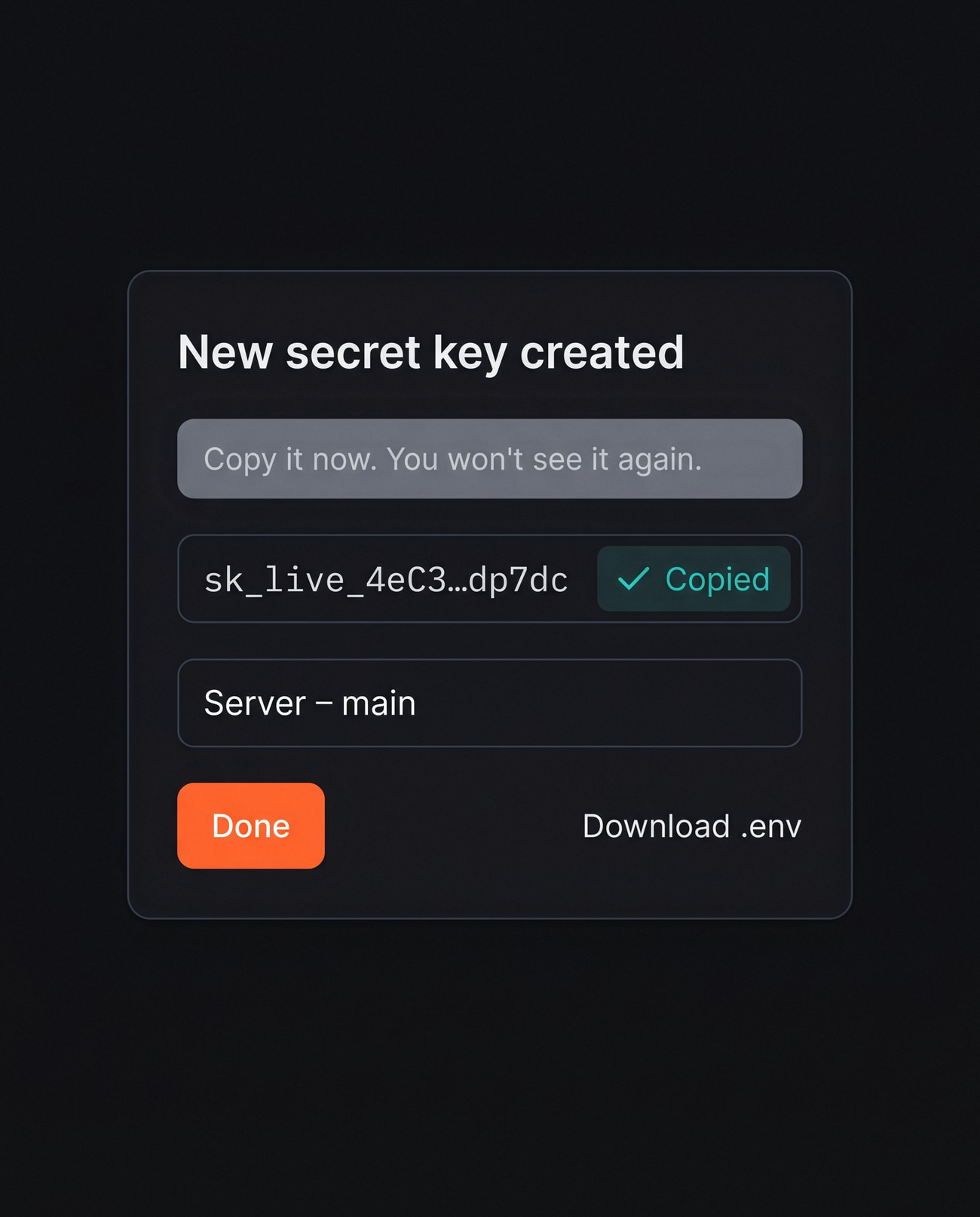
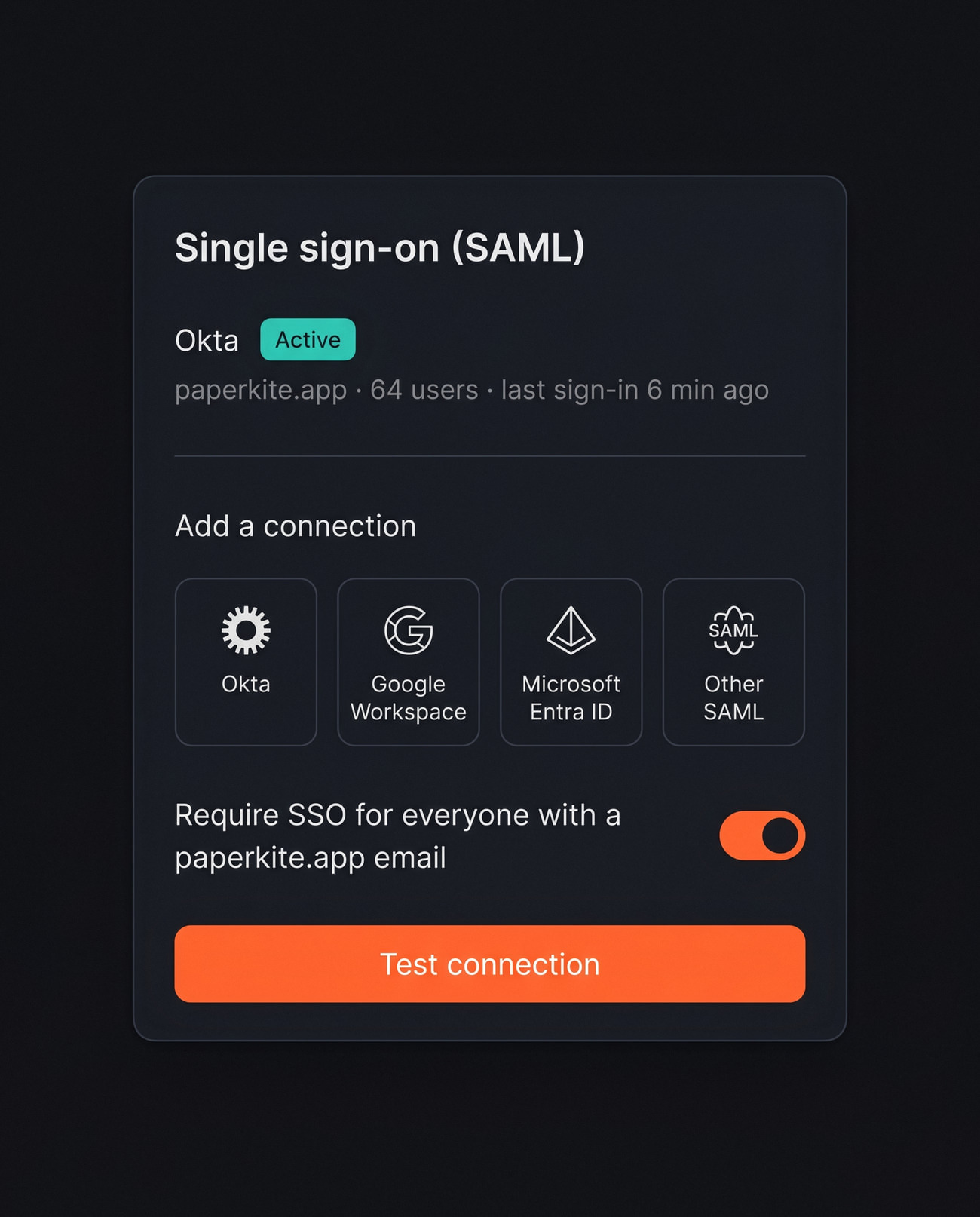
The screens your users actually see

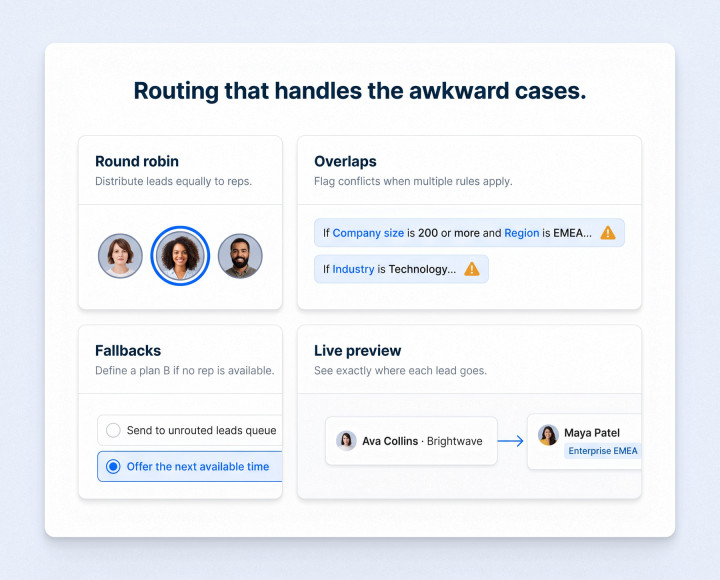
Forgebase ships drop-in screens for sign-in, API keys and SSO setup. They take on each customer's name and colours, so they feel like part of the app, not a third-party page.
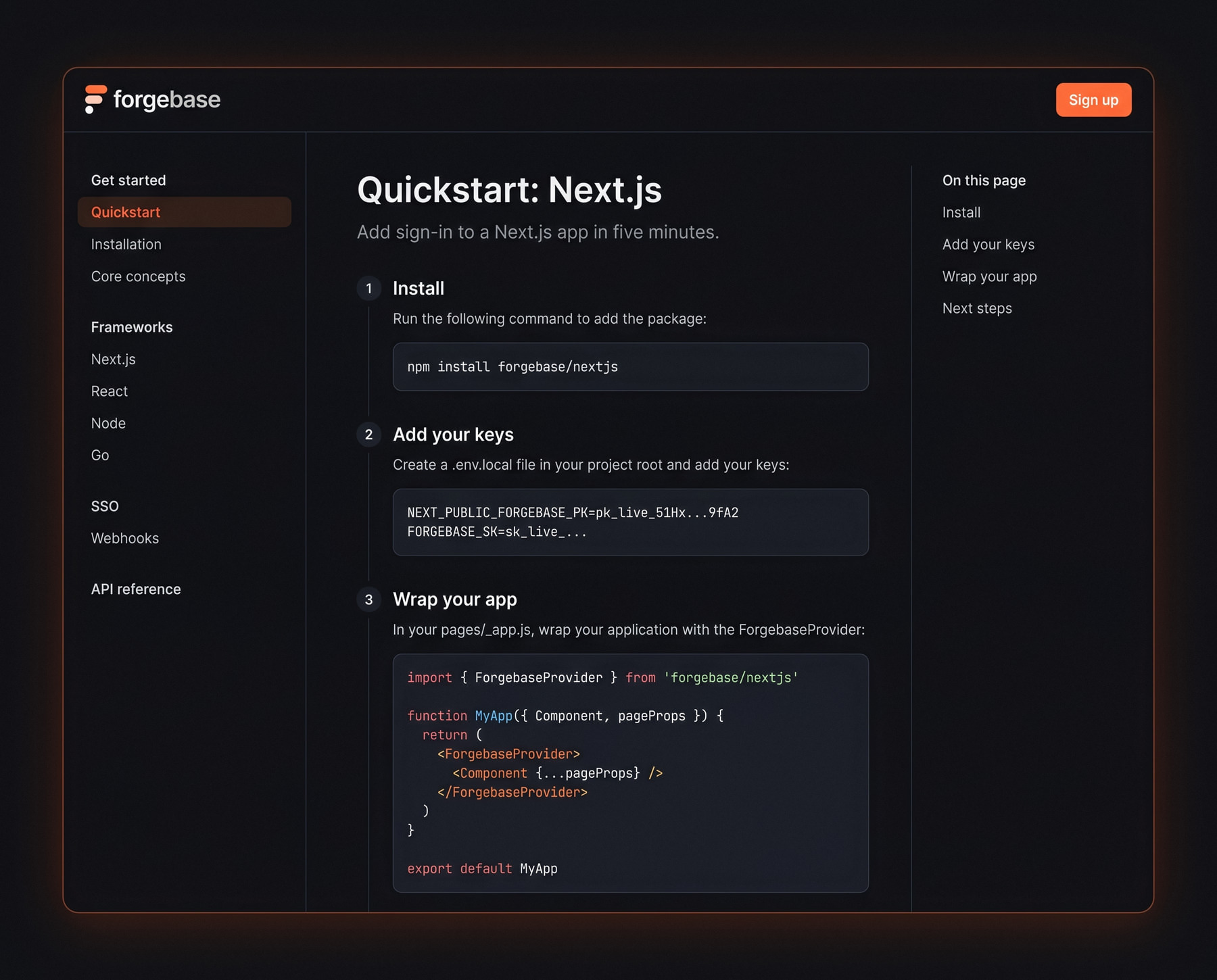
Docs you can paste from
Docs

Docs you can paste from

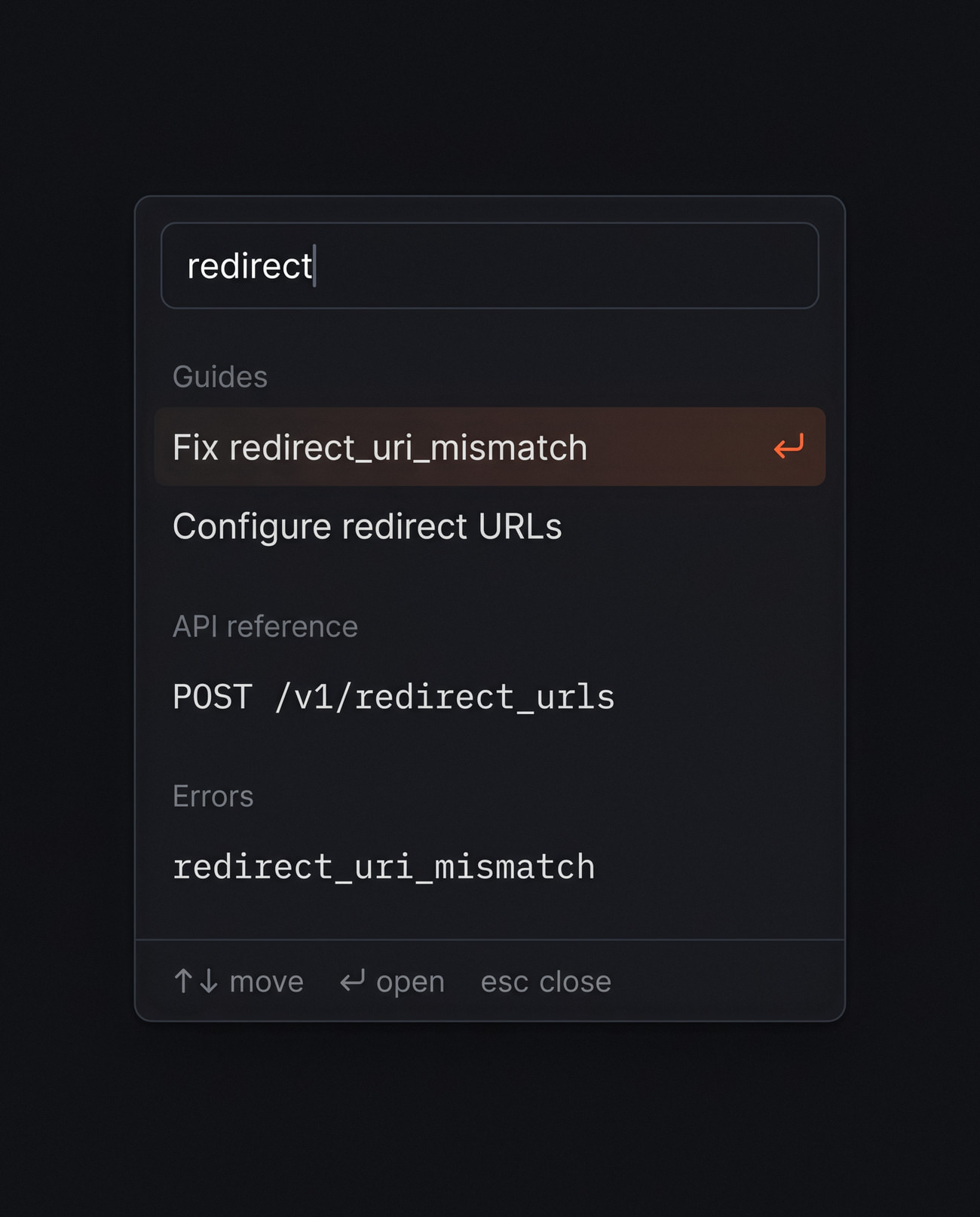
The quickstart knows your framework and fills in your real keys, so the code on the page is the code you paste. Search groups results into guides, API reference and errors.
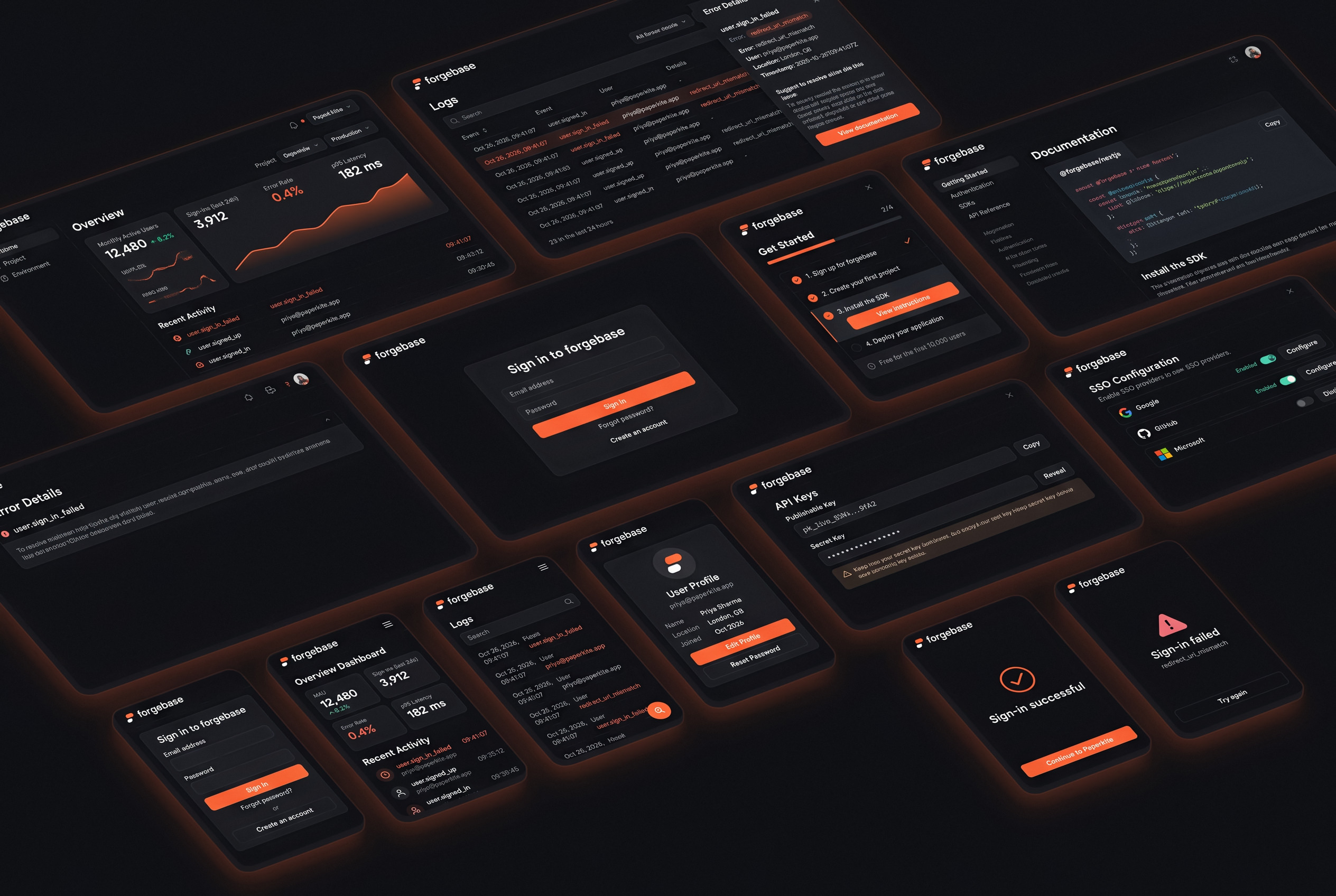
Fourteen screens, one system
All screens

Fourteen screens, one system

The site, dashboard and docs share one set of components and tokens, so a developer moving from the pricing page to the logs never feels they have changed products.
Design system

Small palette, loud errors

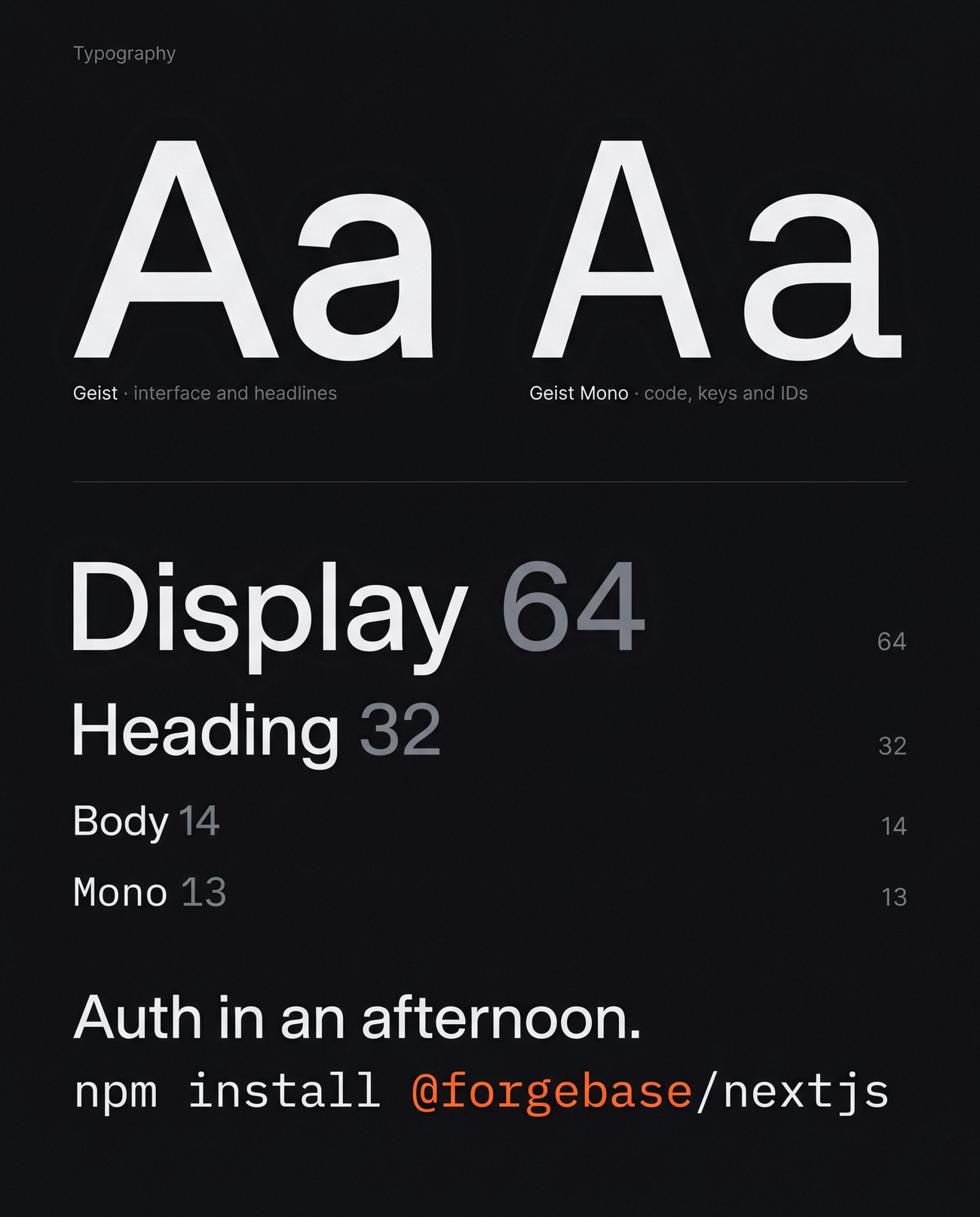
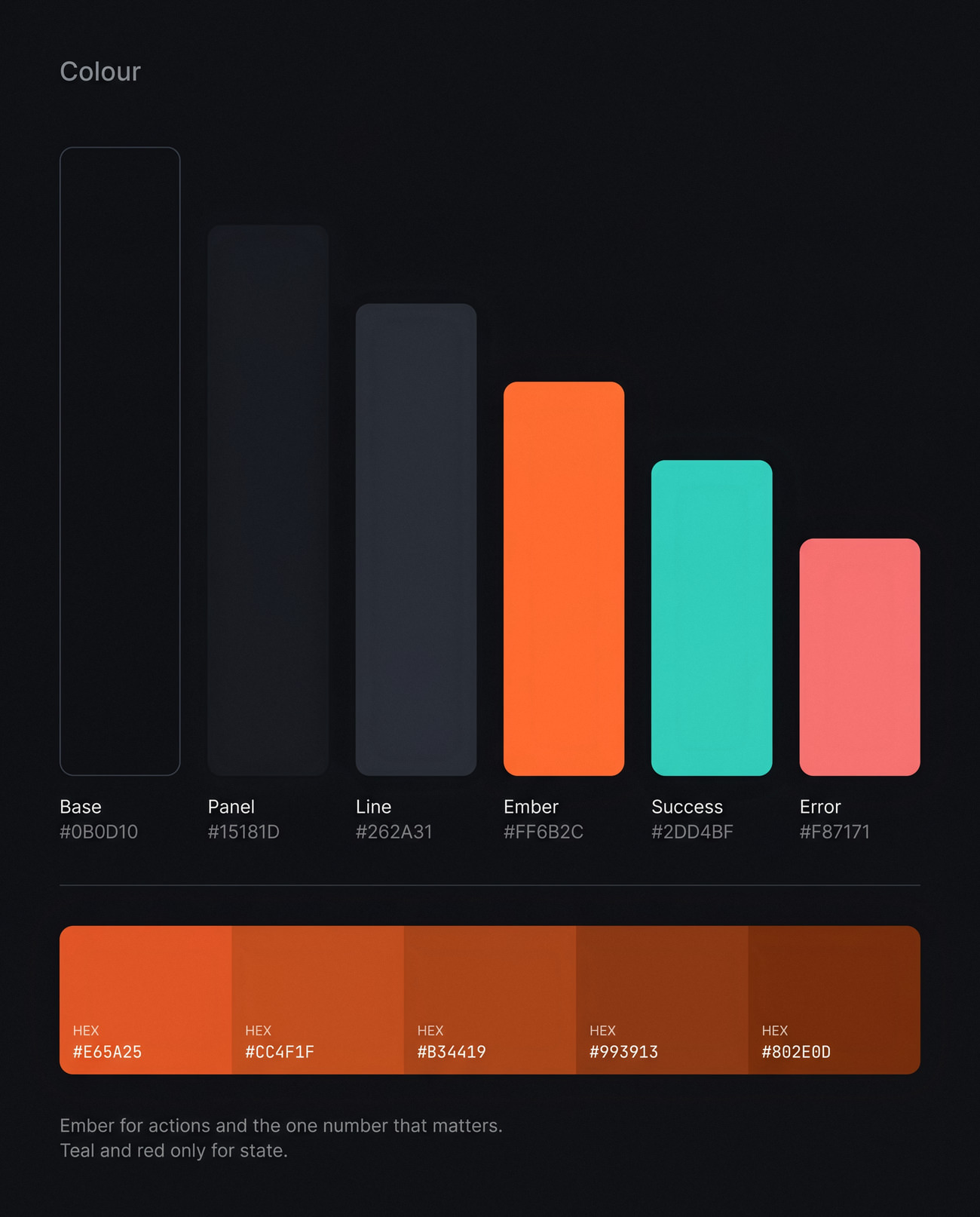
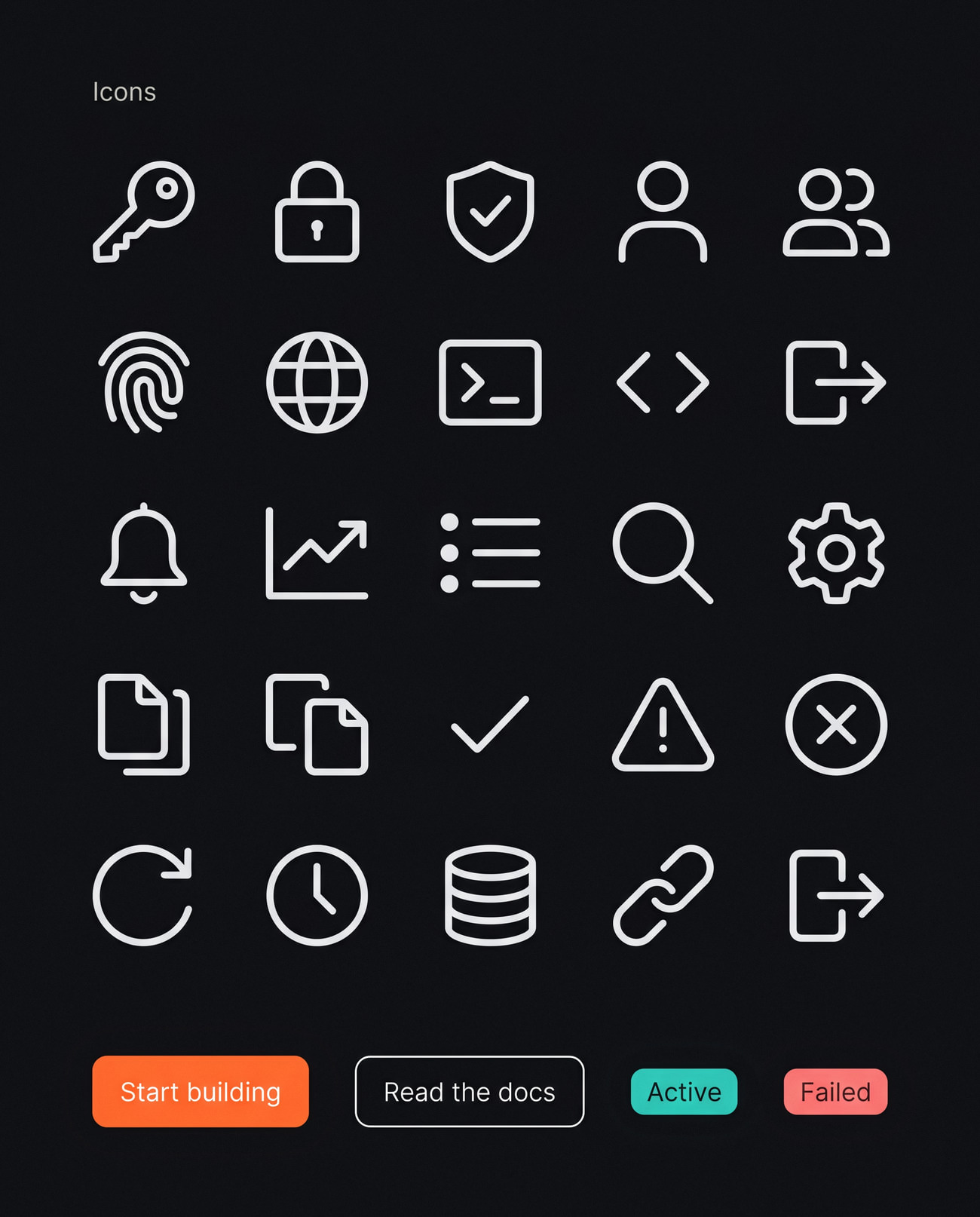
Geist and Geist Mono, a near-black base and a single ember accent. Keeping the palette this small means a failed login or a spike in errors is the first thing you see.
Built for the late-night fix
In context

Built for the late-night fix

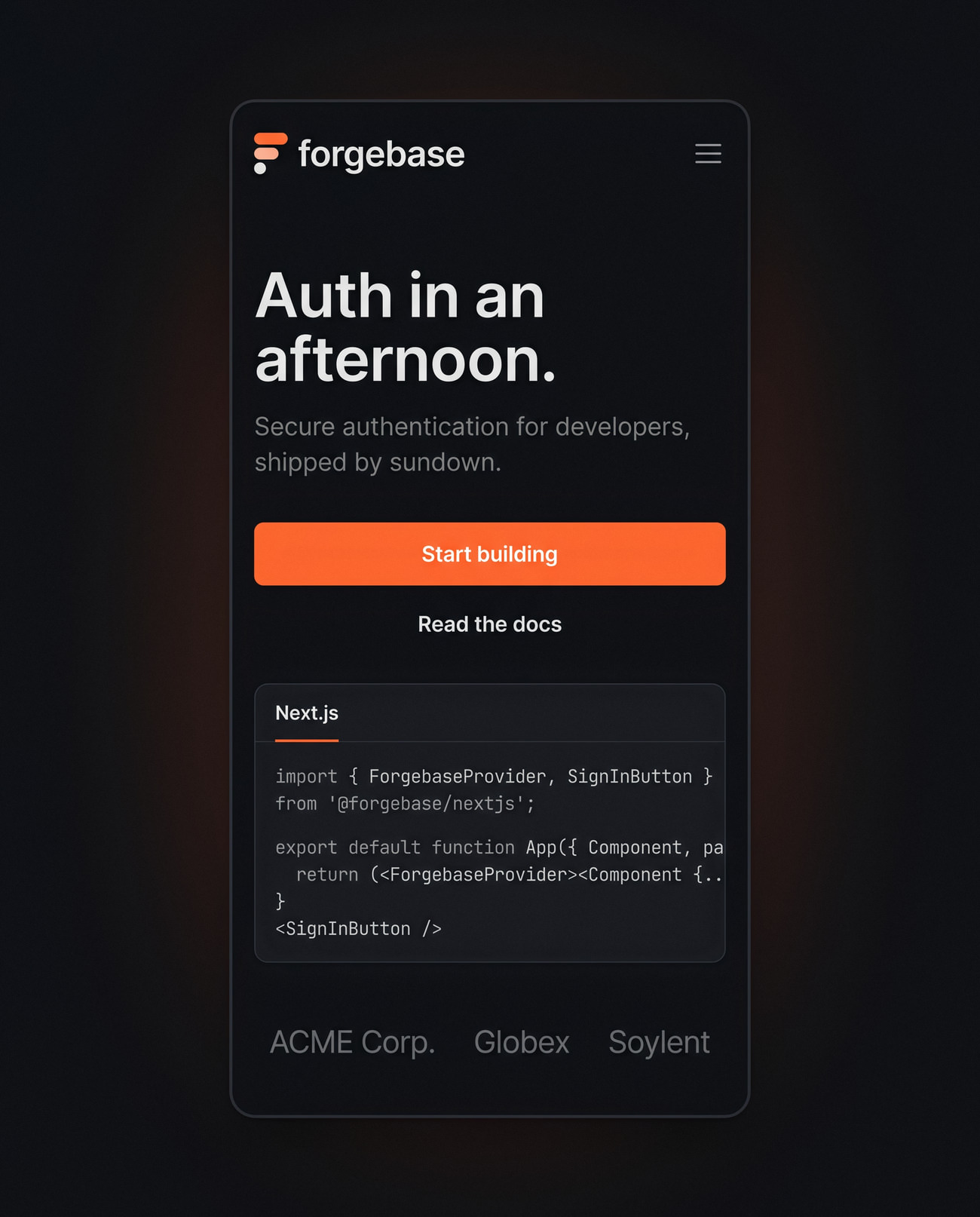
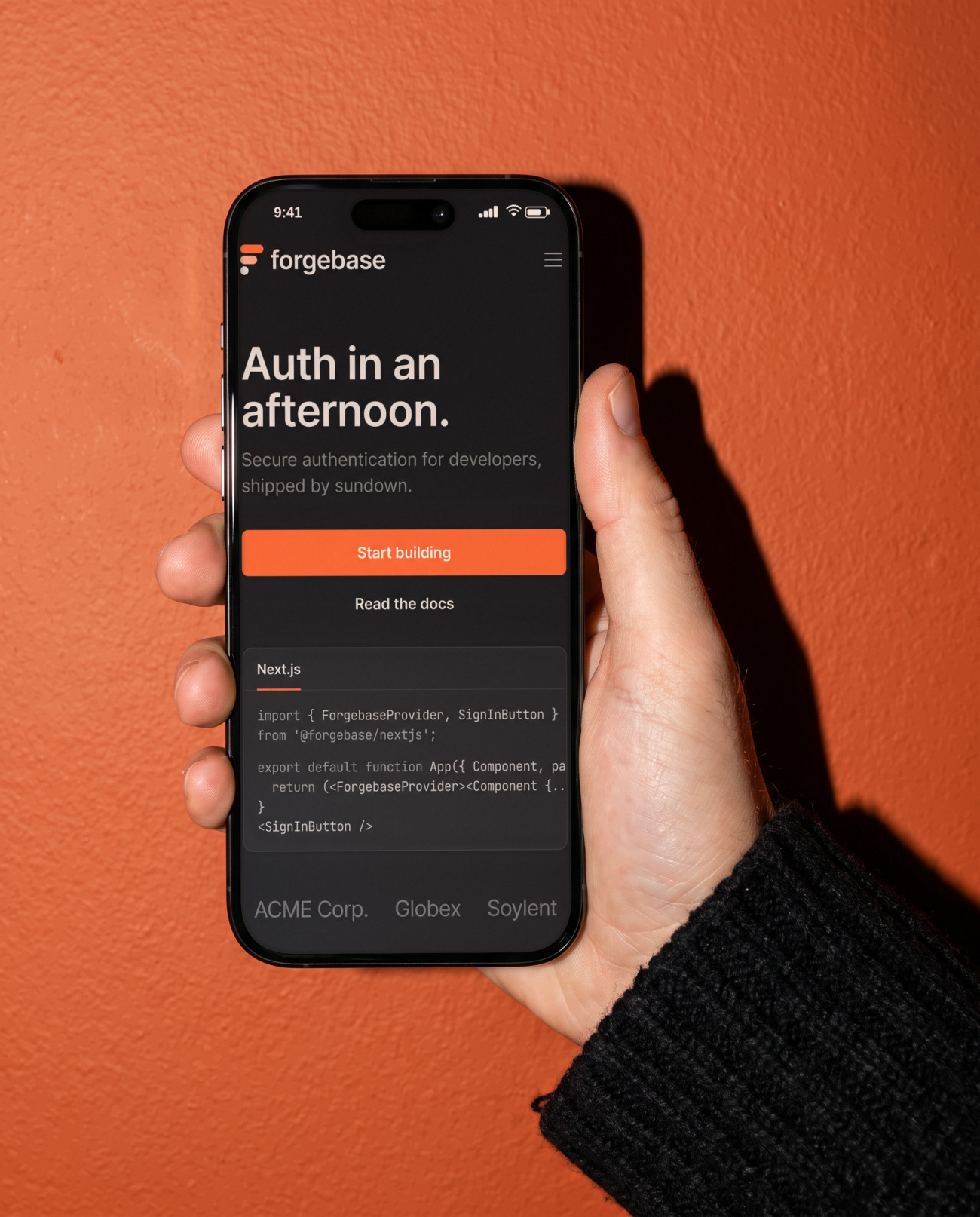
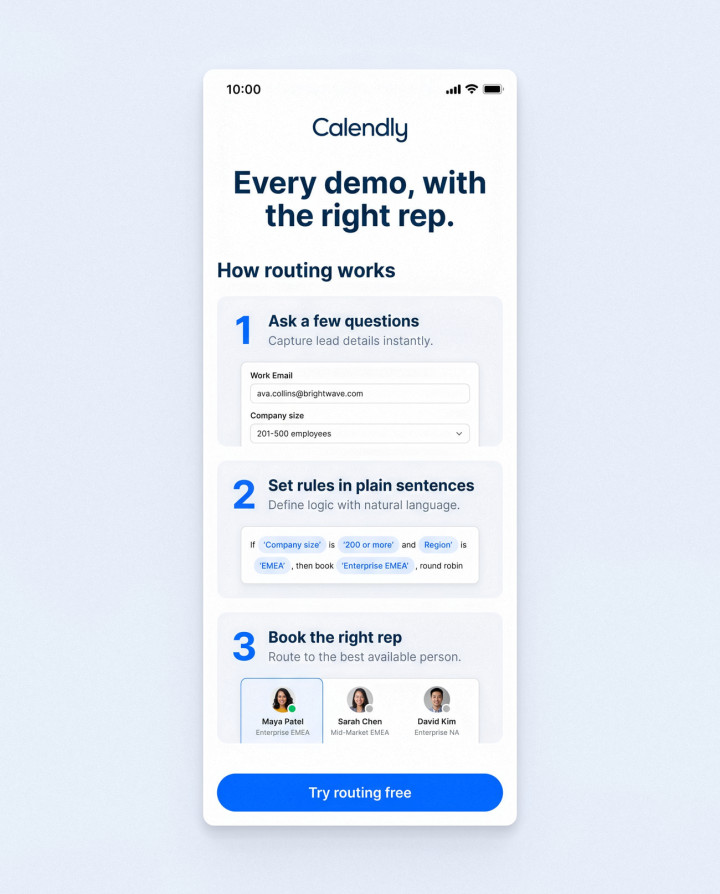
Most auth problems get debugged at a desk late at night or checked on a phone on the way home. Both views were designed for those moments.
Target time from sign-up to first working login
5 min
In the setup checklist, each one ticking itself off
4 steps
From any failed login to the docs that fix it
1 click

Want work like this for your store?

Answer a few quick questions and see your price, and the payback you can expect, in two minutes.

Get a quote
More
work